CS 1200 Intraoral Camera User and Installation Guide (9H1809)_Ed04 27
Capturing, Viewing and Deleting Images
Assigning a Number to a Patient
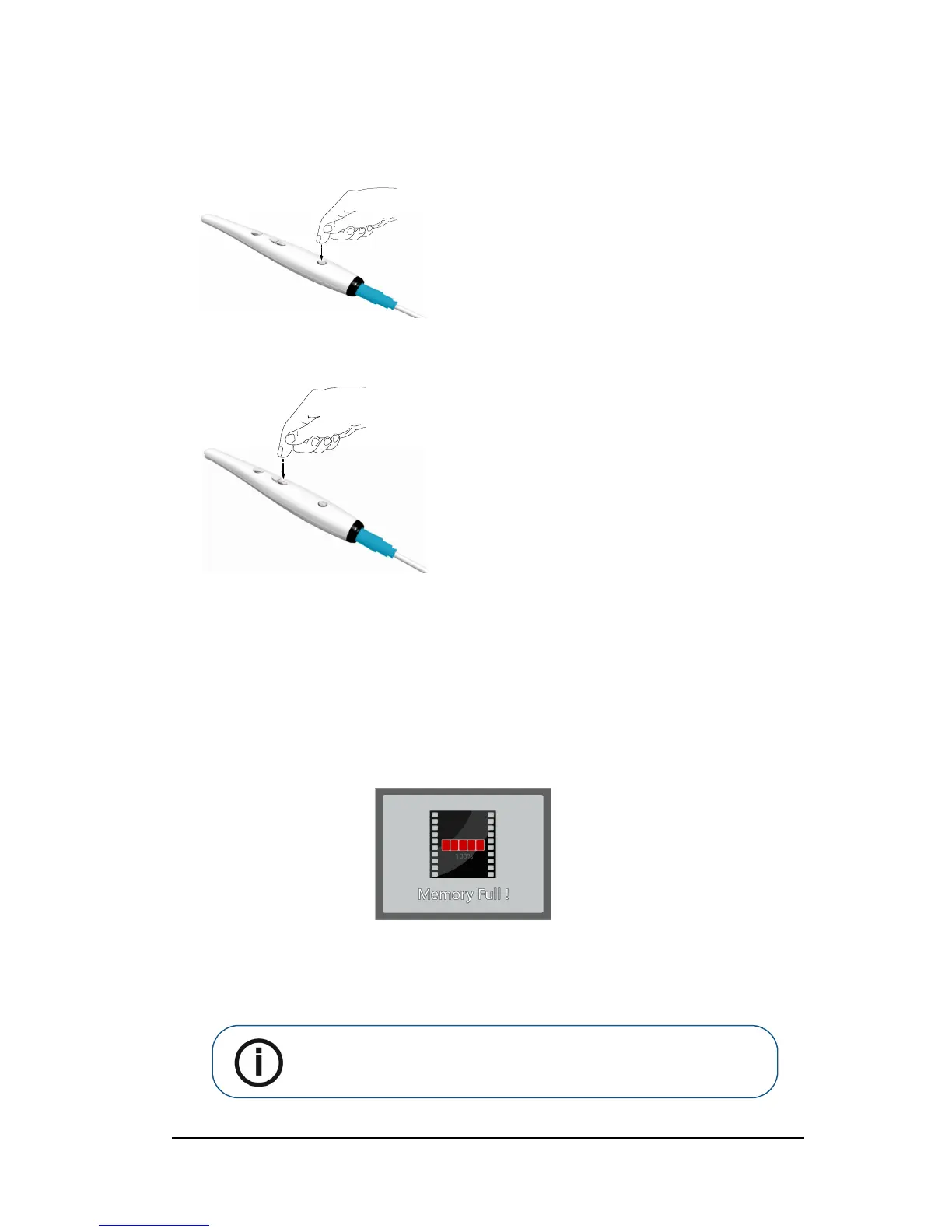
1 Press the ON/OFF button 3 seconds to power on the camera and the live video mode displays.
2 Press the review button for 3 seconds. The Patient Number dialog box is displayed.
3 Press the review button to assign a number to the patient.
4 Press the Capture button to confirm the selection. The live video mode is displayed.
Capturing Images
To capture an image, follow these steps:
1 Hold the camera over the area you want to view.
2 Press the Capture button on the camera to capture an image.
If you are prompted with the following message, you have to either delete images or transfer
images to the computer.
For how to delete images, see“Deleting Images” on page 29. For how to transfer images to the
computer, see “Transferring Images” on page 29.



 To Next Page