12 Chapter 3 CS 1200 Software Overview
Video Adjustment Preferences
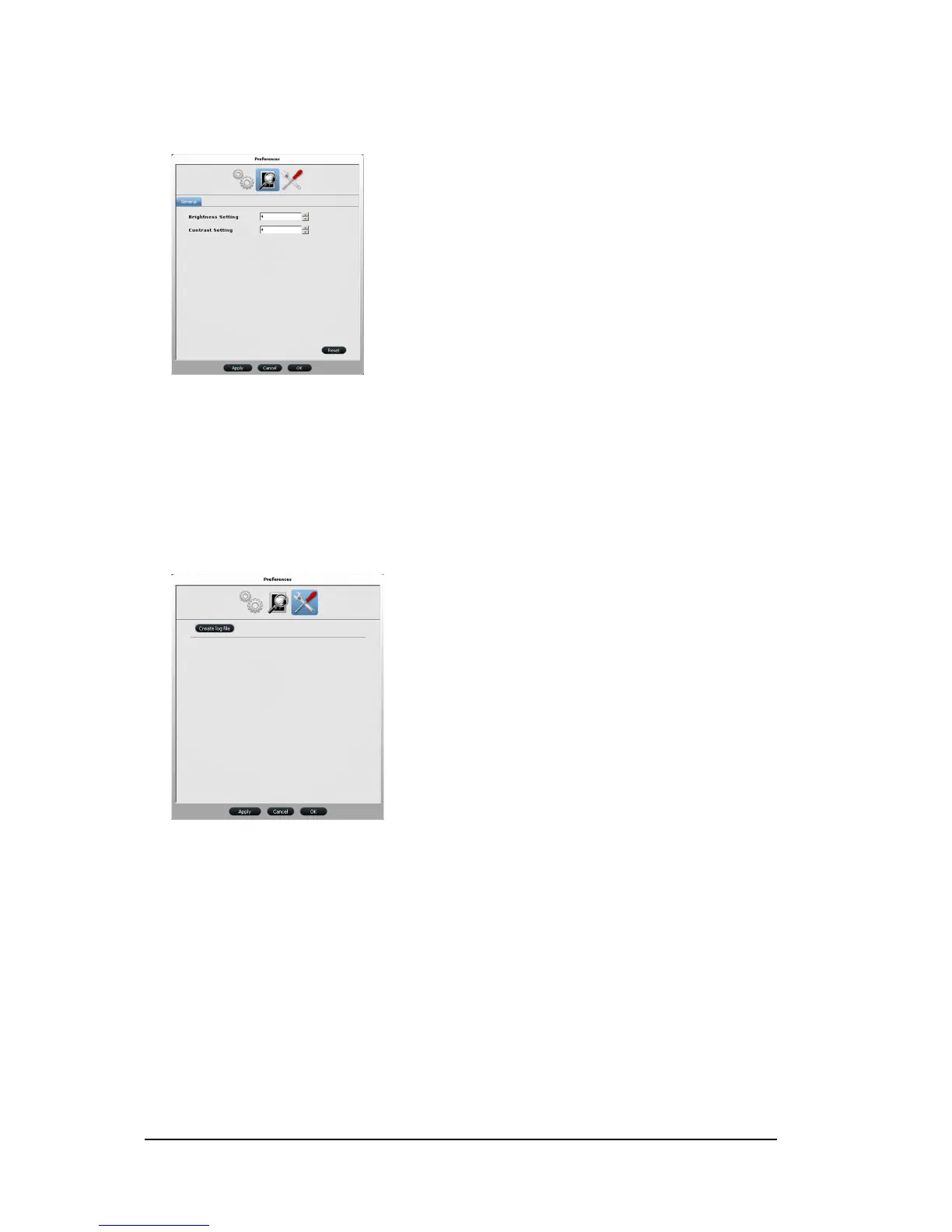
Figure 8 Video Adjustment Preferences
Video Adjustment Preferences enable you to adjust the following settings:
Brightness Setting: Select the video brightness setting.
Contrast Setting: Select the video contrast setting.
Tools Preferences
Figure 9 Tool Preferences
Tool Preferences enable you to
Create log file: Save log files for service information.



 To Next Page