CS 1200 Intraoral Camera User and Installation Guide (9H1809)_Ed04 29
Deleting Images
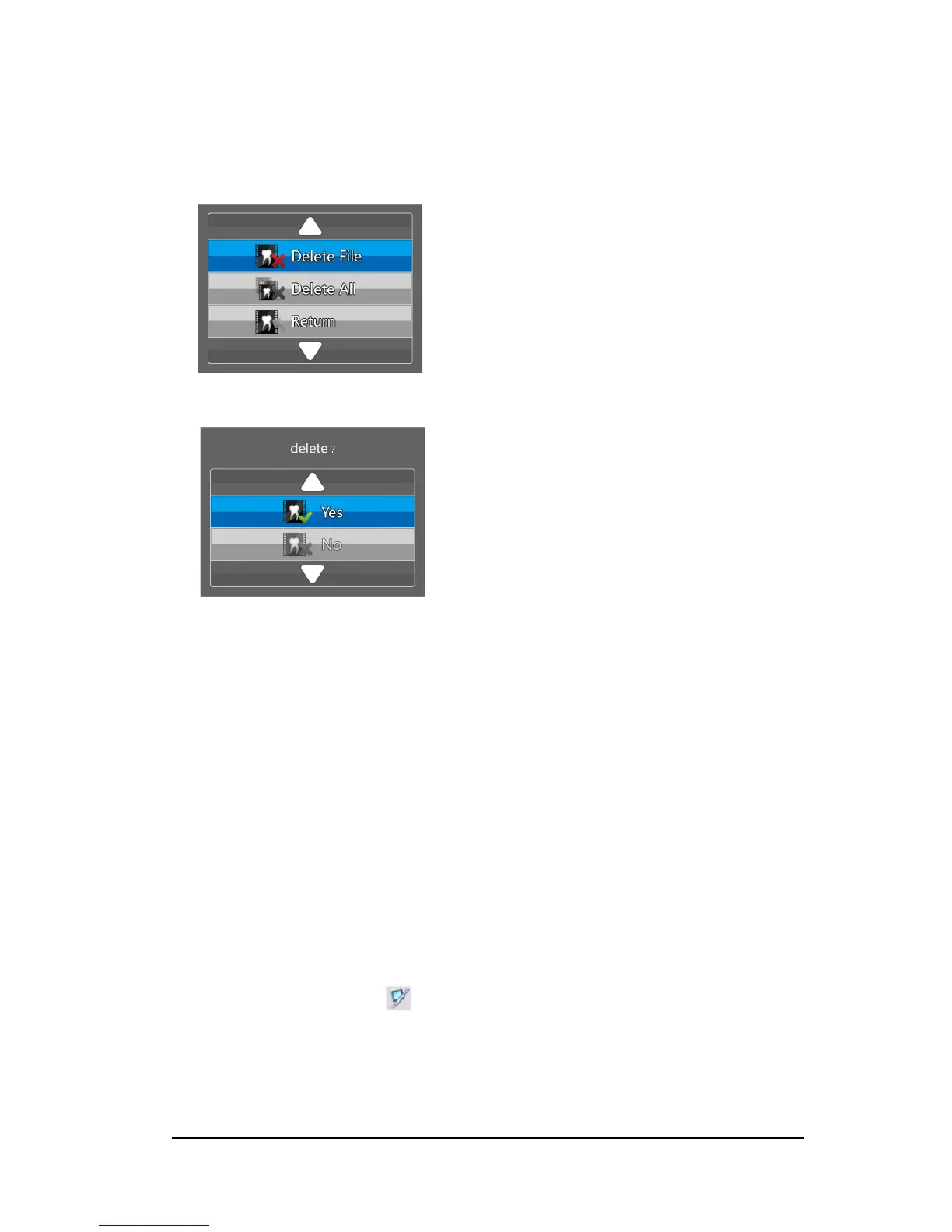
To delete images stored in the camera, follow these steps:
1 In the review mode, press the Capture button for 3 seconds. The Delete File dialog box is
displayed.
2 Use the review button on the camera to select Delete File or Delete All, and press the Capture
button. The Delete dialog box is displayed.
3 Select the Yes button, and press the Capture button on the camera.
After deleting the image(s), the screen returns to the review mode.
Transferring Images
Transferring Images to Acquisition Interface
To transfer images from the camera to the Acquisition interface in the computer, follow these steps:
1 Press the ON/OFF button 3 seconds to turn off the camera.
2 Disconnect the camera from the monitor and connect it to the computer which has the
Acquisition interface.
To connect the camera to the computer, see “Connecting the Camera to a Computer and Installing
the Software” on page 13.
3 Press the ON/OFF button 3 seconds to turn on the camera.
4 In the Imaging window, click and select your camera. The Acquisition interface is displayed.



 To Next Page