8 Chapter 3 CS 1200 Software Overview
Dialog Boxes Monitor Connection Overview
Transfer Toolbar
The transfer toolbar enables you to transfer images from the camera to the Acquisition interface or to
the computer. The transfer toolbar displays when the camera supports the monitor connection.
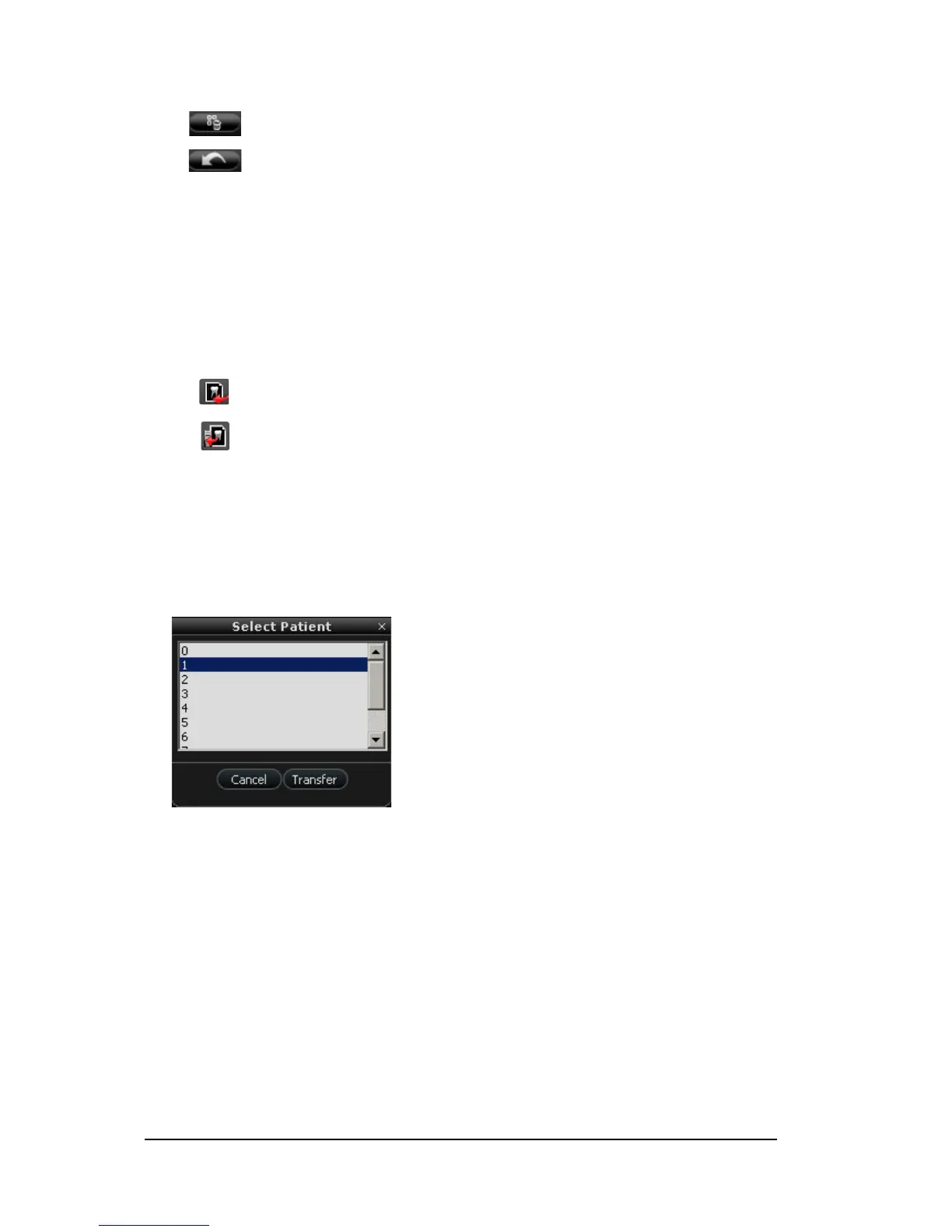
Select Patient Dialog Box
The Select Patient dialog box enables you to transfer images of the selected patient number to the
Acquisition interface.
Figure 3 Select Patient Dialog Box
Delete all button: Deletes all images and recorded videos in the image gallery.
Restore button: Restores the last deleted image or recorded video.
Transfer to AC Q button: Transfers images from the camera to the Acquisition interface.
Transfer to Hard Disk button: Transfers images from the camera to the computer.



 To Next Page