14 Chapter 4 Setting Up the CS 1200 Intraoral Camera
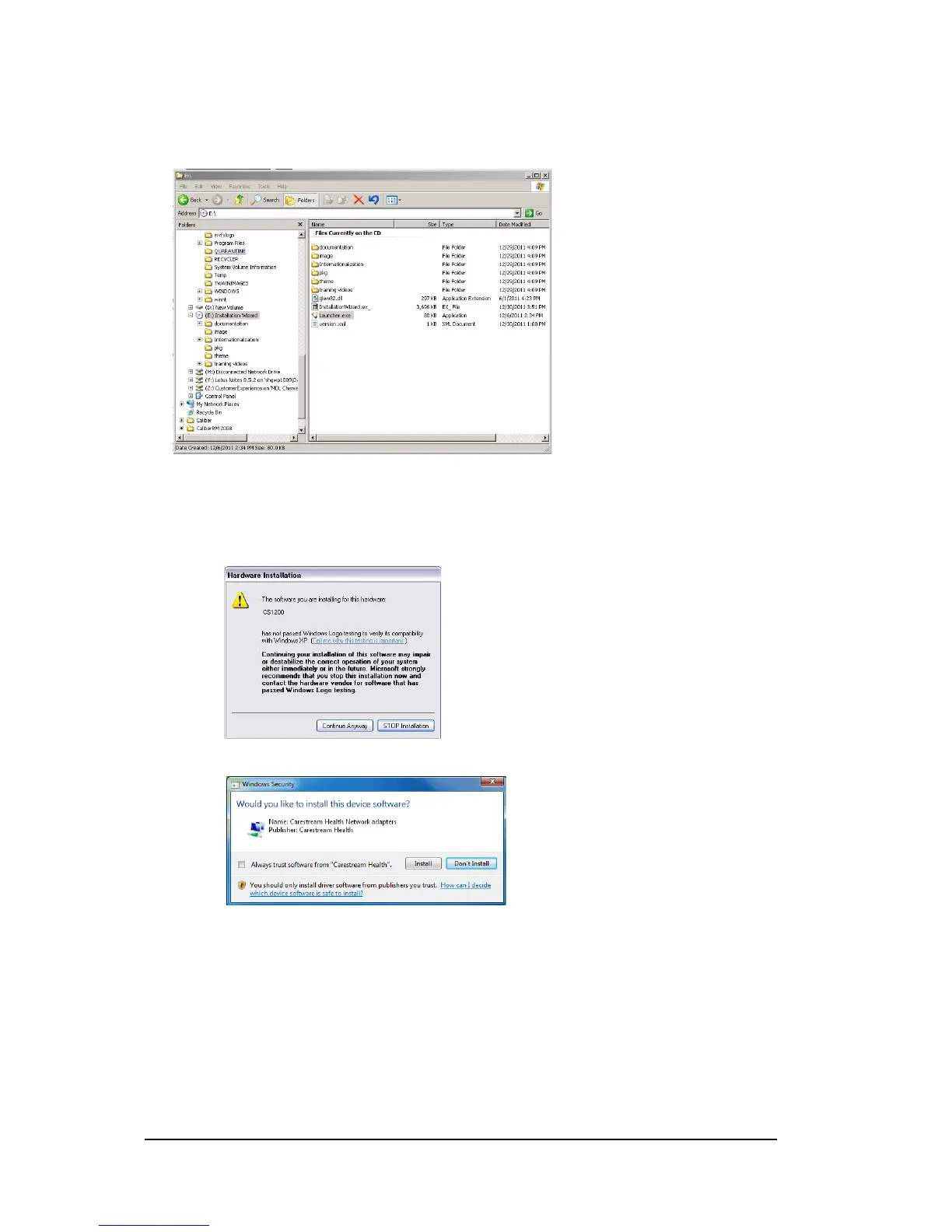
For TWAIN users, insert the CS Intraoral Cameras Installation Wizard DVD. If the DVD does not
run automatically, navigate to your DVD drive in Windows Explorer and double-click the
Launcher.exe file.
4 Follow the on-screen instructions to install the Acquisition interface and set up the camera.
If you are prompted with the following pop-ups:
Click Continue Anyway.
Check Always trust software from “Carestream Health” and click Install.



 To Next Page