4-OPERATINGINSTRUCTIONS
Bucketreplacement
Removal
1.Placethebucketatonat,horizontalground.
2.Operatetheattachmentcontrolssothatthe
arm/bucketlinkagepinisnotgrippedbytheweightof
thearm.
3.Stoptheengineandremovetheignitionkey.
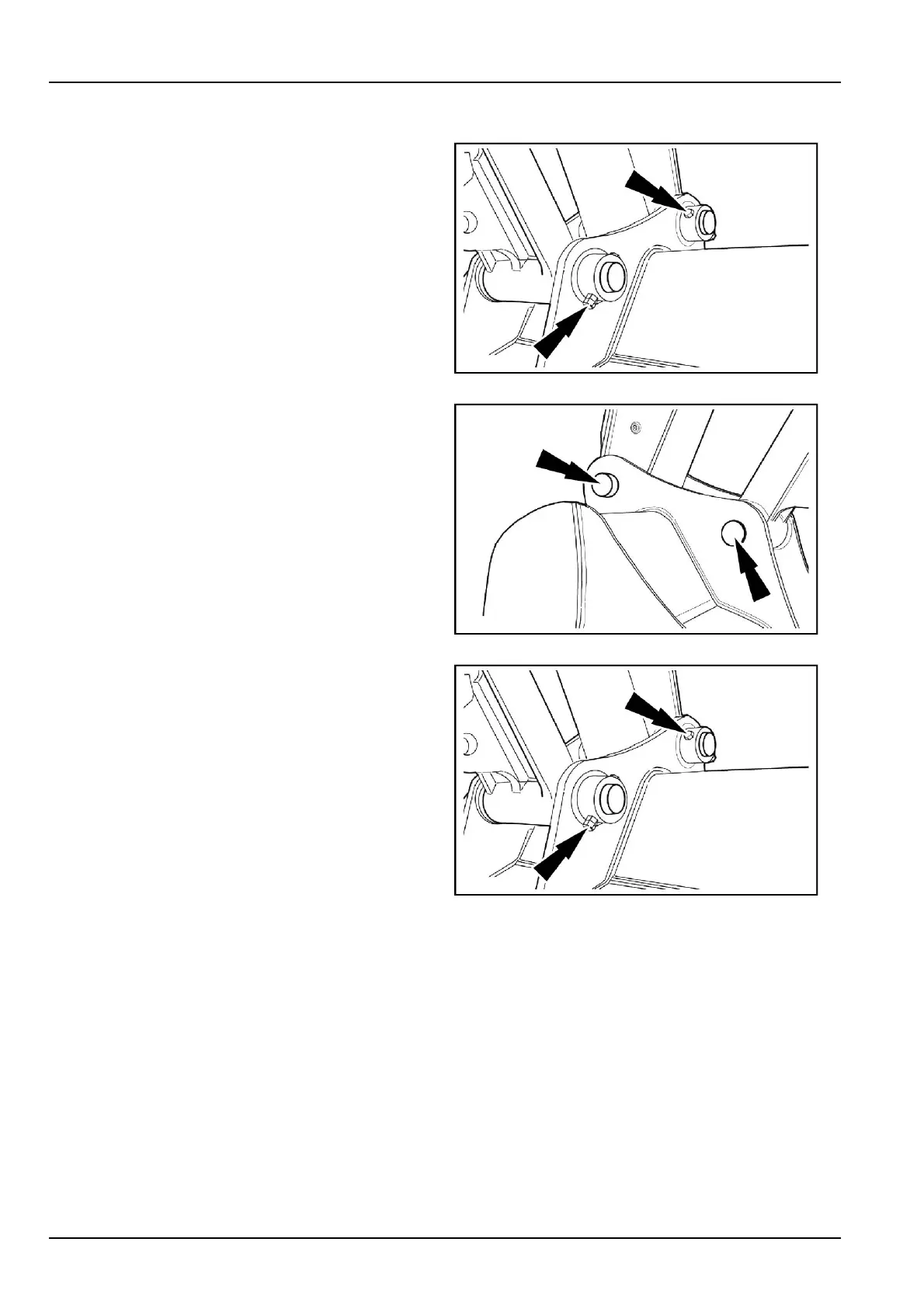
4.Removethepinshardware.
SMIL13CEX2827AB1
5.Removethebucketpins.
6.Starttheengine.
7.Disengagetheattachmentfromthebucketandsave
thelinkagesealsforre-use.
SMIL13CEX2828AB2
Installation
1.Makesurethebucketisinastableposition.
2.Starttheengine.
3.Bringthearmintoitshousing.
4.Stoptheengineandremovetheignitionkey.
5.Installthelinkagesealsbetweenthearmandthe
bucket.Changethemifnecessary.
6.Starttheengine.
7.Bringthebucketrodintoitshousing.
8.Stoptheengineandremovetheignitionkey.
9.Installthelinkagesealsbetweentherodandthe
bucket.Changethemifnecessary.
10.Installtherod/bucketlinkagepinanditshardware.
11.Greasethelinkagepins.
SMIL13CEX2827AB3
4-30













 To Next Page