CASE IH PRO VISION OPERATING SYSTEM GUIDE
42
AFS Pro 1200
™
Display
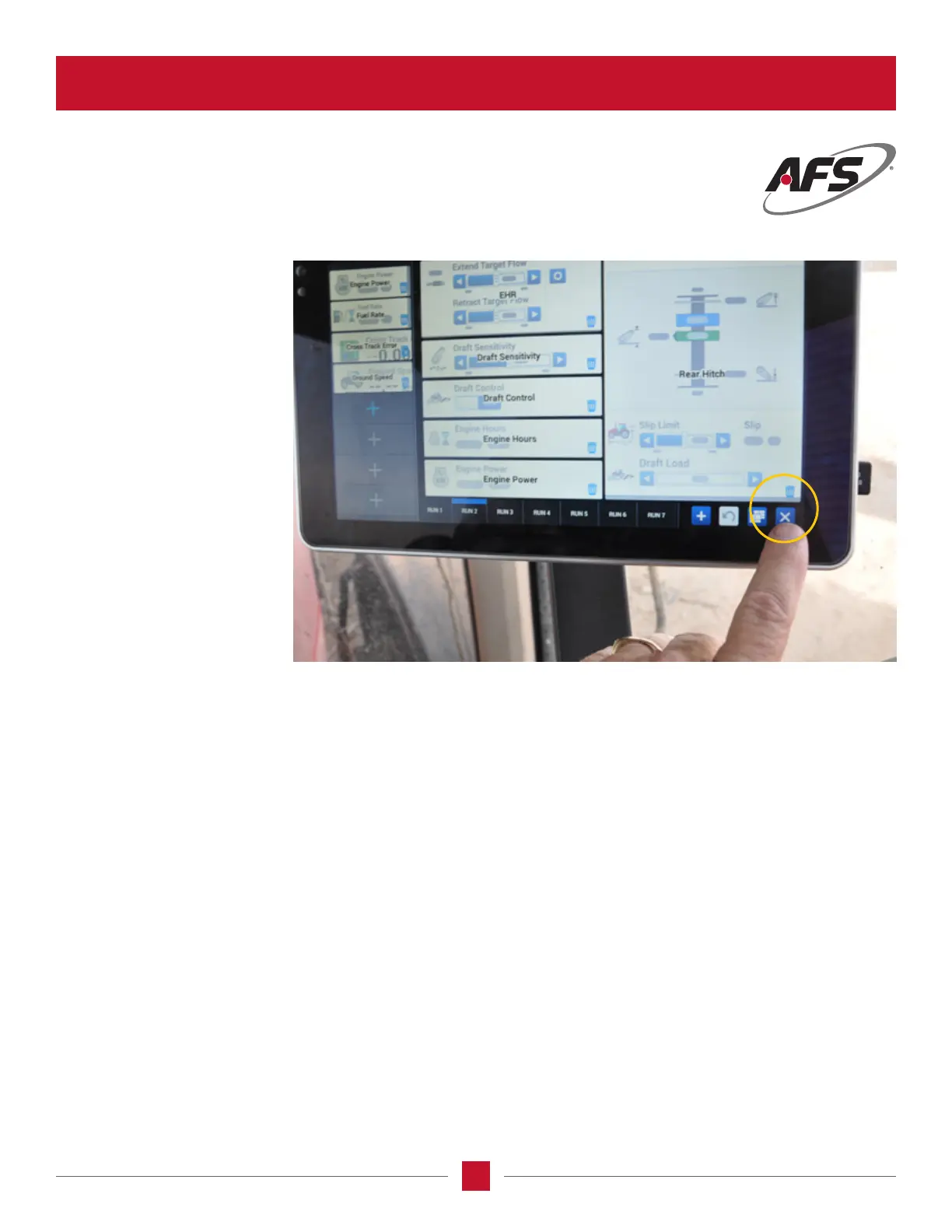
Leaving the Setting Page
Once the run screens are
populated with the information
the operator wants to observe,
push the “X” at the bottom
right-hand corner of the
AFS Pro 1200
™
screen and the
settings screen will exit and
the changes you have made
will be saved.
TRANSMISSION CALIBRATION SCREEN (continued)








 To Next Page