CASE IH PRO VISION OPERATING SYSTEM GUIDE
50
AFS Pro 1200
™
Display
HITCH / DRAFT CONTROL (continued)
Hitch Control Value Settings
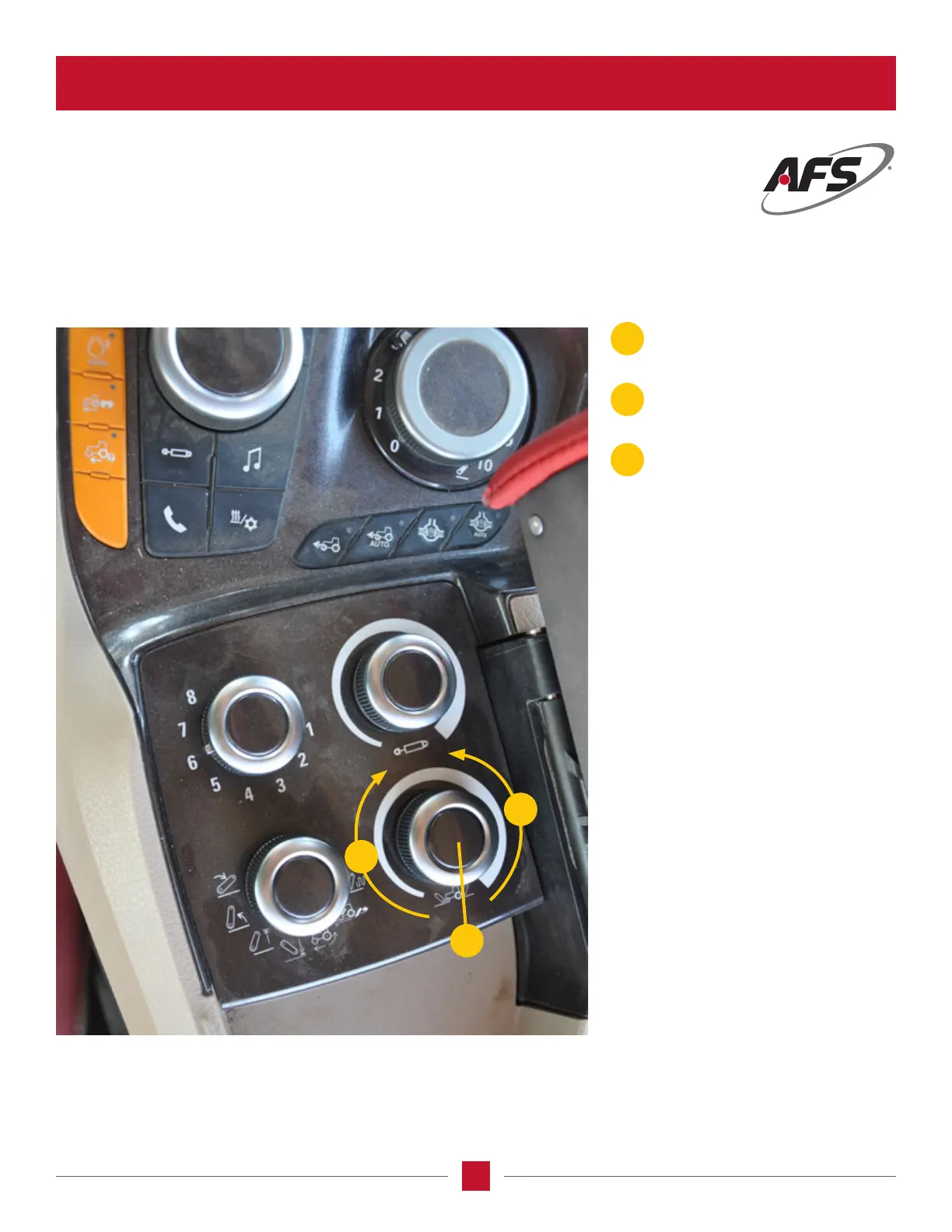
The right hand lower knob sets the value for the positions on the lower left knob.
C
A
B
Rotating the knob Clockwise increases
the selected setting value.
Rotating the knobCounterclockwise
decreases the selected setting value.
Press the center of the knob to
switch between front and rear hitch if
equipped. Default is to the rear hitch.
A
B
C








 To Next Page