Using a graphic display calculator
© Oxford University Press 2012: this may be reproduced for class use solely for the purchaser’s institute
Casio fx-9860GII
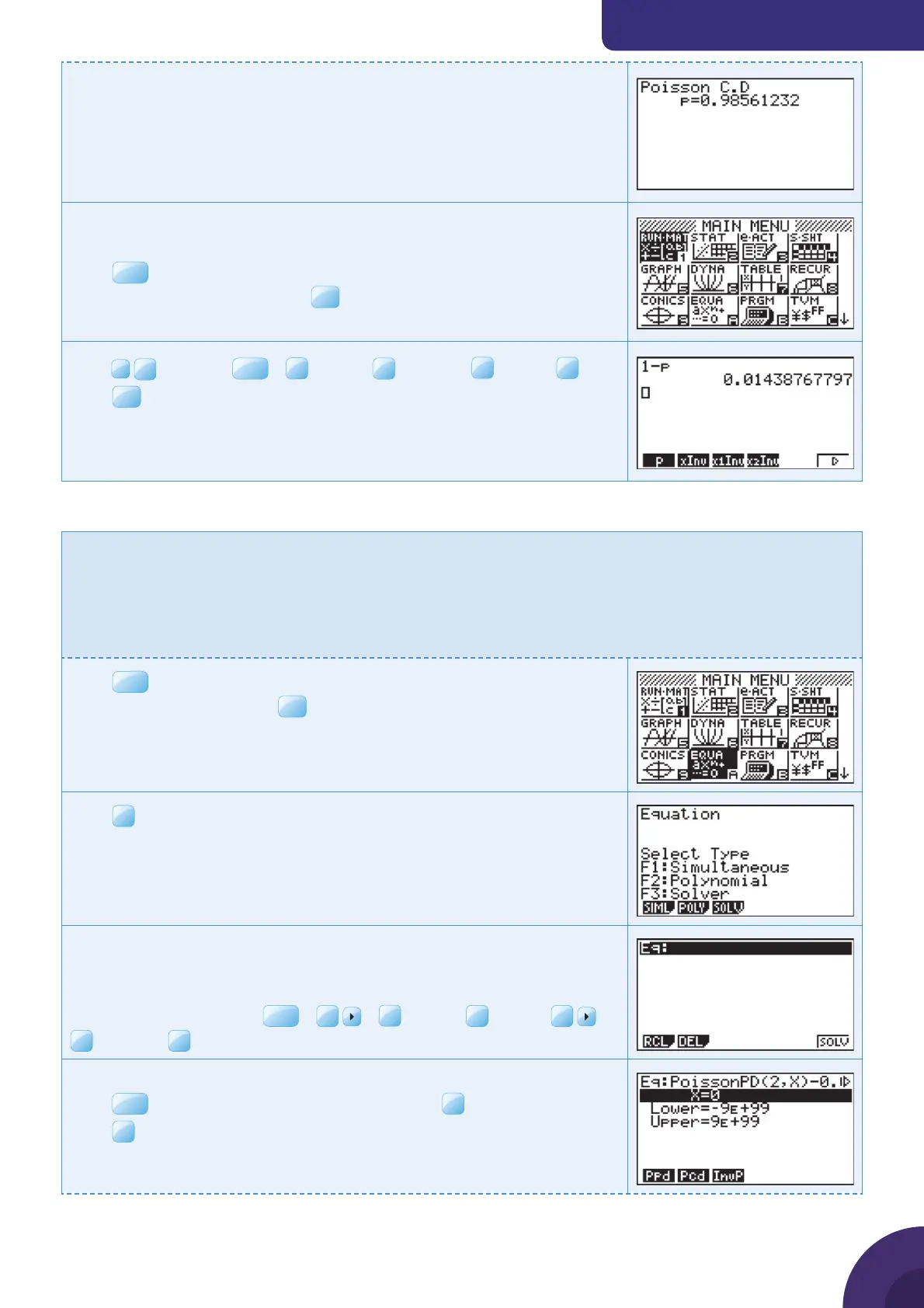
The calculator shows that
P(X ≤ 2) = 0.986 (to 3 sf)
Once you have calculated P(X ≤ 2) you need to fi nd
1 − P(X ≤ 2)
Press
MENU
.
Choose 1: RUN · MAT and press
Type
1
–
and press
VARS
|
F3
STAT |
F6
RESLT |
F3
DIST |
F1
p
Press
EXE
The calculator shows that
P ( X > 2 ) = 0.0144 (to 3 sf)
Example 56
If X ~ Po(
μ
) fi nd the value of
μ
, correct to 3 decimal places, given that
P(X = 2) = 0.035.
There is no inverse Poisson function on the Casio fx-9860GII, so instead
you should use the numerical solver function to fi nd a value of
μ
when
you are given a probability.
Press
MENU
. You will see the dialog box as shown on the right.
Choose A: EQUA and press
Press
The solver will numerically solve equations of the type f (x) = 0.
Type the equation
PoissonPD(2, x) −0.035
To enter PoissonPD, press
OPTN
|
F6
|
F3
STAT |
F1
DIST |
F6
|
F1
POISN |
Enter an initial guess for x, 0 is close enough.
Press
EXIT
until you return to the menu that shows
F6
SOLV.
Press
{ Continued on next page
51



 To Next Page
 Loading...











