2010080120100801
ε-30
Starting a Sampling Operation
8. Starting a Sampling Operation
This section describes how to use a setup configured using the E-Con2 mode to start an
EA-200 sampling operation.
k Before getting started...
Be sure to perform the following steps before starting sampling with the EA-200.
1. Connect the calculator to the EA-200.
2. Turn on EA-200 power.
3. In accordance with the setup you plan to use, connect the proper sensor to the
appropriate EA-200 channel.
4. Prepare the item whose data is to be sampled.
k Starting a Sampling Operation
A sampling operation can be started when any one of the following conditions exist.
• After configuring a new setup with Setup Wizard (page
ε-2)
• After configuring a new setup with Advanced Setup (page
ε-8)
• While the E-Con2 main menu (page
ε-1) is on the display
• While the setup memory list is on the display
The following procedures explain the first three conditions described above. See “To recall a
setup and use it for sampling” on page
ε-25 for information about starting sampling from the
setup memory list.
• To start sampling
1. Start the sampling operation by performing one of the function key operations described
below.
- If the final Setup Wizard screen (page
ε-4) is on the display, press b(Start Setup).
- If the Advanced Setup menu (page
ε-8) is on the display, press 1(START).
- If the E-Con2 main menu (page
ε-1) is on the display, press 4(START).
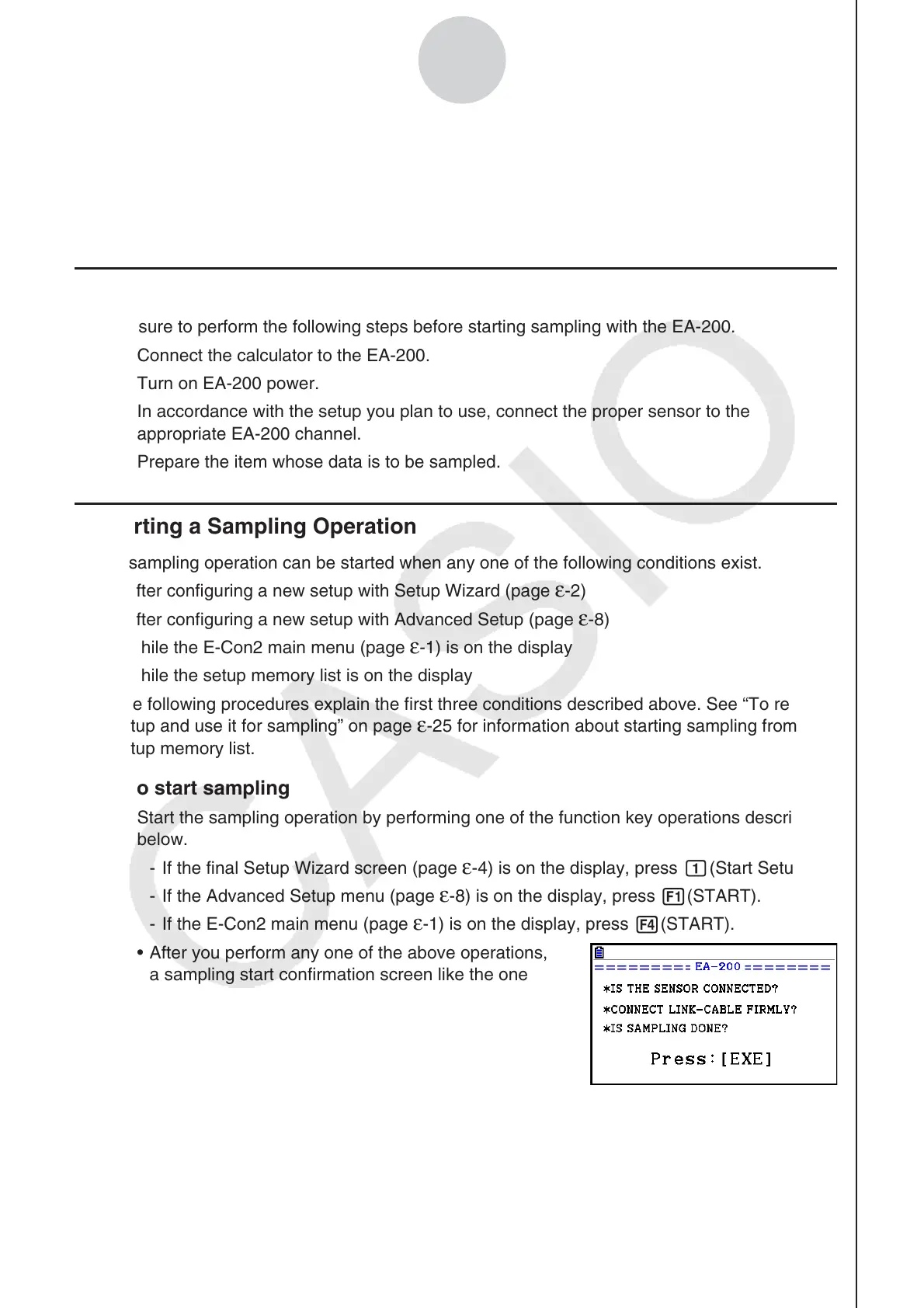
• After you perform any one of the above operations,
a sampling start confirmation screen like the one
shown nearby will appear on the display.















 To Next Page