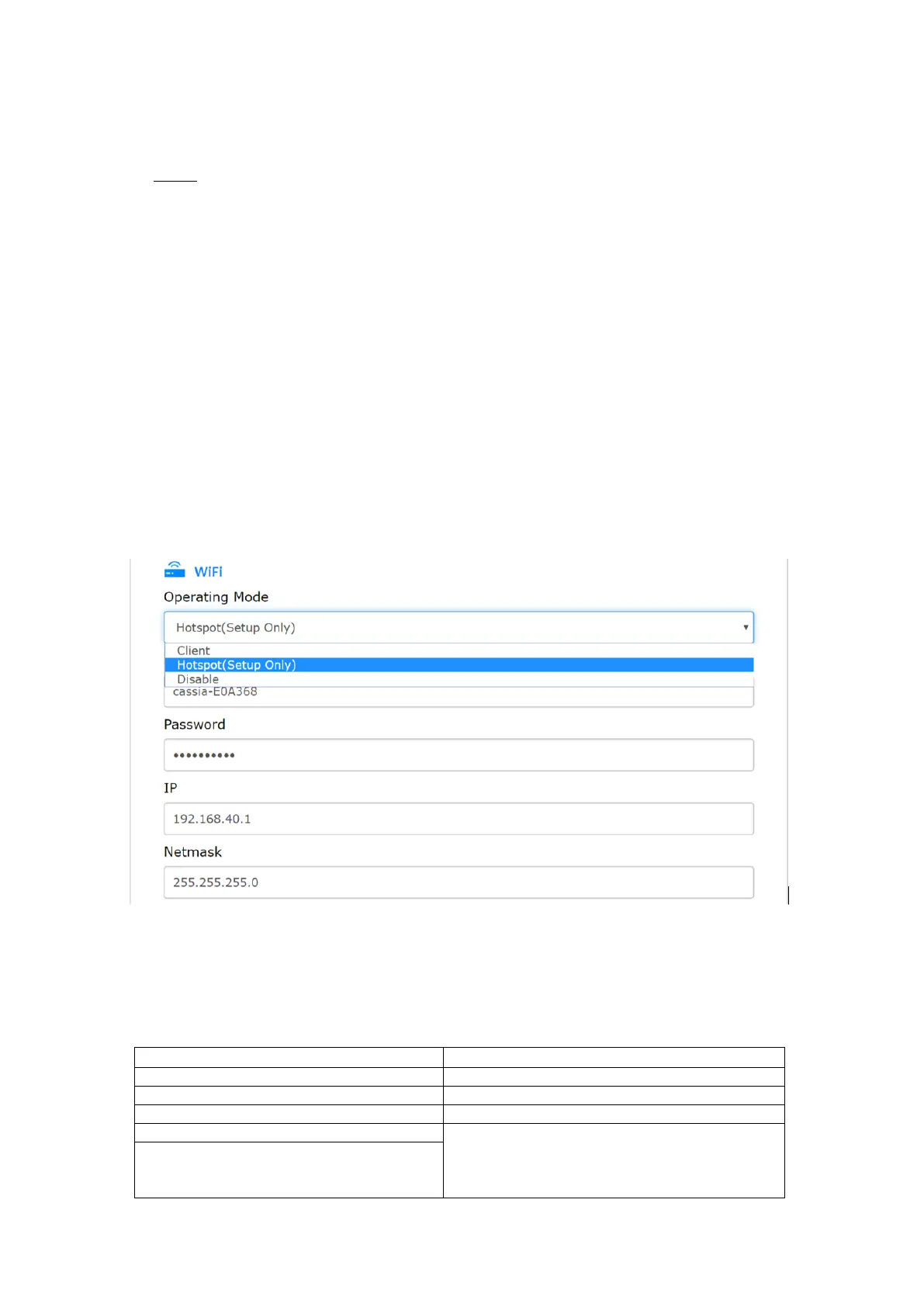
In Static IP allocation, please enter your network information, including IP, netmask,
gateway, and DNS.
NOTE:
1. X1000 and S2000 only support 2.4GHz Wi-Fi. E1000 and X2000 support both
2.4GHz and 5GHz Wi-Fi. Wi-Fi hotspot mode only supports 2.4GHz.
2. The country code should be set correctly when using 5G Wi-Fi. Otherwise, 5G
Wi-Fi may not work correctly.
3. Once changed Wi-Fi operation mode to the Client, the gateway will stop sharing
the Wi-Fi hotspot and changes the connection to the configured WIFI network.
You can enable the Wi-Fi hotspot by setting Wi-Fi operation mode to Hotspot
from AC or gateway console. You can find the gateway’s local IP address in AC.
The local IT department can also find out the gateway’s local IP address by
accessing the Wi-Fi AP device list or by performing the network scan. In case a
static IP is used, the address is known.
4. Before firmware 2.0.3, if there was an error in Wi-Fi SSID, password, or IP
address configurations, you cannot access the gateway anymore. Please press
the reset button for 10 seconds to reset the gateway.
Cassia gateway configuration page – Wi-Fi Connection
From firmware 1.4 and above, Cassia’s gateway supports additional Wi-Fi security
modes. The user can choose the Wi-Fi Security Mode, provide the required inputs, and
then connect to the Wi-Fi AP with enterprise-level security.
If EAP Type is PEAP-MSCHAPV2, please
provide Identify and Password.
If EAP Type is TTLS, please provide Identify,
Password, and CA Certificate.



 To Next Page