Appendix C: WPA2 Enterprise Security
From firmware 1.4, Cassia Bluetooth gateway supports 802.1x. It means from firmware 1.4
the user can use WPA2 enterprise Wi-Fi AP as the uplink.
NOTE
In 1.4 GA firmware, a character return is required for CA certificate, Client Certificate,
and Private Key (please check below snapshots). In 1.4.1 GA and 2.0 GA firmware, the
character return is optional.
In 1.4 GA and 1.4.1 GA firmware, please reboot the gateway after updating the CA
certificate, Client Certificate, or Private Key. In 2.0 GA firmware, we will fix this issue.
Only the PEM certificate file format is supported.
For private keys, Cassia has tested des, des3, seed, and aes. Camellia is not supported.
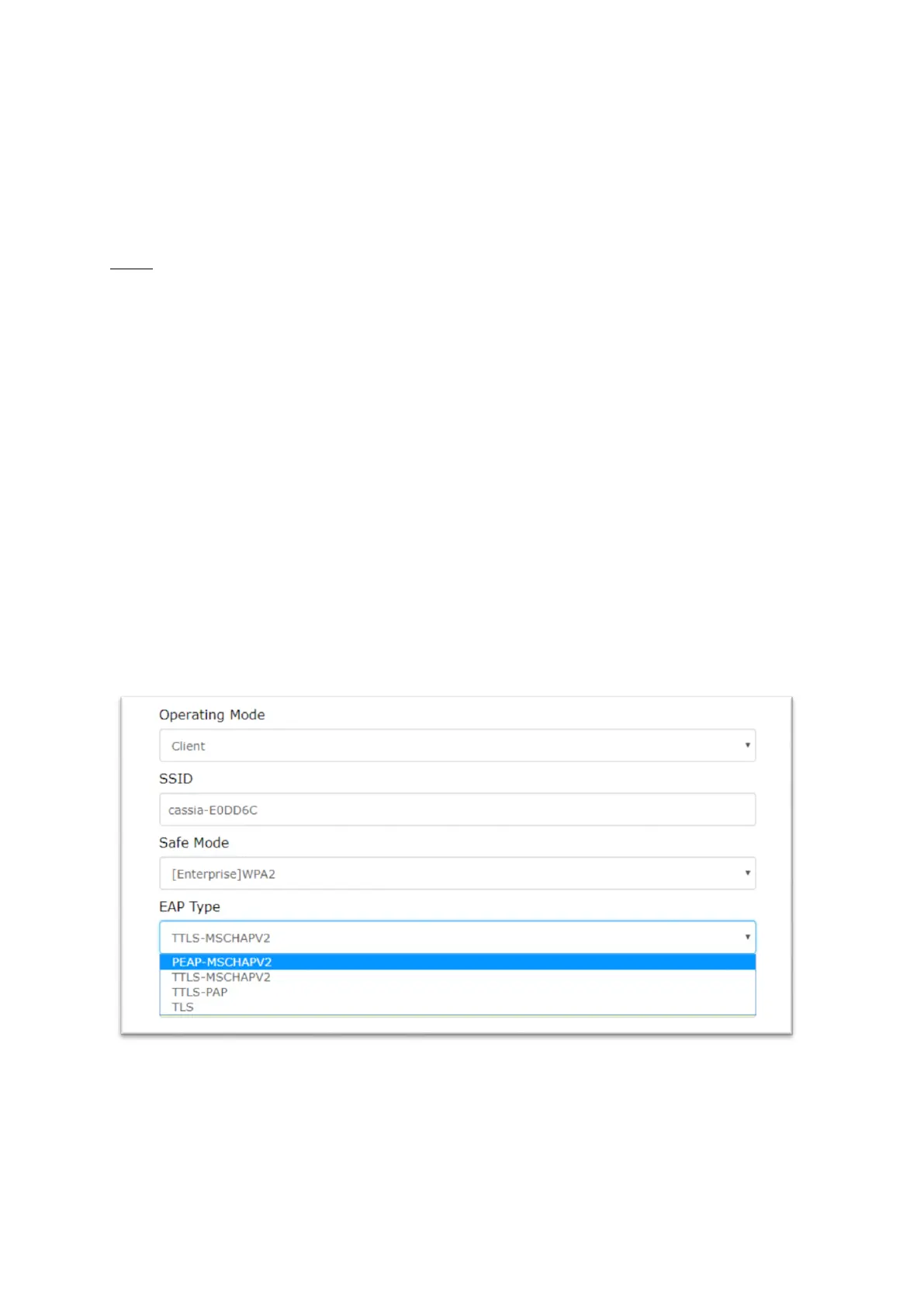
The user needs to set the Wi-Fi operation mode to “Client”, set the “Safe Mode” and “EAP
Type” based on the Wi-Fi AP configuration, and provide required inputs. Then, Cassia
Bluetooth gateway will connect to the Wi-Fi AP with WPA2 enterprise enabled.
Safe Mode: [Enterprise] WPA2 or [Enterprise] WPA[TKIP]+WPA2[AES]
When setting “Safe Mode” to [Enterprise] WPA2 or [Enterprise] WPA[TKIP]+WPA2[AES], the
user should select “EAP Type”.
EPA Type: PEAP-MSCHAPV2
The user should provide Identify and Password, besides SSID, IP, and DNS options. Below is
an example.



 To Next Page