to be initiated and coordinated by Cassia’s IoT AC and Cassia’s Bluetooth gateways.
All Bluetooth gateways under the Cassia IoT Access Controller (AC) function as a single
gateway from the mobile device perspective
No security renegotiation (e.g. re-pairing etc.) is needed, and the user data connection
remains continuous during roaming handoff
This ensures seamless, fast, and secure Bluetooth roaming without human
intervention and without requiring any changes to the Bluetooth protocol and/or end
devices
To enable Bluetooth roaming, the AC software should be version v2.1.0 or higher, Cassia
Bluetooth gateway should be E1000, S2000 or X2000 with firmware v2.1.0 or higher, and
AC and the gateways must be on the same local network (if AC is on the cloud, need
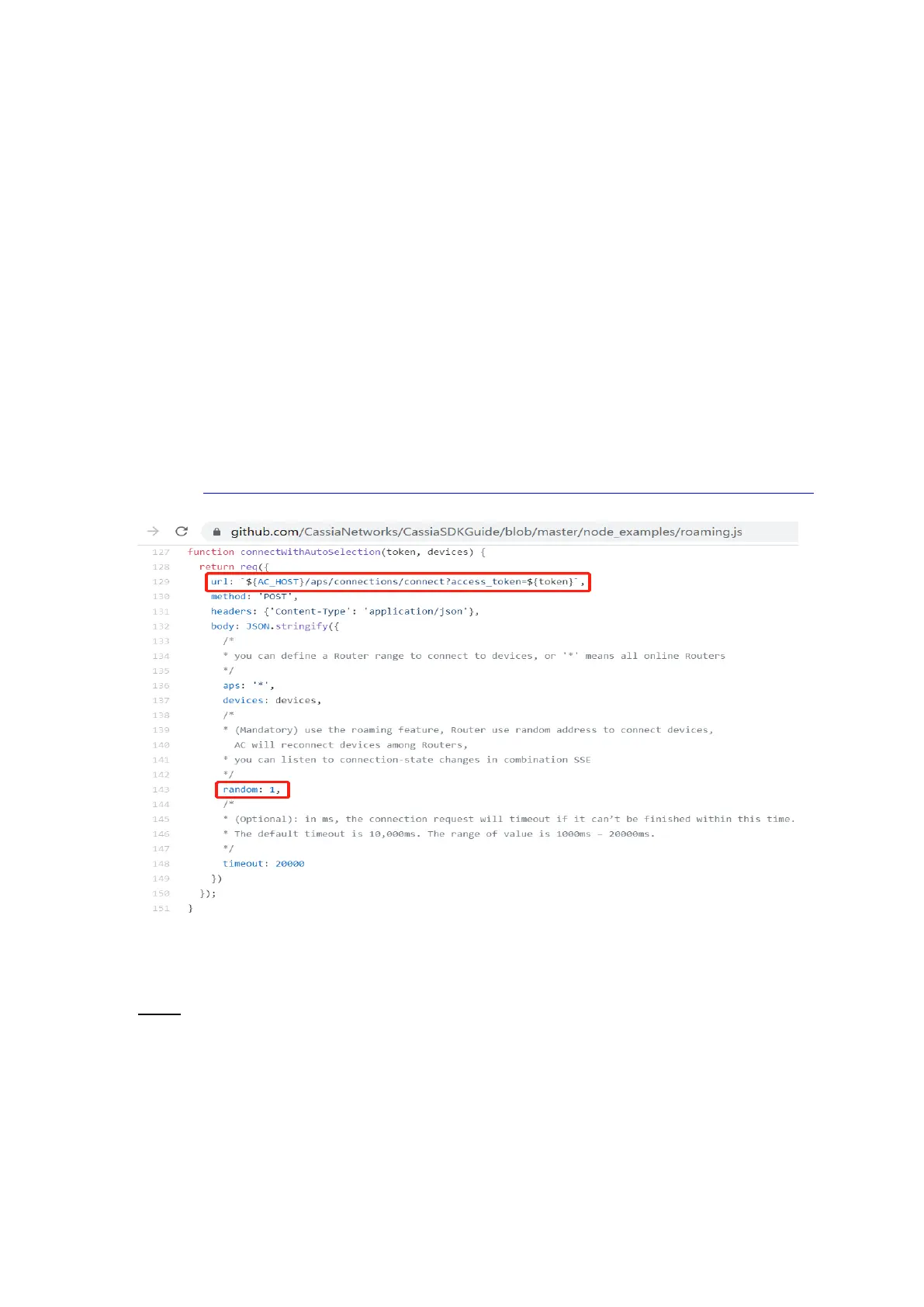
further verification). Please use Gateway Auto-Selection API, and set parameter
random=1. No configuration on the AC or gateway console is needed.
Sample: https://github.com/CassiaNetworks/CassiaSDKGuide/blob/master/node_examples/roaming.js
6.5.
Add Gateways in AC
NOTE: Please always use AC version equal or newer than gateway versions, otherwise you
may meet strange behaviors. For example, the gateway with 2.1.1 firmware can only
connect with 2.1.0 AC with CAPWAP protocol, due to single port feature introduced in
2.1.1.
Before sending the gateways to customers, please add the gateways in AC following below
steps. You can also set name and group for these gateways. After that, when the gateways
are powered up and correctly configured, they will connect to the AC automatically.



 To Next Page