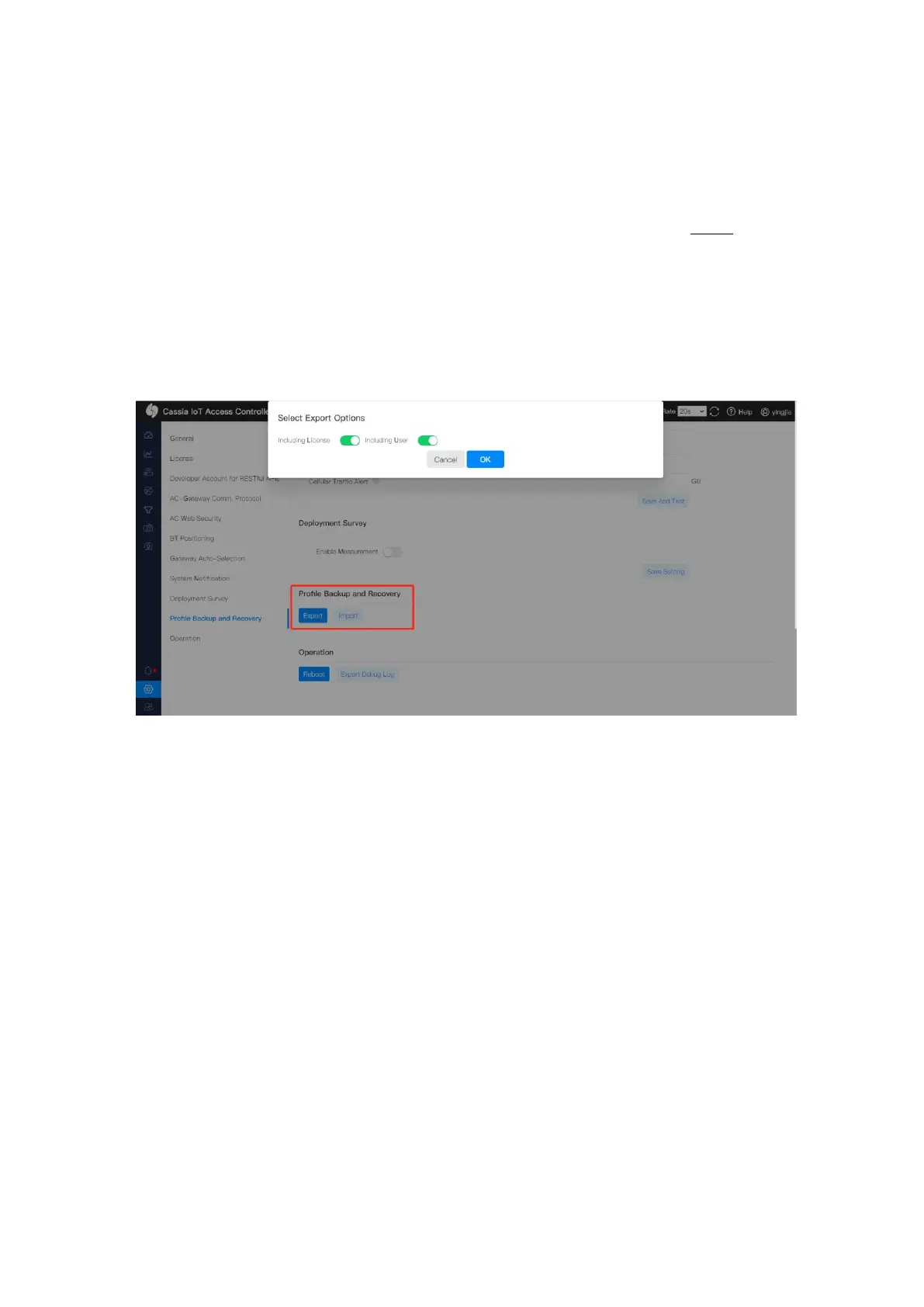
From firmware 2.0, customers can export the license, setting, user accounts, floor plan,
gateway list, and roaming data of AC to a backup encrypted file. Please store the backup
file in a secure manner.
Customers can recover the AC’s configuration by importing a backup file. NOTE: The
backup file can’t be imported to the AC on a different server if the backup file includes AC
license (can be excluded when exporting the backup file).
For security reasons, the Developer Key and Developer Secret is not exported to the
backup file. Please input your Developer Key and Developer Secret in AC setting page after
importing the backup file. You can find them in your IoT application.



 To Next Page