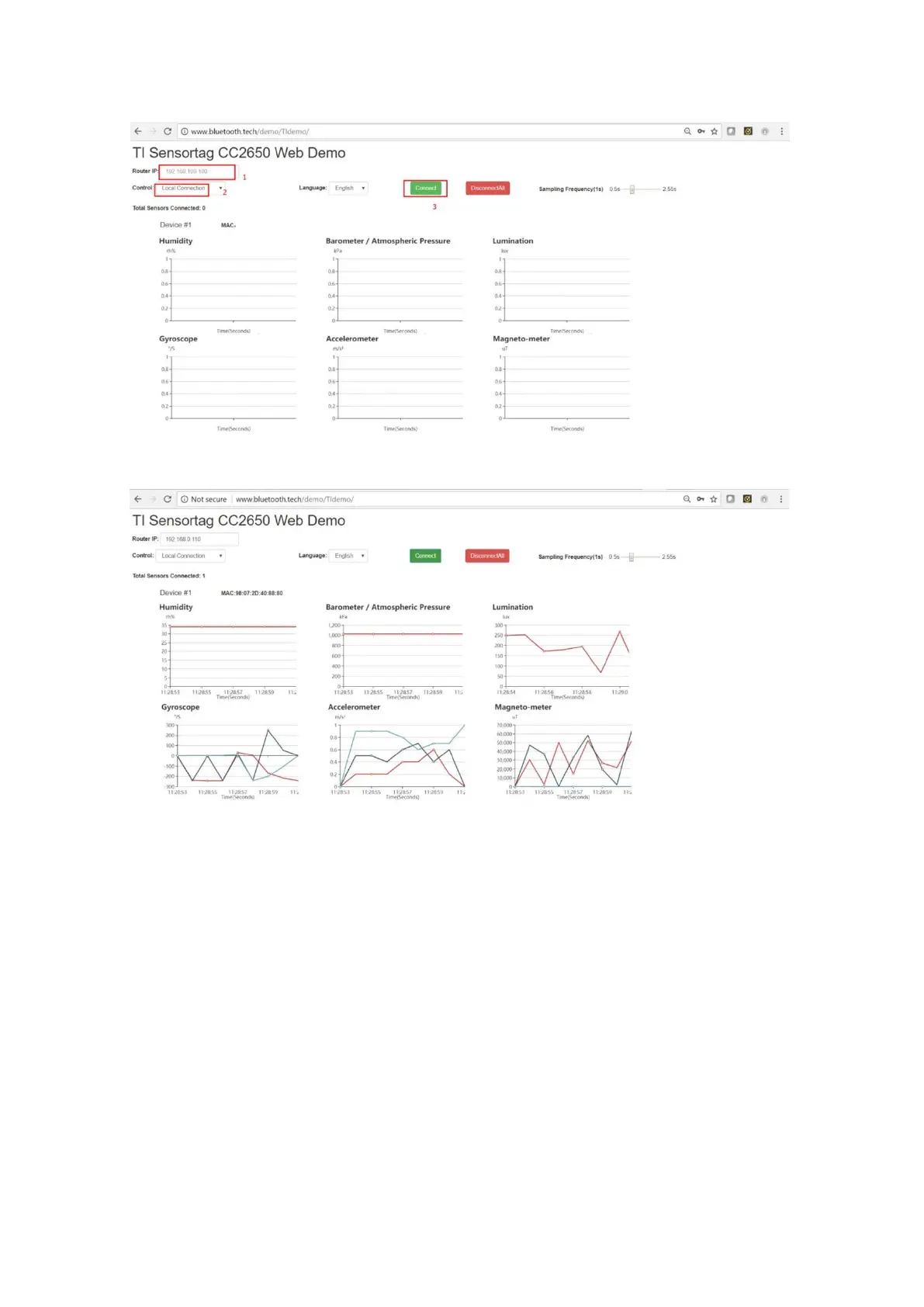
TI SensorTag Demo Page – Local Connection
TI SensorTag Demo Page with Incoming Data
To test using a remote connection:
a)
Select Remote Connection on the demo page
b)
Enter the AC address, developer key, developer secret, and gateway MAC address
c)
Click the red Disconnect All button if you have previously connected the sensor
using local mode. You should see the TI sensor tag flashing in the green light
d)
Click the green Connect button on the demo page. The TI sensor tag light should
stop flashing now
e)
Wait a few seconds and you will see incoming data



 To Next Page