11
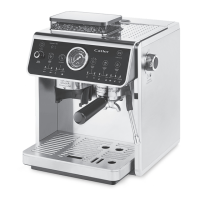
MEET YOUR COFFEE MACHINE ES 910
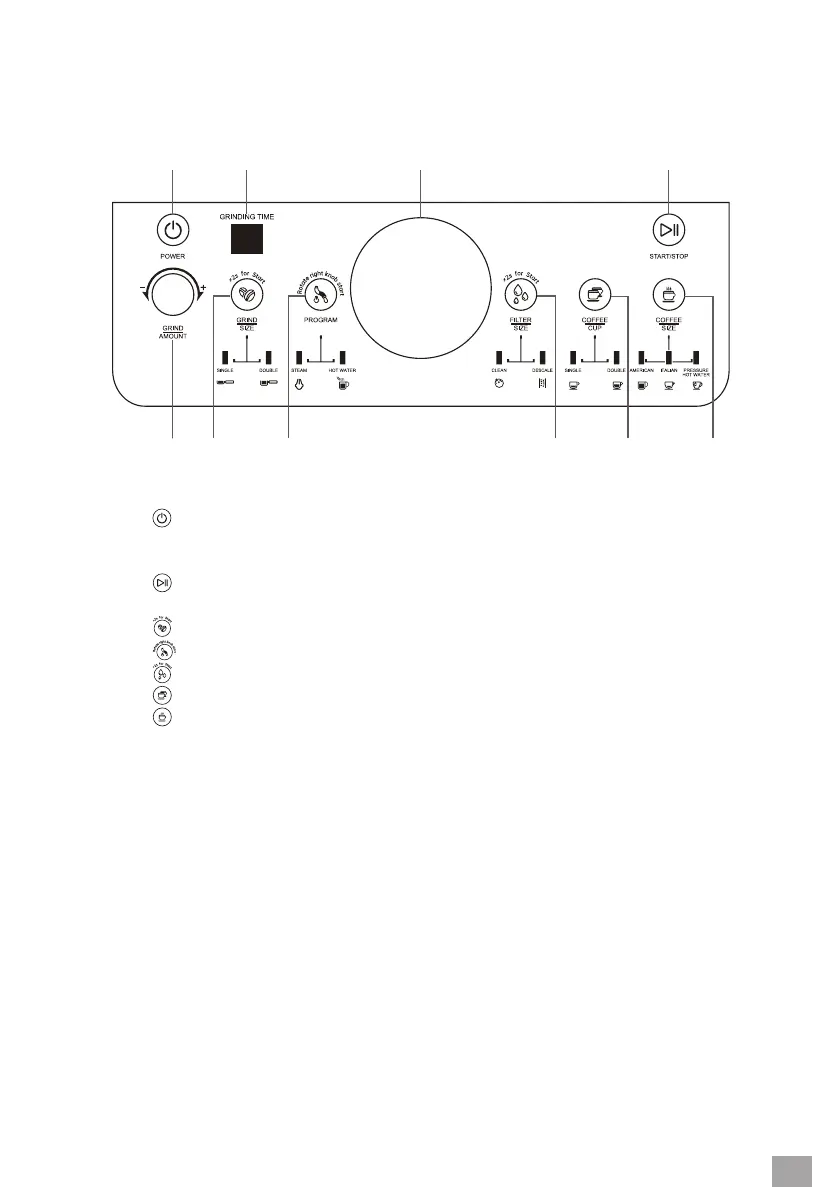
DESCRIPTION OF THE CONTROL PANEL
2 31 4
5 6 7 8
9 10
1. Button : coee machine power on/o
2. Grinding time display
3. Pressure indicator
4. Button : start coee brewing or hot water dispensing
5. The rotary control to set the grinding time
6. Button
: selection of strainer for 1 or 2 cups
7. Button
: selection of steam or hot water dispensing function
8. Button
: selection and start of cleaning or descaling
9. Button : selection of strainer for 1 or 2 cups
10. Button : selection of coee type: Italian espresso, americano or hot water dispensing


 To Next Page