13
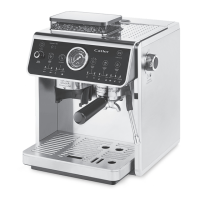
PREPARING THE COFFEE MACHINE ES 910 FOR USE
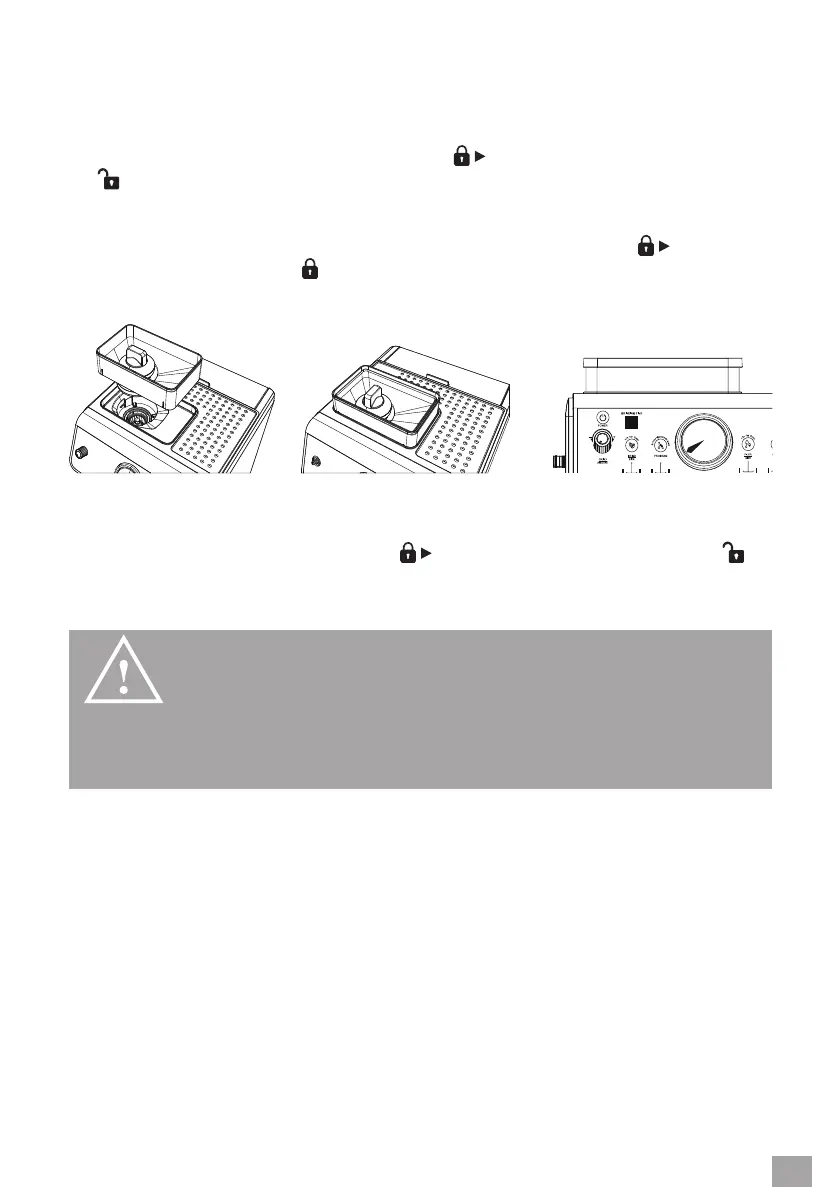
INSERTING/REMOVING THE COFFEE BEAN HOPPER
When inserting the hopper, proceed as follows:
1. Make sure the hopper lock is turned so that the
symbol on the lock is aligned with the
symbol.
2. Make sure there are no coee bean residue or other foreign objects in the grinding
chamber.
3. Insert the hopper into the machine and turn the lock clockwise until the
symbol on
the lock is aligned with the
symbol.
4. Attach the lid.
When removing the hopper, proceed as follows:
1. Remove the lid.
2. Turn the lock counterclockwise until the
symbol on the lock is aligned with the
symbol.
3. Pull the hopper upwards out of the coee machine.
WARNING!
NEVER REMOVE OR INSERT THE COFFEE
BEAN HOPPER WHILE THE MACHINE IS IN OP
ERATION.
FILLING THE COFFEE BEAN HOPPER
1. Remove the coee bean hopper lid.
2. Pour the roasted coee beans into the hopper and replace the lid. Do not leave the
hopper open, otherwise the coee beans will lose their aroma more quickly.


 To Next Page