17
COFFEE GRINDING
COFFEE GRINDING
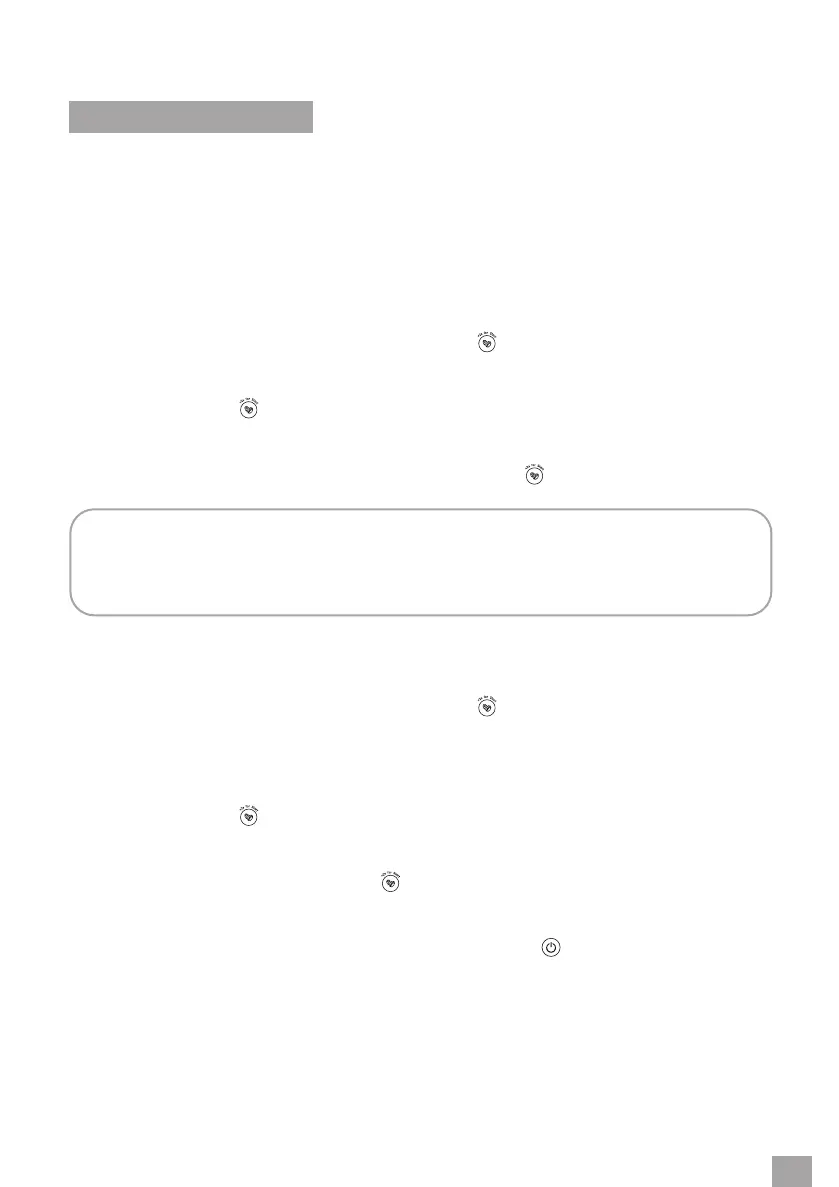
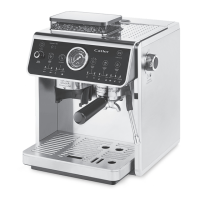
The coee machine is equipped with agrinder and allows you to grind coee directly into the
strainer in the handle. Before starting the grinding process, make sure the coee bean hopper
is correctly inserted in the coee machine and lled with coee beans.
Set the desired grinding coarseness – see the section “Grinding Coarseness Regulator” in the
previous section of the manual.
COFFEE GRINDING ACCORDING TO THE PRESET DEFAULT GRINDING TIME
1. Insert the handle with the selected strainer into the holder.
2. While the coee machine is switched on, press the
button briey to select the strainer
for 1 cup (the SINGLE indicator lamp lights up) or the strainer for 2 cups (the DOUBLE
indicator lamp lights up). The display shows the default grinding time.
3. Press and hold the
button for 2 seconds to start the coee grinding process. The
ground coee will begin to fall into the strainer.
4. After the default time has elapsed, the grinding process will automatically stop.
5. If you need to stop the grinding process earlier, press the
button briey.
NOTE:
The default grinding time for 1 cup is 10 seconds, which is about 13 g of ground coee,
for 2 cups it is 14 seconds, which is about 19 g of ground coee.
ADJUSTING THE PRESET DEFAULT GRINDING TIME
1. Insert the handle with the selected strainer into the holder.
2. While the coee machine is switched on, press the
button briey to select the strainer
for 1 cup (the SINGLE indicator lamp lights up) or the strainer for 2 cups (the DOUBLE
indicator lamp lights up). The display shows the default grinding time.
3. Use the rotary control to adjust the grinding time from 5 to 20 seconds. The display shows
the adjusted grinding time.
4. Press and hold the
button for 2 seconds to start the coee grinding process. The
ground coee will begin to fall into the strainer.
5. After the adjusted time has elapsed, the grinding stops automatically. If you need to stop
the grinding process earlier, press the
button briey.
The adjustment made to the preset default grinding time will remain stored in the
coee machine'smemory even if you switch it o using the button. However, when
the coee machine is disconnected from the power supply, the original default grinding
time is restored.


 To Next Page