Export image to
shared folder
Click on this icon to export the selected image to a shared folder
(see Settings >> Network >> Shared folder)
Click on this icon to export the selected image as a jpg file on any
USB key (only available if a USB key is connected)
Click on this icon to print the current image (only available if a
compatible USB printer is connected)
Click on this icon to permanently delete the selected image
Move to next /
previous image
Click on these icons to move to the next/previous image of the
current patient
Click on this icon to toggle between normal and 3D viewer for the
stereo images. Only available when showing a stereo pair.
Click on this icon to swap right and left image of a stereo pair
(“crossed-eye” format). Only available when showing a stereo pair.
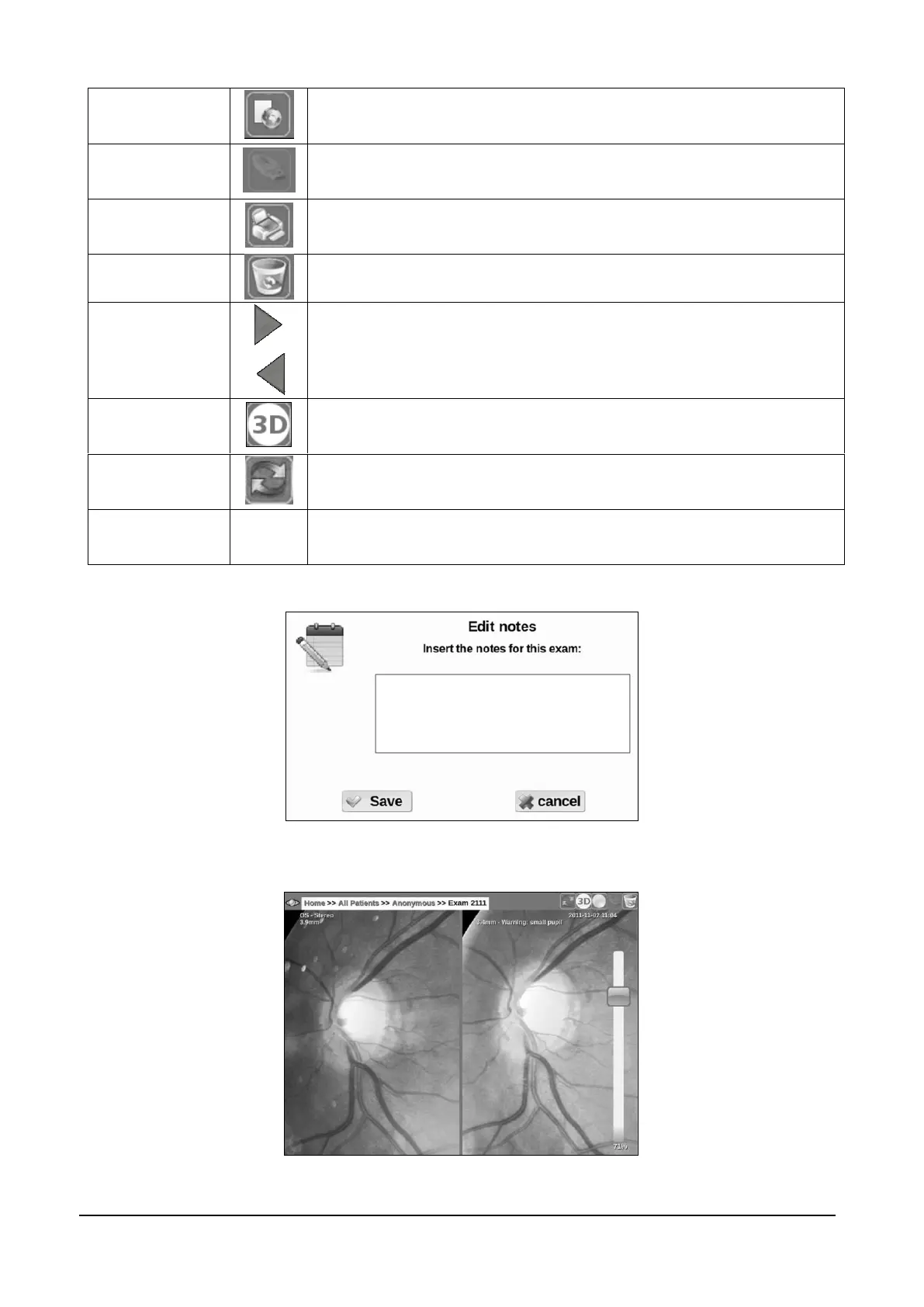
Click on Add Notes to add / edit image specific comments (see
Figure 25)
Figure 25 – Notes editing screen
Figure 26 - Stereo Images 3D viewer



 To Next Page