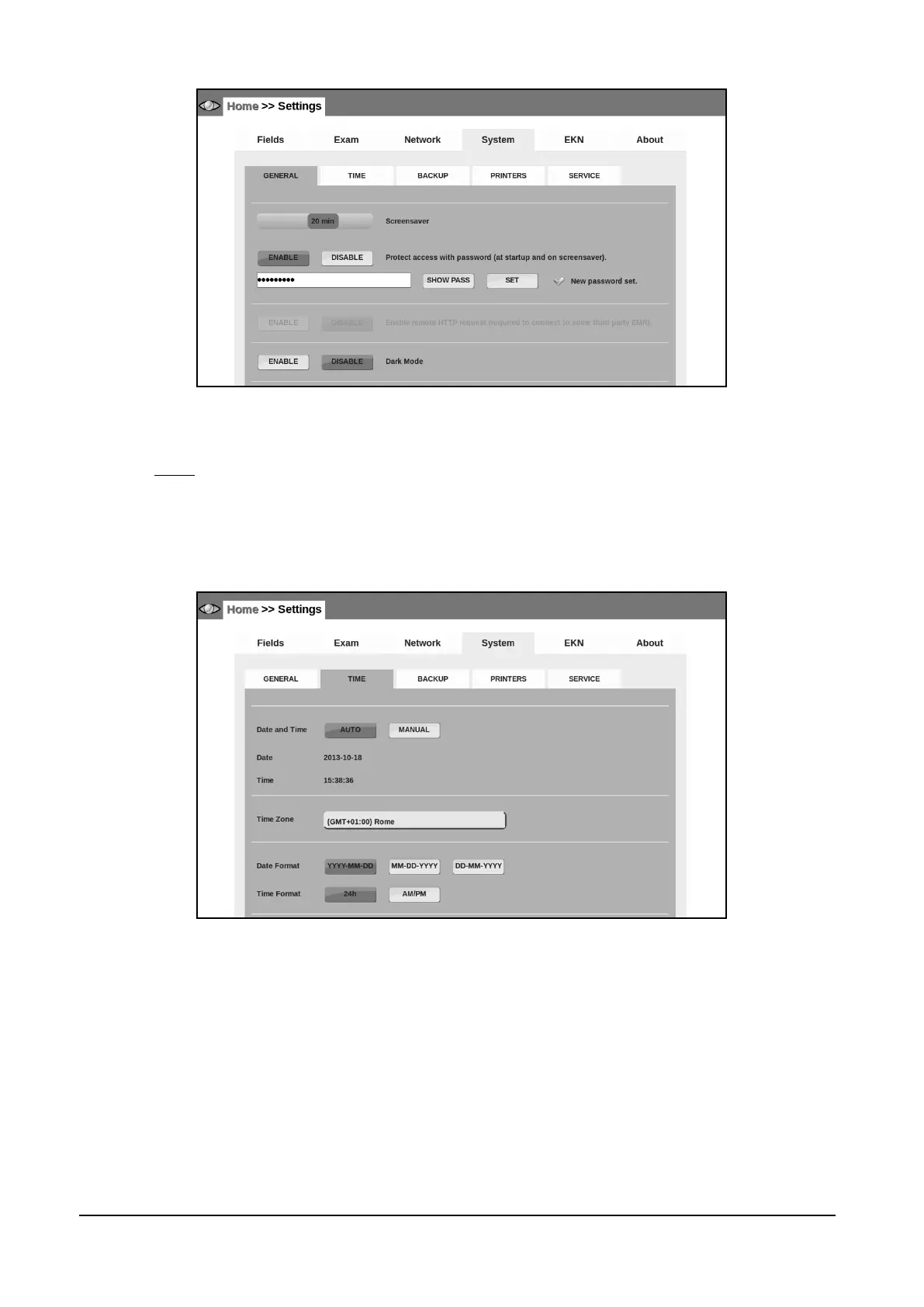
Figure 44– System tab in Settings (>> GENERAL)
14.4.2 TIME
The system date and time can be set-up:
Automatically from Internet
Manually from the pull-down menus
In this submenu, you can also set: the correct time zone, format the date and time
Figure 45 - System tab in Settings (>> TIME)



 To Next Page