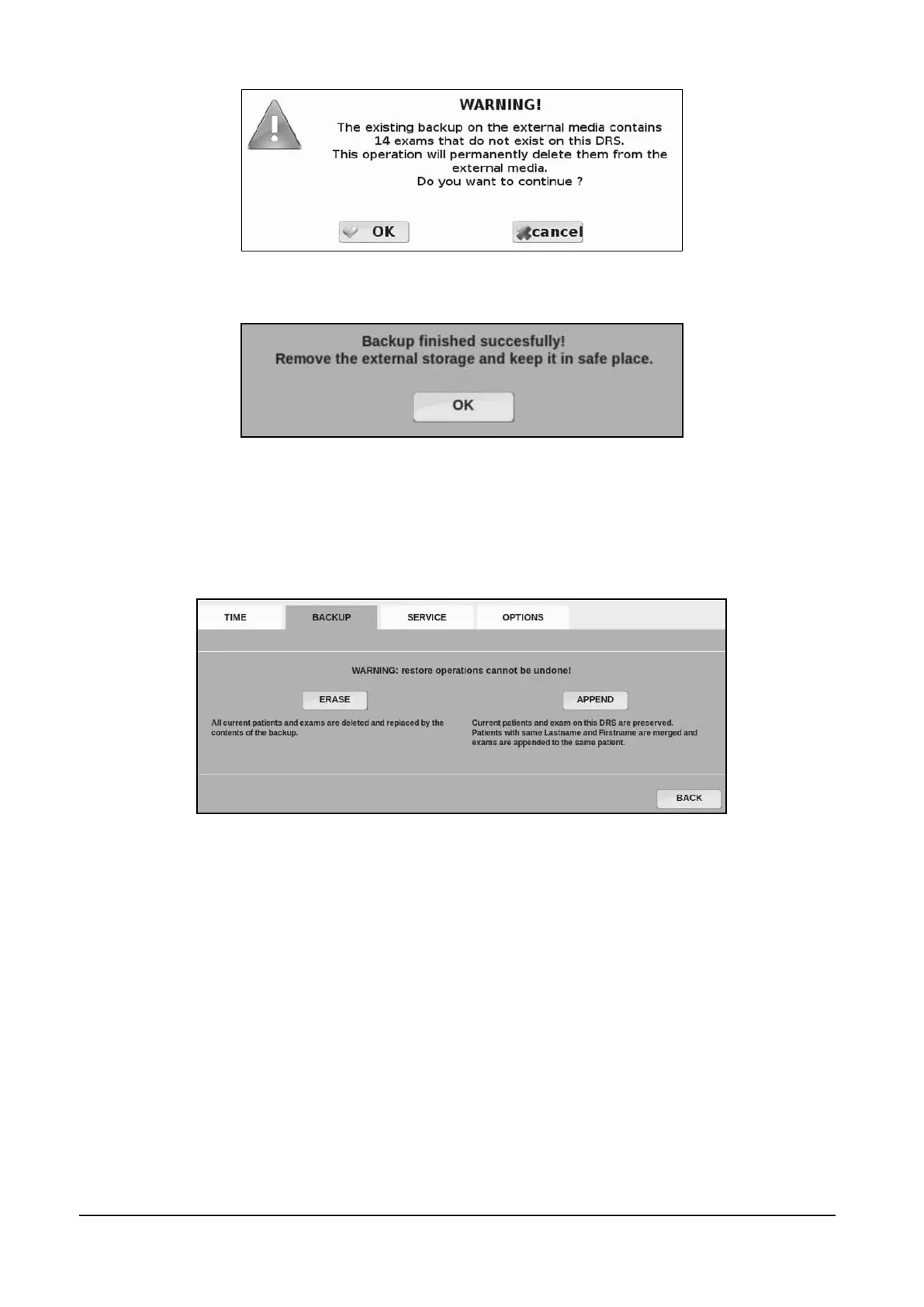
Figure 48 - Message shown when pressing UPDATE BACKUP
Figure 49 – Backup confirmation message
On the Restore process. Full operation compatibility is guaranteed with backups generated using
previous software versions (whose backups were stored in a unique archive format). Here below
you can see the Restore mode selection view.
Figure 50 - Restore mode
Using the first mode (ERASE mode) the current DRS exams and patient's data are overwritten by
data of the selected backup source. In the second mode (APPEND mode), the system properly
recognizes identical patients and exams and executes a restoration into the DRS of the differences
only. Only in case of ambiguity, the system asks the operator to select from a pool of “similar”
patients into whom appending the exams (see Figure 51 - Duplicated patients , where patient John
Doe is asked to be merged into a target patient with the same name or be duplicated).



 To Next Page