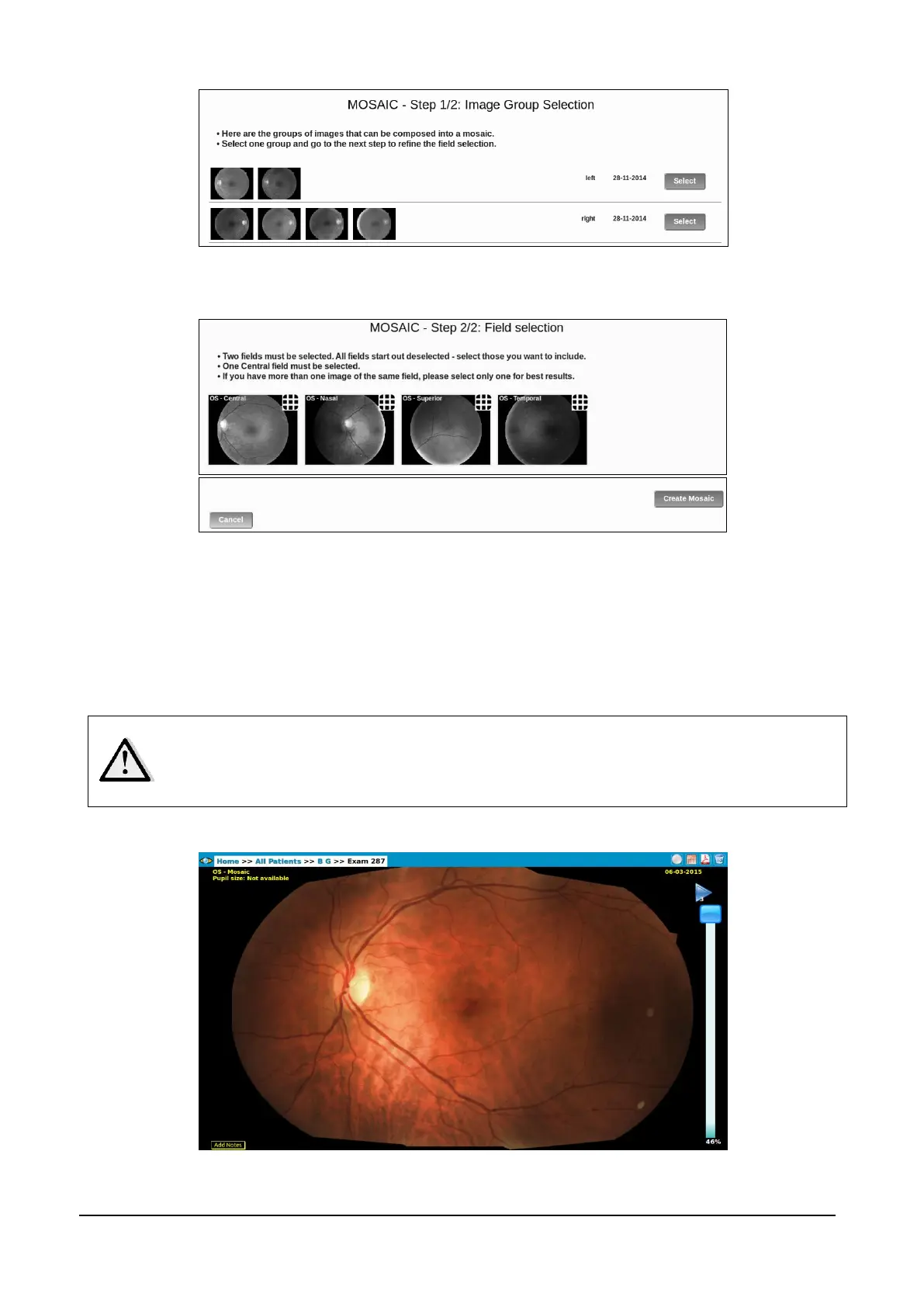
Figure 67 – Mosaic function, eye selection screen
Figure 68 – Mosaic function, field selection screen
During mosaic generation a message will inform that the mosaic is still in progress and eventually
that it has completed. Click on Ok to go back to the Patient Record screen and review the mosaic
image (see Figure 69).
Images resulting from the mosaic process may contain artifacts (such as duplicated or
disconnected vessels) that are generated at the transition between two adjacent fields
and that are not present in the original images. Such artifacts can be easily ruled out by
comparing the mosaic image with the original single-field images.
Figure 69 – Example of a 3-fields mosaic image



 To Next Page