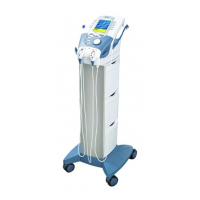
Vectra Genisys® Therapy System
62
OPERATION
Make certain the Patient Interrupt Switch is
connected to the unit. Refer to page 16 for
Symbol Definitions.
INDICATIONS (CONTINUED)
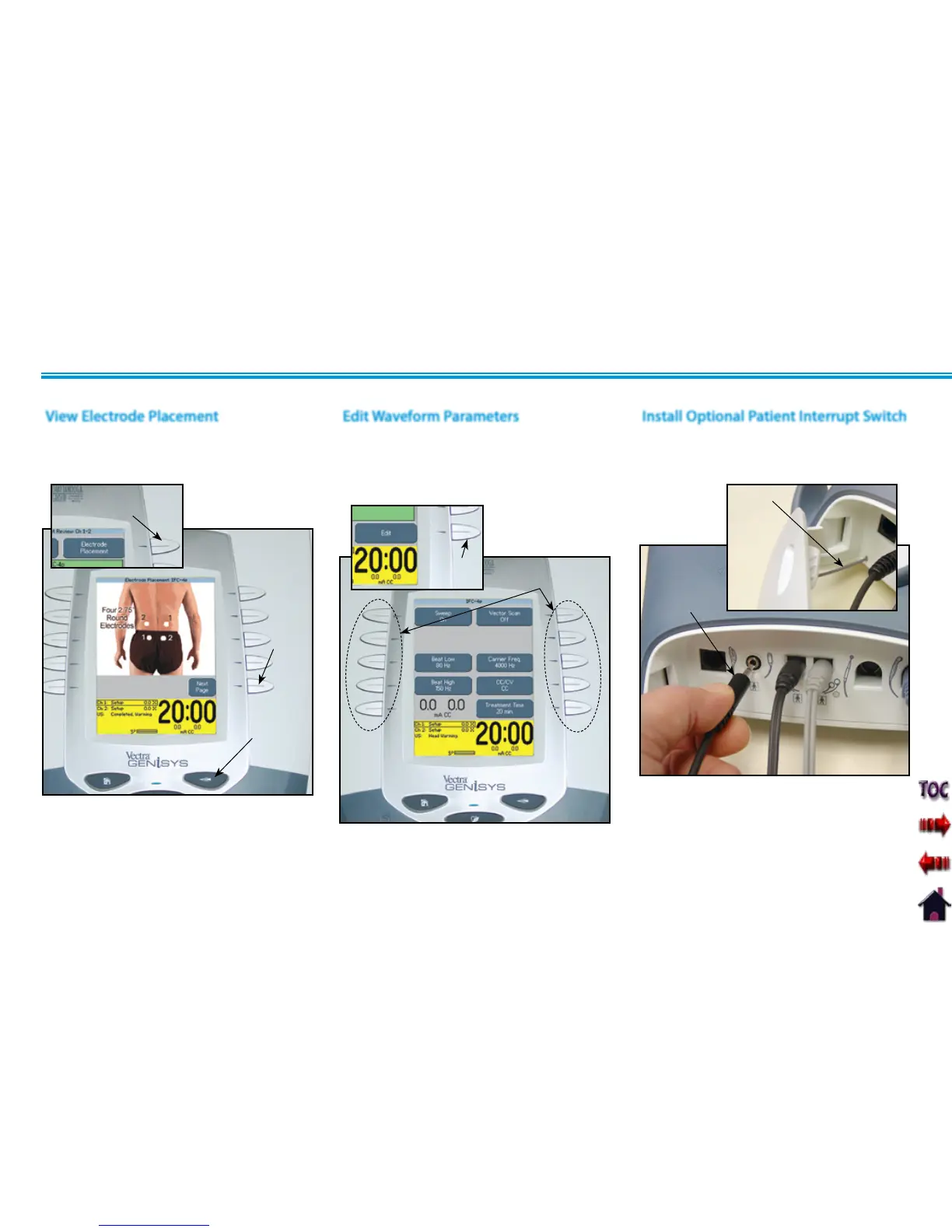
Press the Electrode Placement button to
view the most commonly used electrode
placement for the waveform selected.
Press the Next button to read Electrode
Placement Text. Press the Back button to
return to the Treatment Review screen.
ELECTRODE PLACEMENT
BUTTON
View Electrode Placement
NEXT
PAGE
BUTTON
BACK
BUTTON
Press Edit button to access waveform
parameters.
Press the corresponding button to edit
each parameter as prescribed.
Press the Back button to return to the
Treatment Review screen.
Edit Waveform Parameters
EDIT
BUTTON
PARAMETER
BUTTONS
NOTE: When reinstalling the Front Access
Panel, make certain the Lanyard does
not become kinked.
Install Optional Patient Interrupt Switch
LANYARD
PATIENT
INTERRUPT
SWITCH











 To Next Page