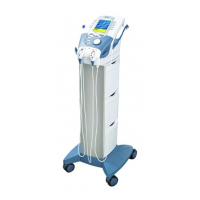
Vectra Genisys® Therapy System
74
OPERATION
ALARM
BUTTON
sEMG + STIM THERAPY SET UP (CONTINUED)
AUDIO
BUTTON
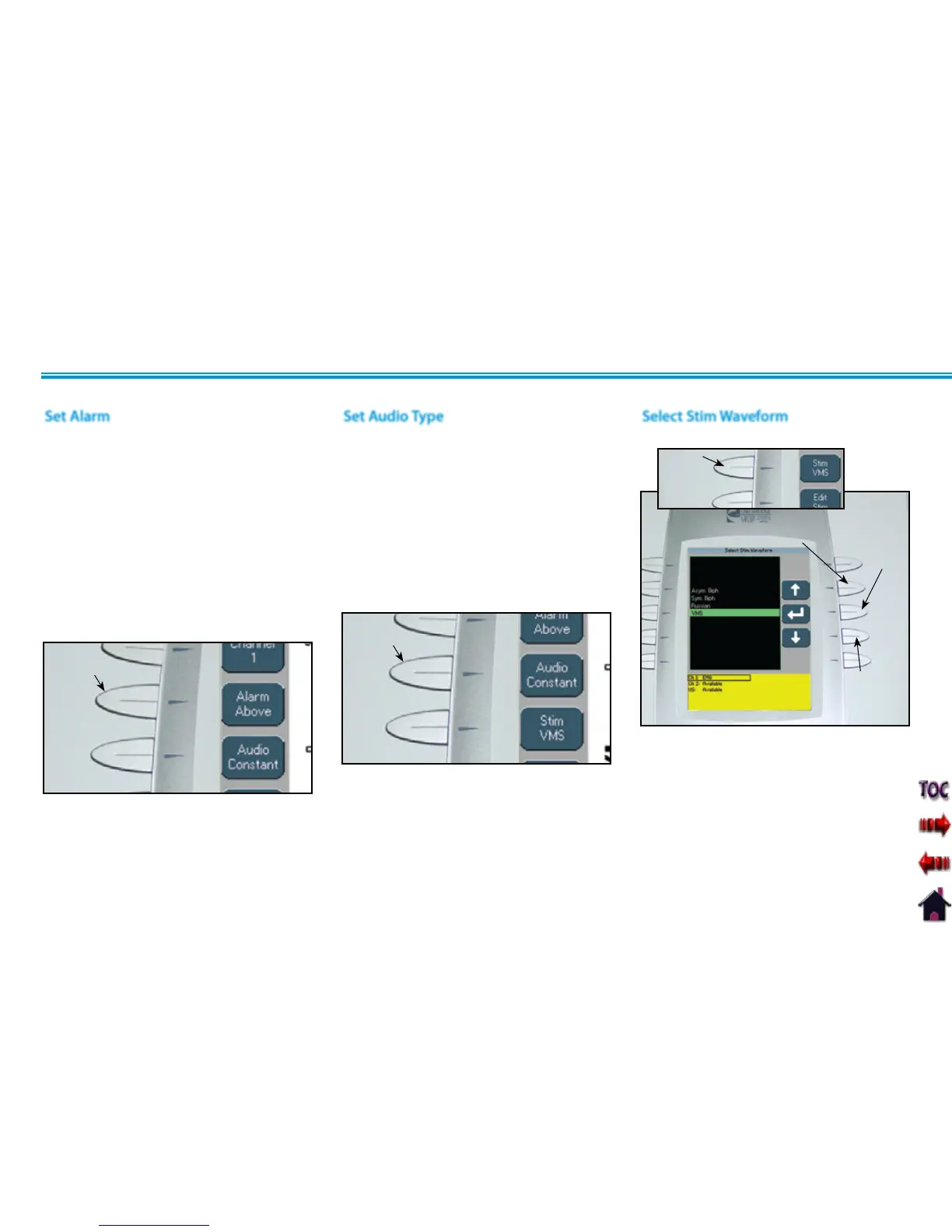
Select Stim Waveform
Press the Stim button.
STIM
BUTTON
UP ARROW
BUTTON
DOWN ARROW
BUTTON
ACCEPT
AND
RETURN
ARROW
BUTTON
Press the Up and Down Arrow buttons until
the prescribed waveform is highlighted.
Press the Accept and Return Arrow button.
Set Alarm
Set the alarm trigger in relation to the
target by pressing the Alarm button until
the desired selection is displayed in the
Alarm icon.
The available selections are:
Above- Alarm sounds when a muscle
contraction surpasses the target.
Target- Alarm sounds when a muscle
contraction reaches the target.
Below- Alarm sounds when a muscle
contraction is below the target.
NOTE: If Volume is Off, no alarm will be
heard.
Set Audio Type
Audio sets the type of sound heard when
the muscle contraction reaches the Alarm
setting.
Press the Audio button until the desired
audio type is displayed in the Audio icon.
The available selections are:
Constant- Continuous sound. ________
Pulsed- Fast, short beeps. . . . . . . . . . . . . . .
Dynamic- Slow, long beeps. _ _ _ _ _ _
NOTE: If volume is Off, no Audio type will
be heard.











 To Next Page