28
11. Guideline switching button. Click the button to quickly switch guidelines when
the field has multiple guidelines.
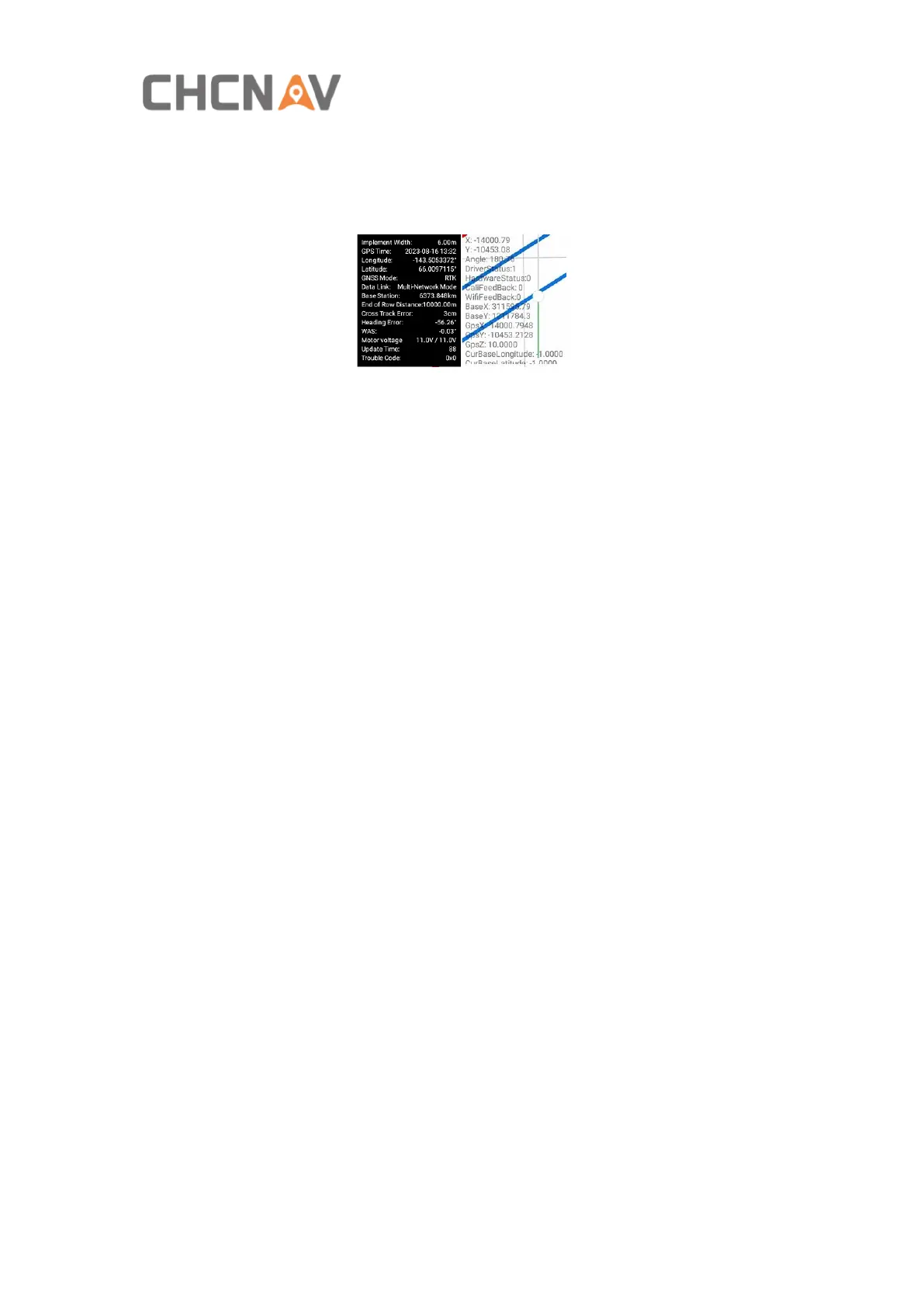
12. Compass. Click it once to check the basic information and click it seven times
continuously to show the debugging information.
Base Station: The distance to base station.
Heading Error: The angle between guideline and vehicle heading.
WAS: The angle between guideline and front wheel.
Motor voltage: X/Y, X represents the current system voltage, Y represents the
minimum voltage.
Error Code: The codes when there are system error messages. Clickce to open the
message box to view the historical error information.
13. G/B/M. The feature can be enabled in Other Settings-Show Headline Option
View.
G means guidelines, the vehicle will only recognize the guidelines and drive
automatically after select.
B means boundary/headand, the vehicle will only recognize the boundary/headland
and drive automatically after select.
M means manual option, the vehicle will not be able to switch to the automatic
driving mode after select.
14. View switch. Switch to free view or lock the vehicle position.
15. Camera. When it is turned on, the real-time image will show up.
16. Zoom in / out. It can also zoom in and out of the interface by swiping fingers
across the screen.
17. Quick guideline. It can support AB line or curve quick creation.



 To Next Page