Remote Interface Description
5-7
:SYSTem:KLOCk < boolean > | ON | OFF
This command is for locking or releasing LOCAL key function, but not for switching
LOCAL and REMOTE control.
:SYSTem:KLOCk?
This command is for querying if LOCAL key locked or not.
:SYSTem:LOCk:OWNer?
This command is for querying if controlled by REMOTE terminal.
Return character NONE|REMOTE.
:SYSTem:LOCk:REQuest?
This command is for switching controlled by REMOTE terminal.
:SYSTem:LOCk:RELease
This command is for switching controlled by LOCAL terminal.
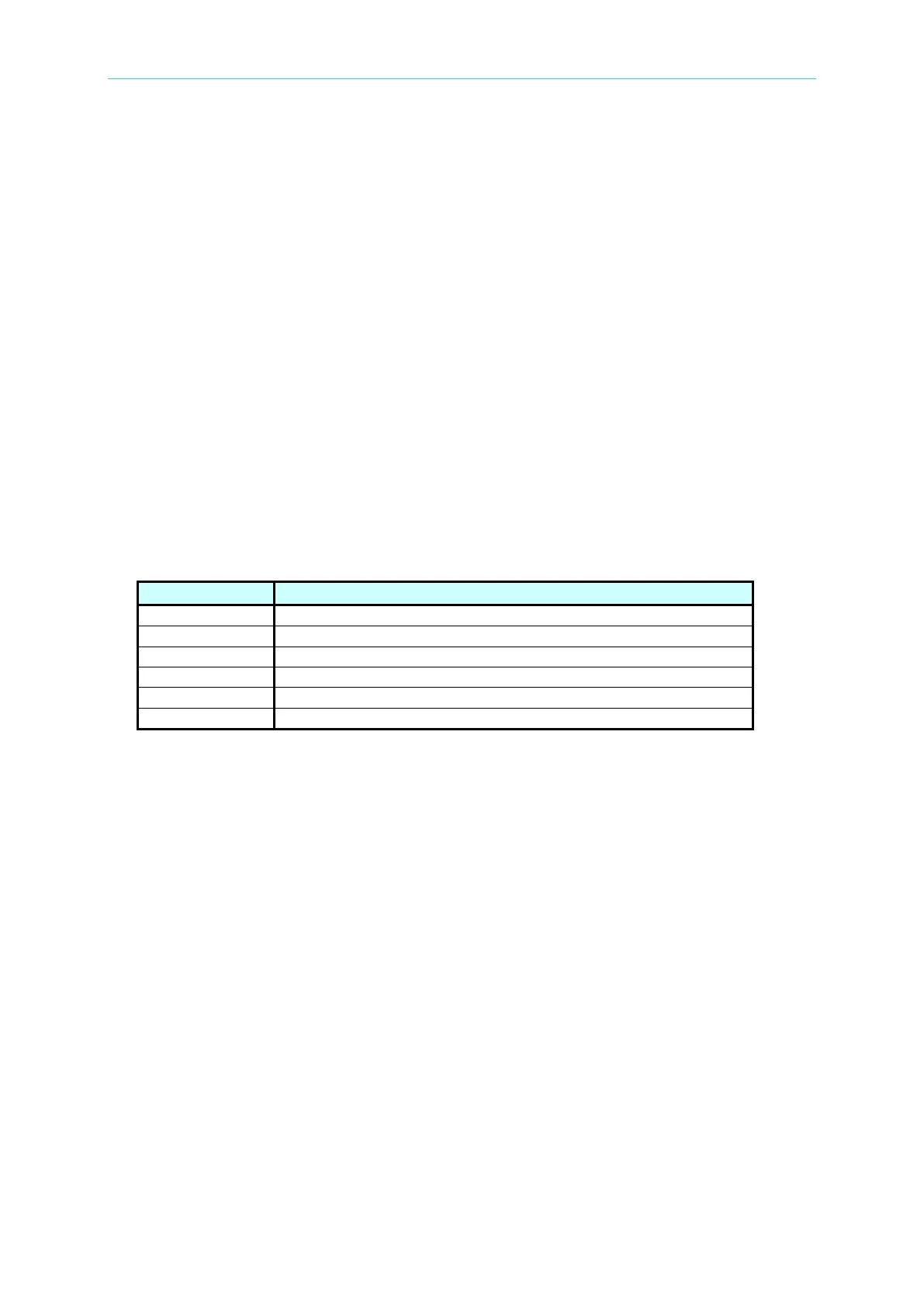
[:SOURce]:SAFEty:FETCh? [ < item > ] [ , < item > ]
This command queries the system measurement result, <item> is character data, the
meaning as below:
The STEP serial number now.
The measurement value now.
The TEST executed time now.
The TEST remains time now.
[:SOURce]:SAFEty:STARt[:ONCE]
This command is for starting test.
[:SOURce]:SAFEty:STARt:OFFSet GET | OFF
If the parameter is GET, that is get zero value. At the same time, the system may output
mass current. If the parameter is OFF, that is off zero action.
[:SOURce]:SAFEty:STARt:OFFSet?
This command is for querying if does zeroing or not.
[:SOURce]:SAFEty:STOP
This command is for stopping test.
[:SOURce]:SAFEty:STATus?
This command is for querying the current system execution status, return character data
RUNNING|STOPPED.
[:SOURce]:SAFEty:SNUMber?
This command is for querying setting STEP number in the memory.
[:SOURce]:SAFEty:RESult:ALL:OMETerage?
This command is for querying OUTPUT METER reading of all steps.



 To Next Page