15
16
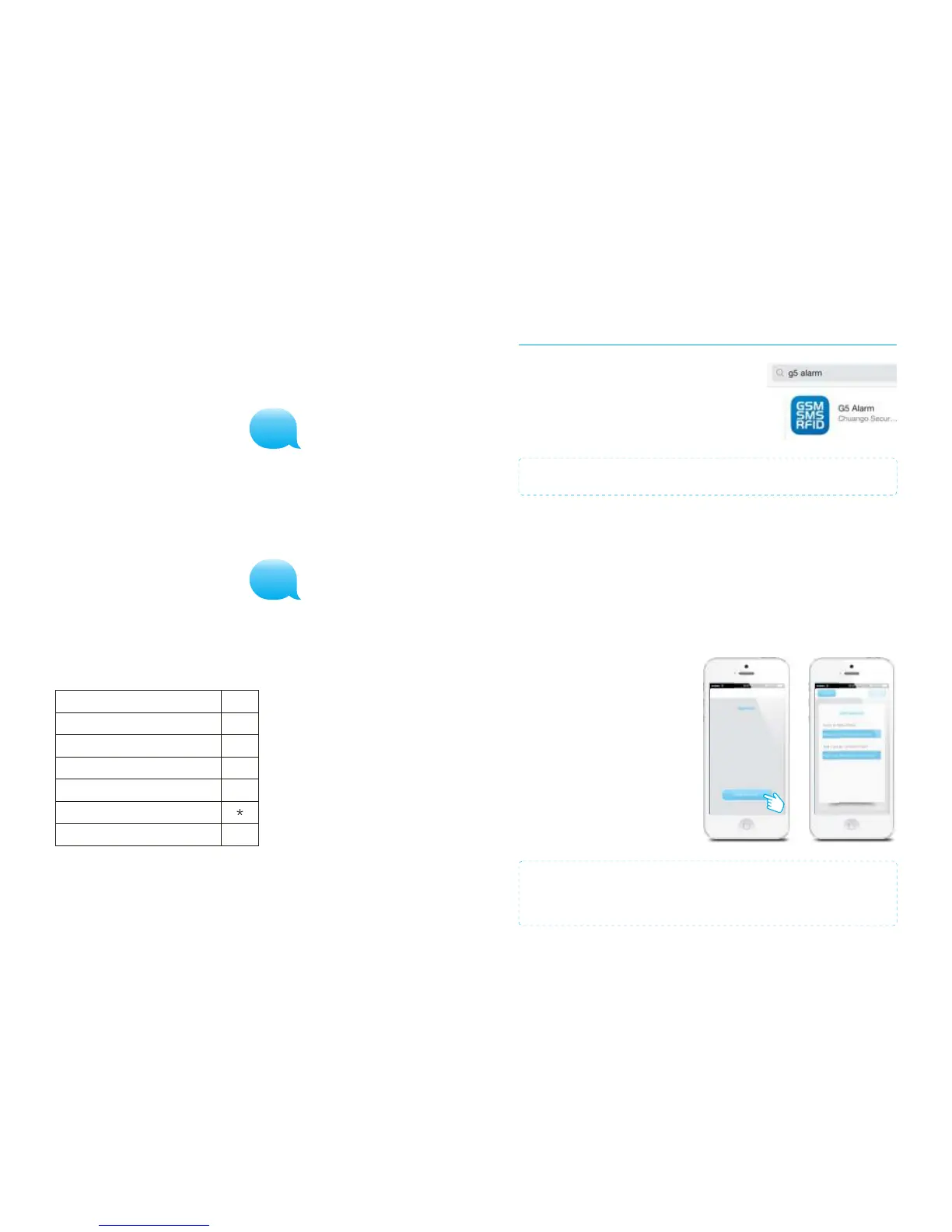
Apple and Android App
The Chuango G5 alarm system can also be operated
with an App. You can download it by searching the
keywords ‘G5 Alarm’ in the App Store or Google Play.
Download and install the App on your smartphone.
IMPORTANT: The Android and/or Apple App both make use of SMS texting.
Adding an account
The alarm system can be operated with the G5 Alarm App. When using the Apple App
there will be set up a SMS text message automatically for every function. Press the ‘
send’ button to send the text message and set the function you have chosen.
When using an Android smartphone the App will send a text message in the
background without needing to confirm sending the message.
Launch the App on your phone and
select ‘Add account’.
Enter a name for the G5 alarm (eg.
Alarm home) and enter the mobile
number of the SIM card installed in
the alarm system.
Once the account is added it will
appear on the home screen of the
app.
IMPORTANT: Always start the SIM card telephone number with the area code of
your country (eg. 0031 for the Netherlands). This will allow you to operate the
alarm system abroad.
3
4
Two-way talk
Send a text message with number ‘3’ to the telephone number of the SIM card in the
control panel. You will be called back by the system and will be able to listen and/or
speak.
Leaving a message by phone call
Send a text message with number ‘4’ to the telephone number of the SIM card in the
control panel. You will be called by your system. Pick up the phone, and leave a 10
seconds message. The message can be played back by pressing the blue circle.
Phone operation when receiving emergency call
When the alarm system is triggered the control panel will call the set emergency
numbers. The following commands can be used to command the alarm system:
SMS command
Disarm
Arm
Turn off siren
Turn on siren
Two-way talk
Replay alarm voice message
Input
0
1
6
9
#
PIR-900 Wireless PIR Motion Detector
1.
2.
3.
1.
2.
3.
IMPORTANT: When single zone group is selected, the sensor will always be in
the normal group. It is not possible to place it in the home group.
3 Years
Warranty



 To Next Page