35
36
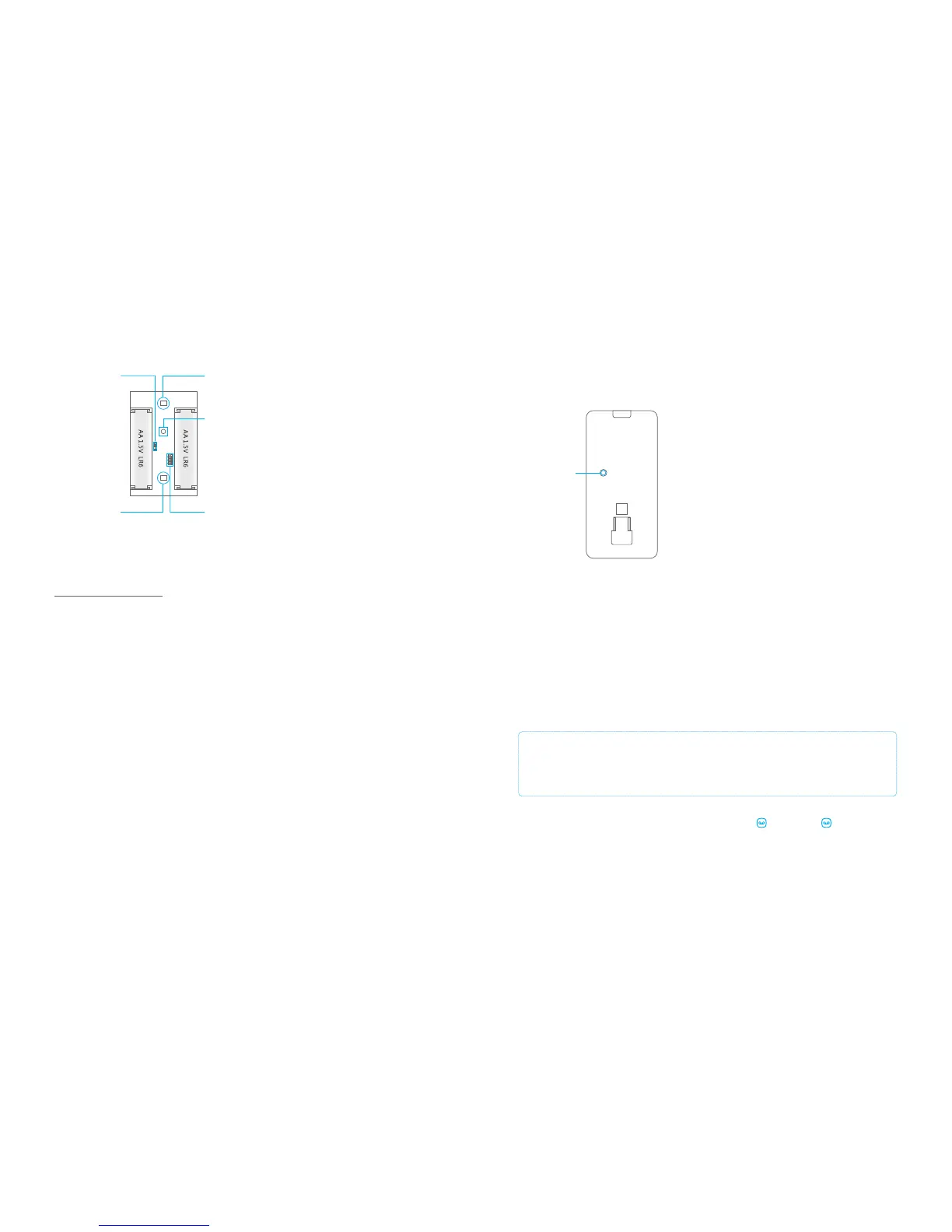
Backside PIR motion detector
Test mode
Test button
When the PIR motion detector is triggered 2 times in 3 minutes it automatically goes
into power saving mode. When no movement detected in the next 3 minutes it will set
itself back to working mode. During the 3 minutes the detector won’t be activated and
will not send a signal to the control panel. As long as motion is detected within the 3
minutes the power saving mode will be extended for another 3 minutes.
Connecting wireless PIR motion detector
IMPORTANT: When pairing the PIR motion sensor make sure other sensors
won’t be triggered. Cover other motion sensors or put them temporarily in a
room where there is no movement.
Enter the password on the control panel and press the button. The button will
light up. Now press the test button at the back of the motion sensor two times. The
control panel will beep once when pairing is successful. If the system beeps twice, this
means that the sensor already has been paired.
Inside PIR motion detector
Carefully remove the front from the back.
Infrared sensors
The infrared sensors detect movement. These sensors must therefore always be clean.
Do not touch the sensor!
Tamper switch
When opening the housing of the PIR motion detector the tamper switch will be
triggered and send a signal to the control panel.
LED On/Off
The LED indicator at the front of the PIR motion detector can be turned off or on by
moving the bridges.
LED ON / OFF
Infrared sensor
Tamper switch
Groupsetting
Infrared sensor
After self-testing, press the test button once. The PIR motion detector will emit a
detection signal (LED flash once).
Power saving mode
PIR-900 Wireless PIR Motion Detector
1.
2.
3.
1.
2.
3.
IMPORTANT: When single zone group is selected, the sensor will always be in
the normal group. It is not possible to place it in the home group.
3 Years
Warranty



 To Next Page