23
24
Change RFID tags name
With this menu you can adjust the names linked to the RFID tags.
10
Change RFID tags SMS
notice:
1.
2.
3.
4.
Left is the response message of the alarm system
shown when texting ‘10’ to the control panel. Copy
the message and adjust the names behind the
numbers as shown below.
Change RFID tags SMS
notice:
1. Tom
2. Nurse
3. Nancy
4. David
Change RFID tags SMS notice successfully.
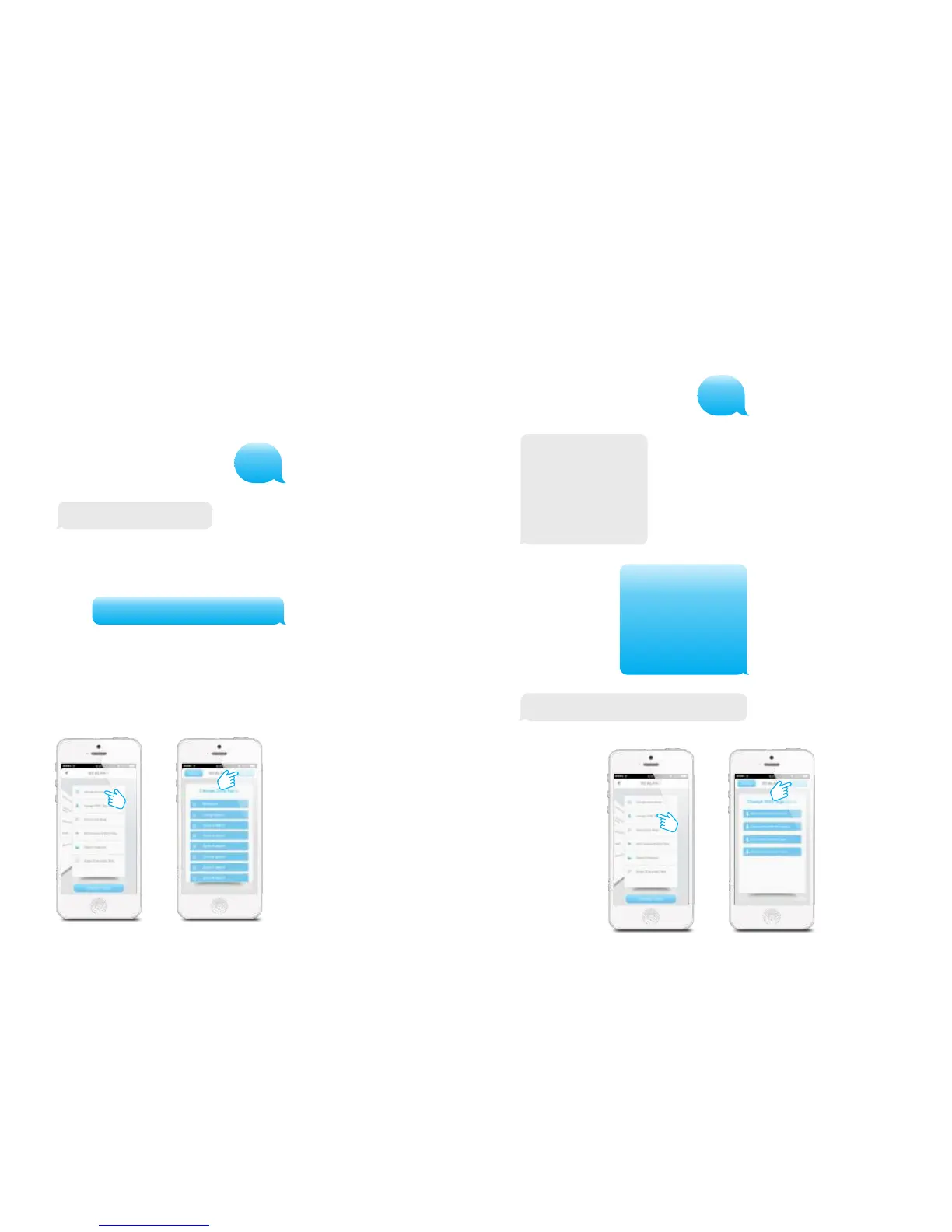
In the App:
Change sensors name
Every sensor can be named. Each sensor is referred to as a zone. The first 9 sensors (1-
9) can be changed according to personal reference. Each sensor (zone) has 30 free
characters to fill in a new name. The name of the sensors from zone 10 and higher
can’t be adjusted. When sending a text message with ‘91’, ‘92’, ’93’ to ‘99’ you will
receive a message back with the zone number and name.
91
Zone1 name: Zone 1 alarm
Zone1 name: Entrance door sensor
To change the name of the zone you can copy the received text message and replace
‘Zone 1 alarm’ for a name of your choice.
After sending this message you will receive a confirmation of the new settings being
adjusted successfully.
In the App:
PIR-900 Wireless PIR Motion Detector
1.
2.
3.
1.
2.
3.
IMPORTANT: When single zone group is selected, the sensor will always be in
the normal group. It is not possible to place it in the home group.
3 Years
Warranty



 To Next Page