21
22
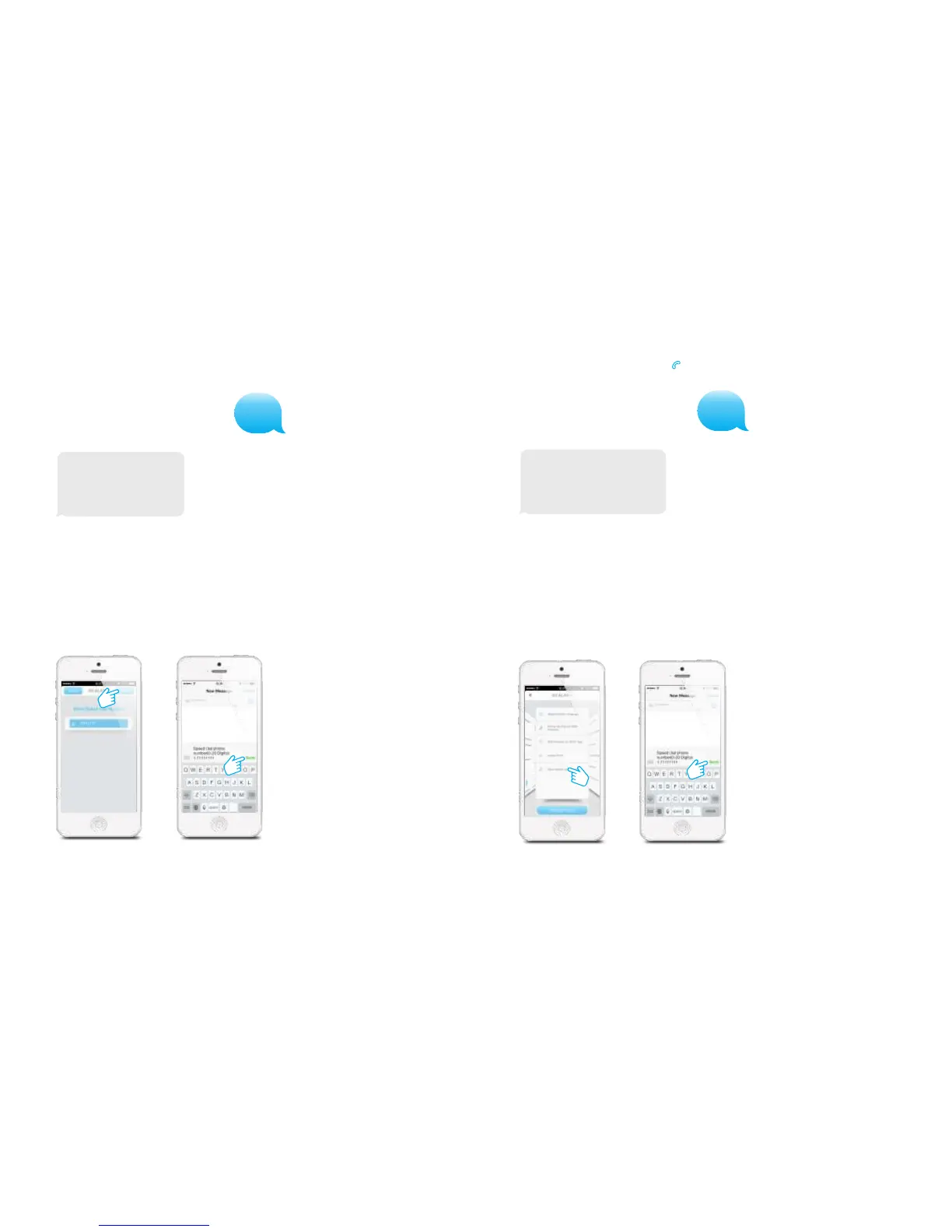
Store speed dial number
In this menu you can assign a phone number that will be stored as speed dial number.
You can speed dial by pressing the button.
8
Speed dial phone number
(0-20 digits):
1.
Copy and edit the received text message and send it back with the new telephone
number. After sending the message there will be send back a message from the
control panel to confirm the new settings. It is highly recommended to start with your
area code or land code.
In the App:
Store SMS number for RFID tags
The SMS number for RFID tag is the number which will be used to send a text message
to when a RFID tag is used to disarm the system.
7
SMS No. for RFID tags
(0-20 digits):
1.
Copy and edit the received text message and send it back with the new telephone
number. After sending the message it will send back a message from the control panel
to confirm the new settings.
In the App:
PIR-900 Wireless PIR Motion Detector
1.
2.
3.
1.
2.
3.
IMPORTANT: When single zone group is selected, the sensor will always be in
the normal group. It is not possible to place it in the home group.
3 Years
Warranty



 To Next Page