LED Overview 5-5
5160 Service Aggregation Switch Hardware Installation and Start-up Manual
009-3207-001 Standard Revision A
Copyright
©
2013 Ciena
®
Corporation September 2013
1/10 Gigabit Ethernet Port LEDs
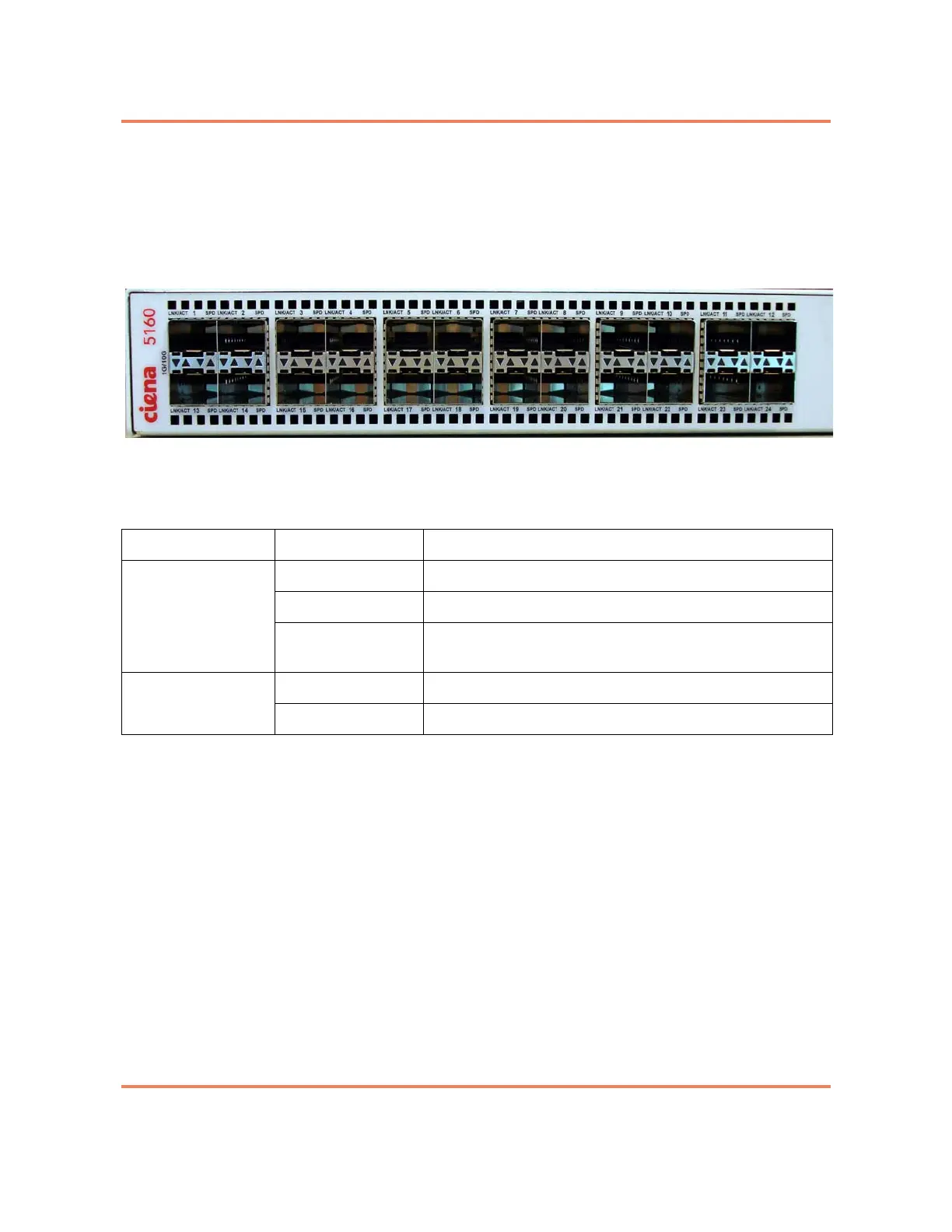
Each 10 Gigabit Ethernet port has two LEDs labeled LNK/ACT and SPD. The
LEDs are located between the port connectors and the arrows indicate
whether the LED refers to the port above or below. See Figure 5-3.
Figure 5-3
1/10 Gbps Port LEDs
Table 5-3
10 Gigabit Ethernet Port LEDs
LED Indication Description
LNK / ACT Off The port is not operational.
Green Indicates a valid network connection.
Blinking Green The port is currently receiving or transmitting Ethernet
packets.
SPD Yellow Port speed is 1 Gbps.
Green Port speed is 10 Gbps.



 To Next Page