LE-3xx/LE-4xx Hardware Installation & User Guide
45
RESET BUTTON
3
UPOZORNENIE:
Vynulovanie systému by sa malo vykona
″
IBA ak všetky ostatné
snahy na vyriešenie problému zlyhali. Stlaèením tlaèidla Reset (Vynulovanie)
rebootujete procesor jednotky. Vymaže sa flash pamä
″
vrátane dát aplikácie a
konfigurácie. Zariadenie sa vráti na základné výrobné nastavenie.
ADVERTÊNCIA:
Efetue a reinicialização do sistema SOMENTE quando todas as
outras tentativas de solução do problema falharem. Pressionar o botão Reset
reinicia a CPU da unidade. A memória flash, incluindo dados de aplicativos e
configuração, é apagada. O dispositivo volta às configurações-padrão de fábrica.
警告:システムのリセットは他のすべてのトラブルシューティングを試みて
も問題が解決しなかった場合にのみ実施してください。Reset ボタンを押す
と装置の CPU がリブートされます。アプリケーションおよびコンフィギュ
レーションデータを含む含む Flash メモリは消去されます。装置は工場出荷
時の設定に戻ります。
Two types of resets can be performed using the Reset button; a Shutdown & Reboot or a Reset
to Factory Defaults.
To perform a shutdown and reboot:
1.
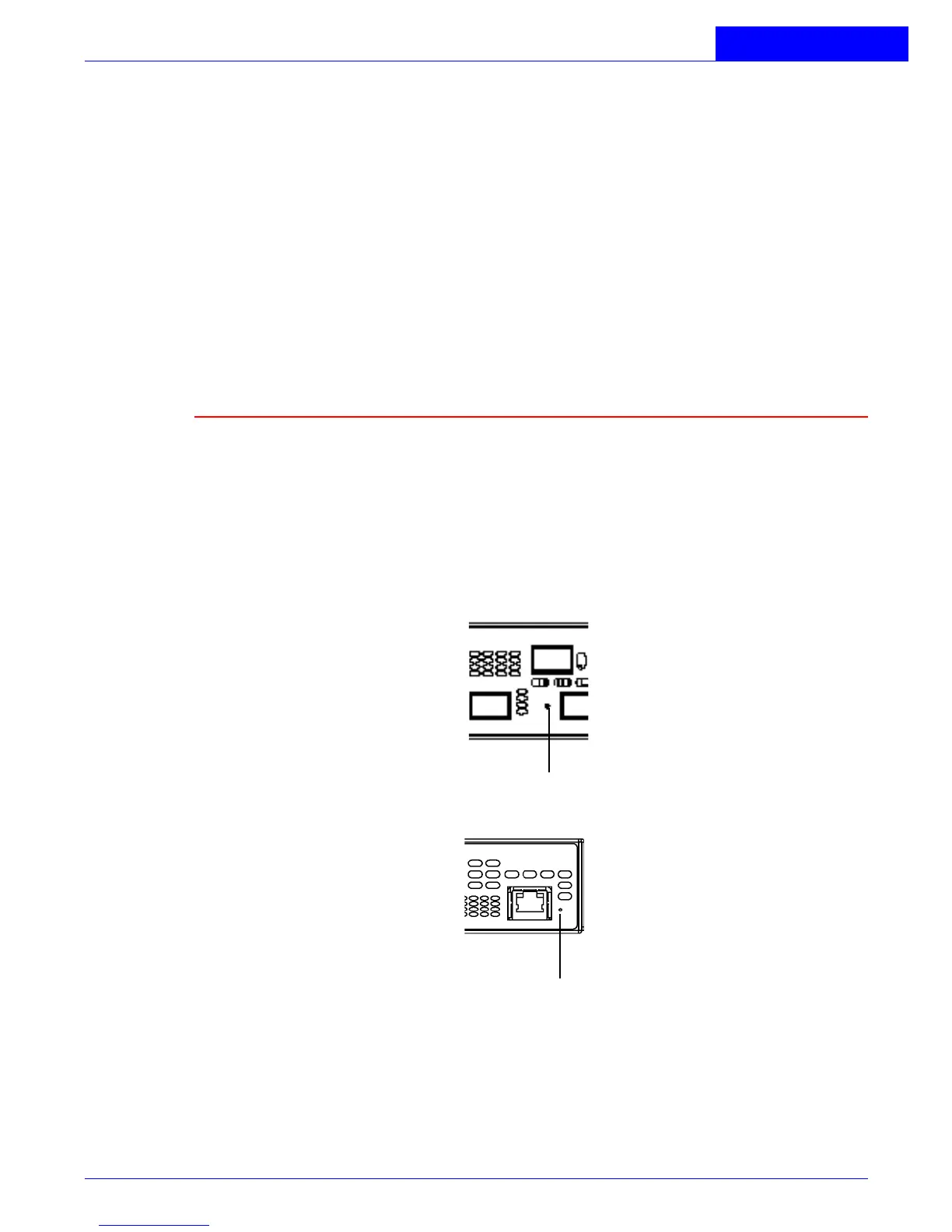
Locate the small, unmarked circular hole on the front of the chassis, found to the
right of the management port.
Figure 3-1:
Reset Button Location
2.
Carefully insert the end of a large straightened paperclip (or a similar object with
a blunt end) into the reset button hole and gently depress and release the RESET
button inside the hole. Do not use excessive force. The Alarm LED will begin to
blink when the button is depressed and then turn solid once the button is released.



 To Next Page