16
LE-3xx/LE-4xx Hardware Installation & User Guide
HARDWARE DESCRIPTION
10/100 Mbps Subscriber Ports (LE-311, LE-311v, and LE-327)
Each subscriber port on the LE-311, LE-311v, and LE-327 have only one LED associated with it
that indicates both link and activity. A blinking green light indicates that the port is either
transmitting or receiving data. A solid green light indicates that a valid network connection is
established, but currently the port is not transmitting or receiving data.
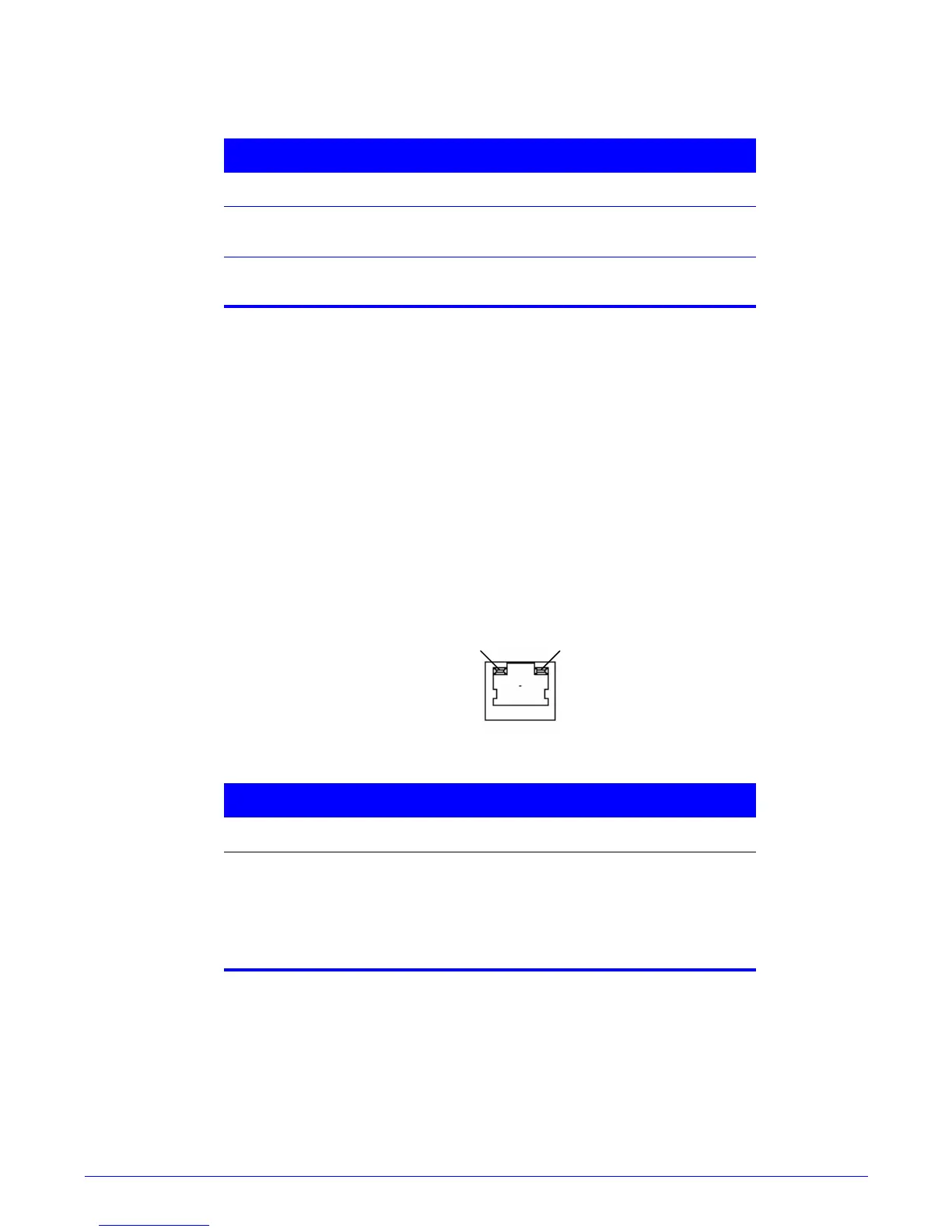
10/100BASE-TX Local Management Port
The 100BASE-TX management port has two LEDs associated with it. These are located at the top
of the port. These LEDs indicate the port’s status.
Figure 1-7:
100BASE-TX status LEDs
Power Supply
The AC power supply for all models, except the LE-427, operates from 90-240 VAC, drawing 1.5-
.75 Amps AC, 50/60 Hz. The DC power supply operates from -38 VDC to -72 Volts VDC.
Table 1-7: 100BASE-TX Status LEDs
LED Indication
LK Green LED indicating a valid network
connection has been established.
ACT Yellow flashing indicates port is currently
forwarding or receiving packets.
Table 1-8: 100BASE-TX Status LEDs
LED Indication
Link Green LED indicates a valid network
connection.
Activity Flashing yellow indicates the port is
currently receiving or transmitting
Ethernet packets.



 To Next Page