104
7.17 Set up Automatic Export
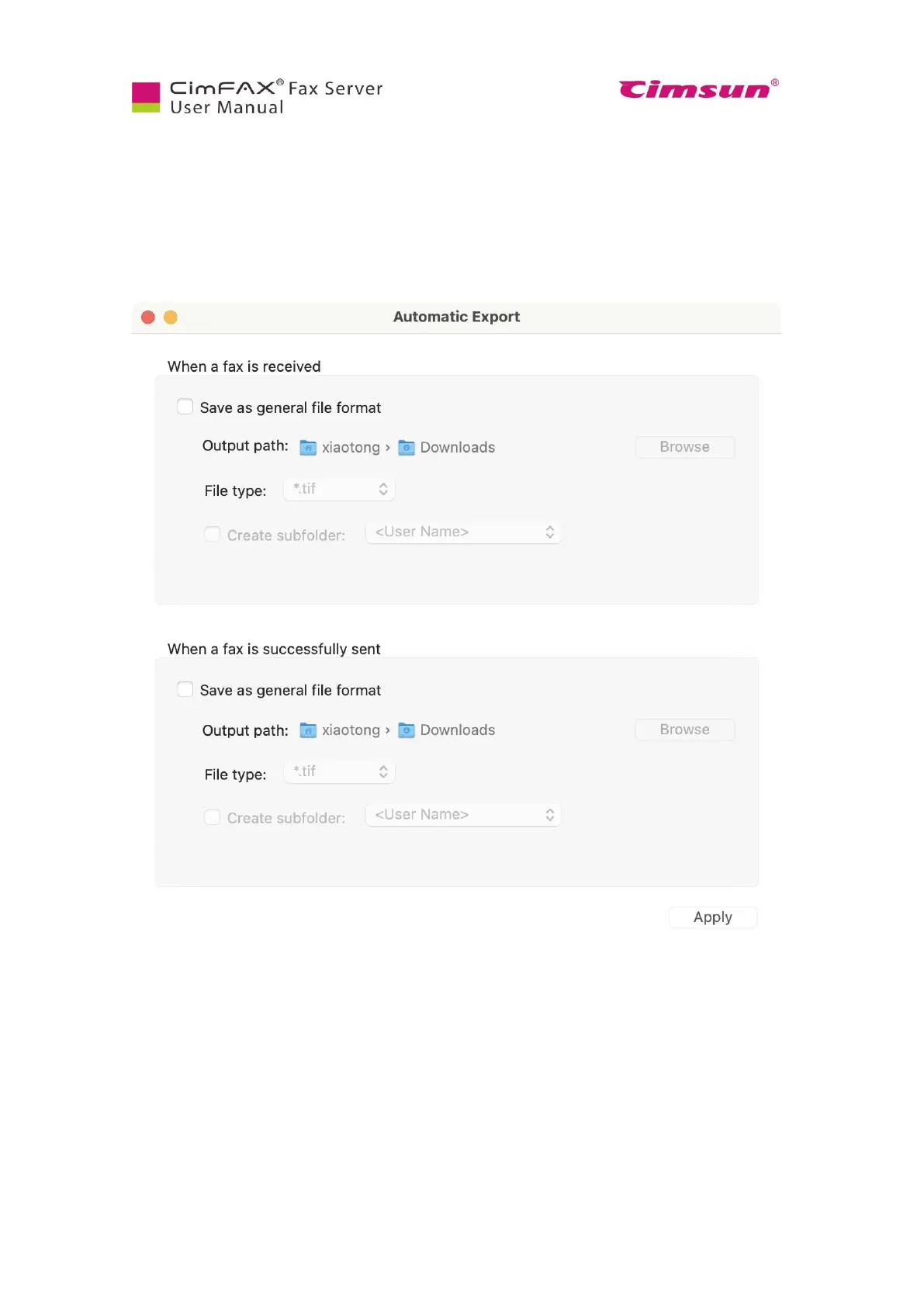
Click settings icon on the lower left corner to set up automatic export.
You can set up to have faxes both outbound and inbound auto saved to a local folder on your computer
or network shared folder. File type supports: tif and pdf.
You can also check on the option of create subfolder by user name, fax number and contacts. Click
“Apply” after you finish settings.



 To Next Page