81
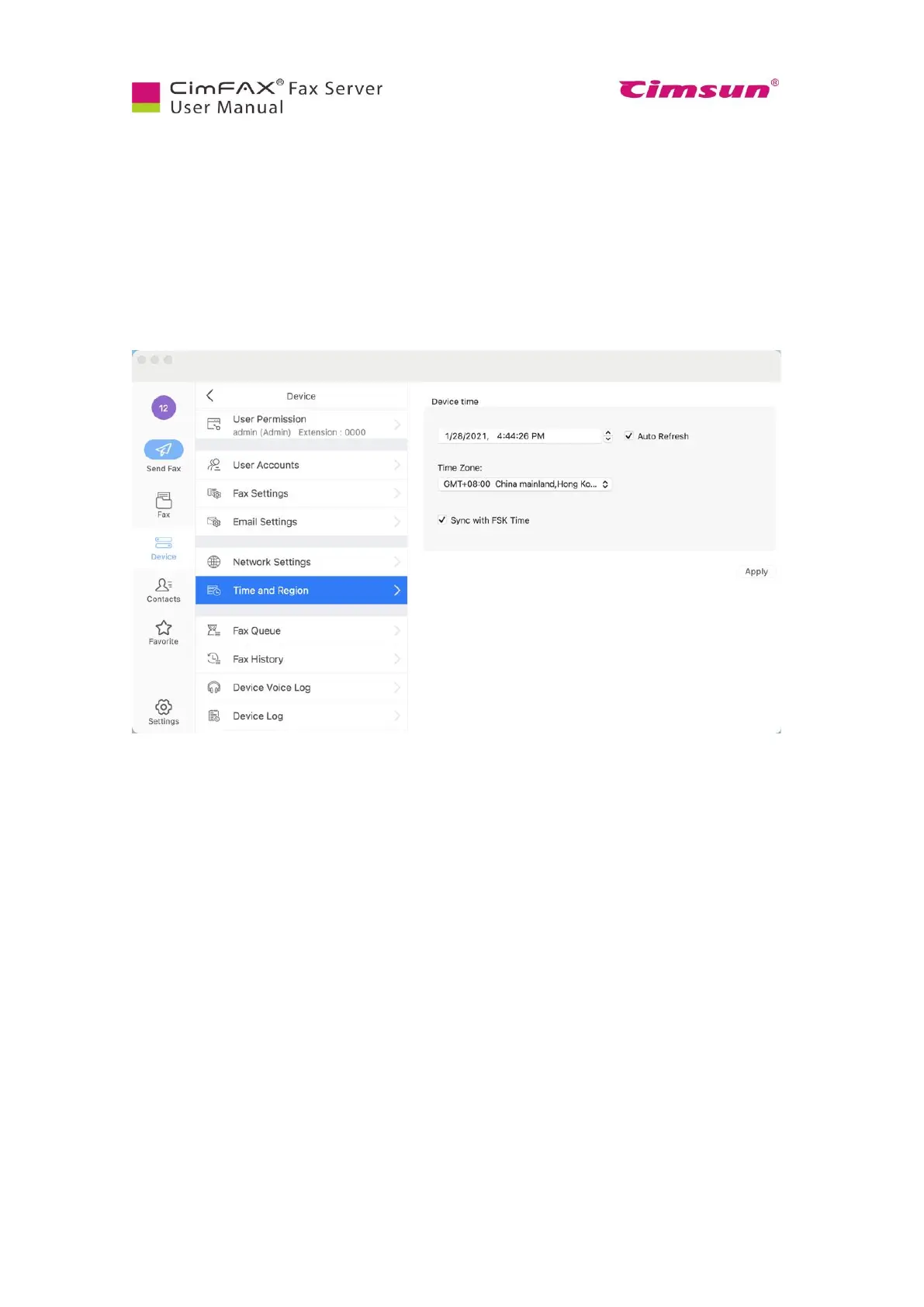
7.6 Set up Time and Region
Note: Please login as admin account or an account with the permission of “Administer” to set up time
and region information.
Click “Device”, then “Time and Region”. Enter your local date, time and time zone information. Then
click “Apply”.
FSK timecode is generated only when there’s an incoming call, and includes only “month, date, hour,
minute and second”. If the year of the server date and time is wrong, please modify it manually. If your
fax line does not support FSK caller identification or your FSK timecode is incorrect, you can uncheck
the option.



 To Next Page