70
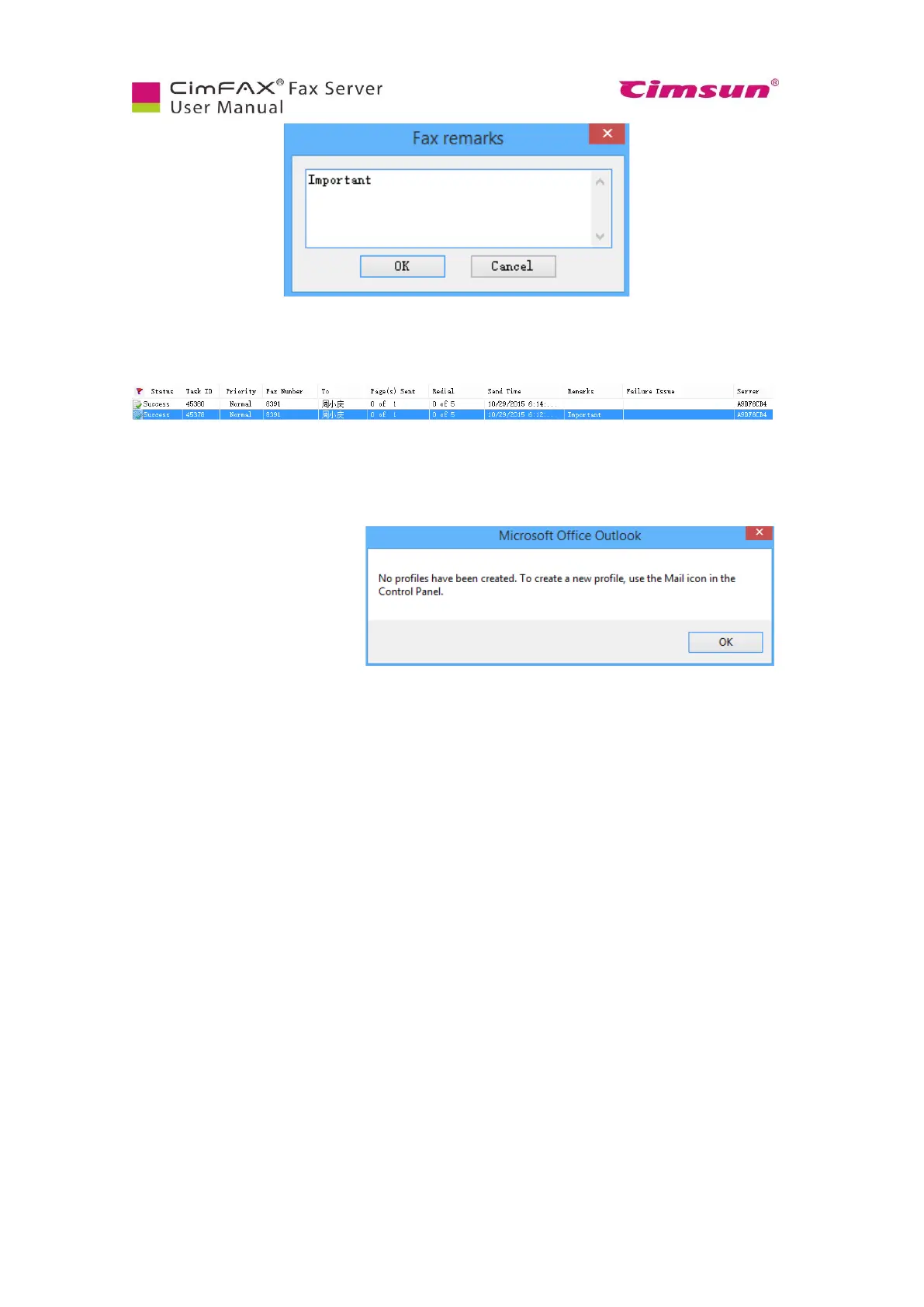
The remarks will be displayed in the column “Remarks”.
6.10.7 Send fax by email
You can send the received fax by
email to others. Right click the fax
and choose “Forward thru Email”.
CimFAX client only supports
forwarding email by Microsoft
Office Outlook. Therefore, you
have to have Outlook client and
Outlook profile in place. Otherwise, you are asked to create an Outlook profile. Click “Control Panel” in
your Windows PC and open “Email” to create.
Then the fax is sent as an attached TIF file by Outlook email.



 To Next Page