85
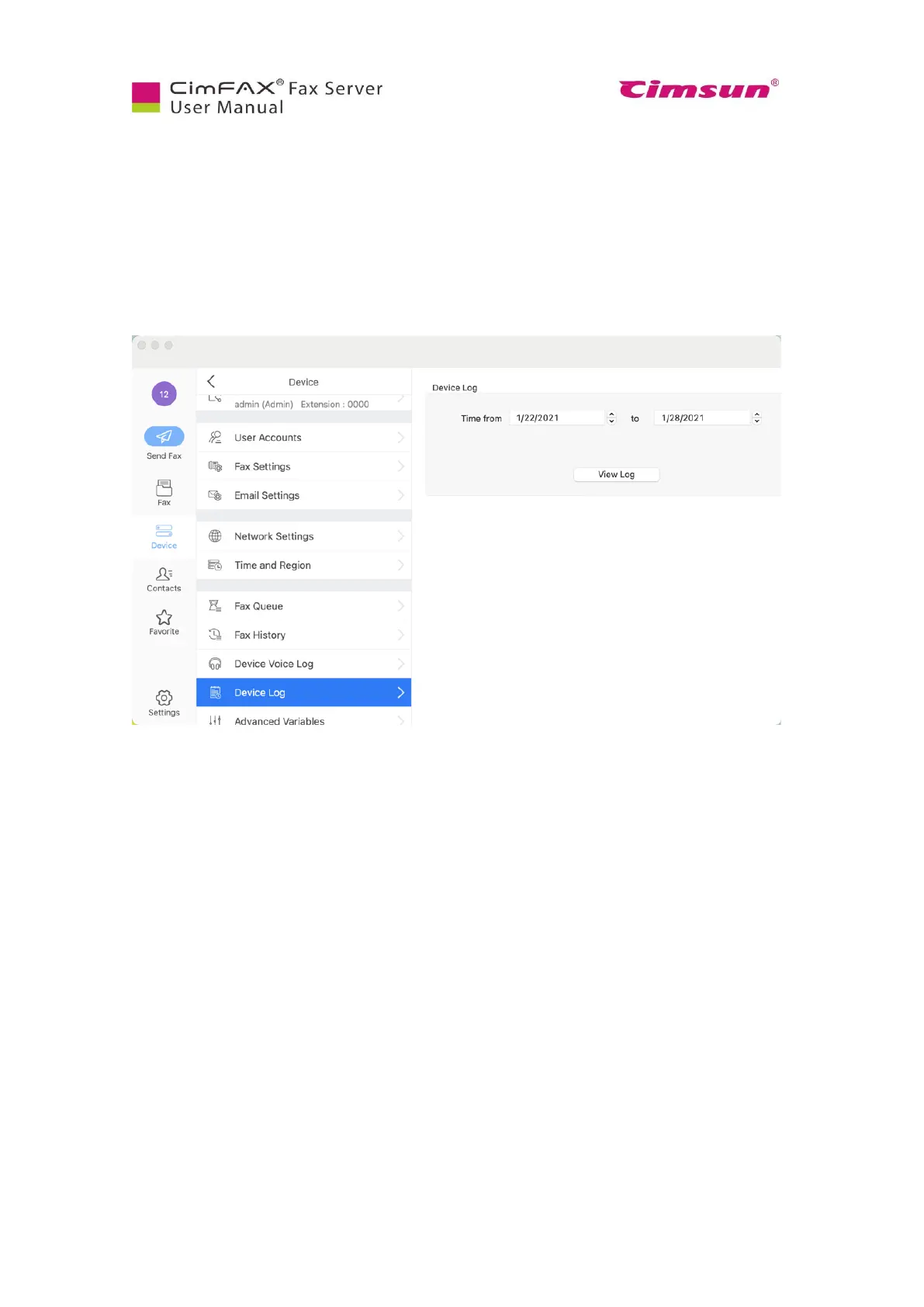
7.10 Check Device Log
Note: Please login as admin account or an account with the permission of “Administer” to check device
log.
Check “Device Log” when: 1) CimFAX server keeps reboot, 2) CimFAX client keeps disconnecting, 3)
fax to email fails, 4) sending/receiving fails, 5) other server issues. The log shows server’s activities in
the last 7 days.
Click “Device Log”. A txt file will be generated in moments. Contact our tech support, describe your
issue and send the log to them.



 To Next Page