61
6.9.2 Send fax from selecting document
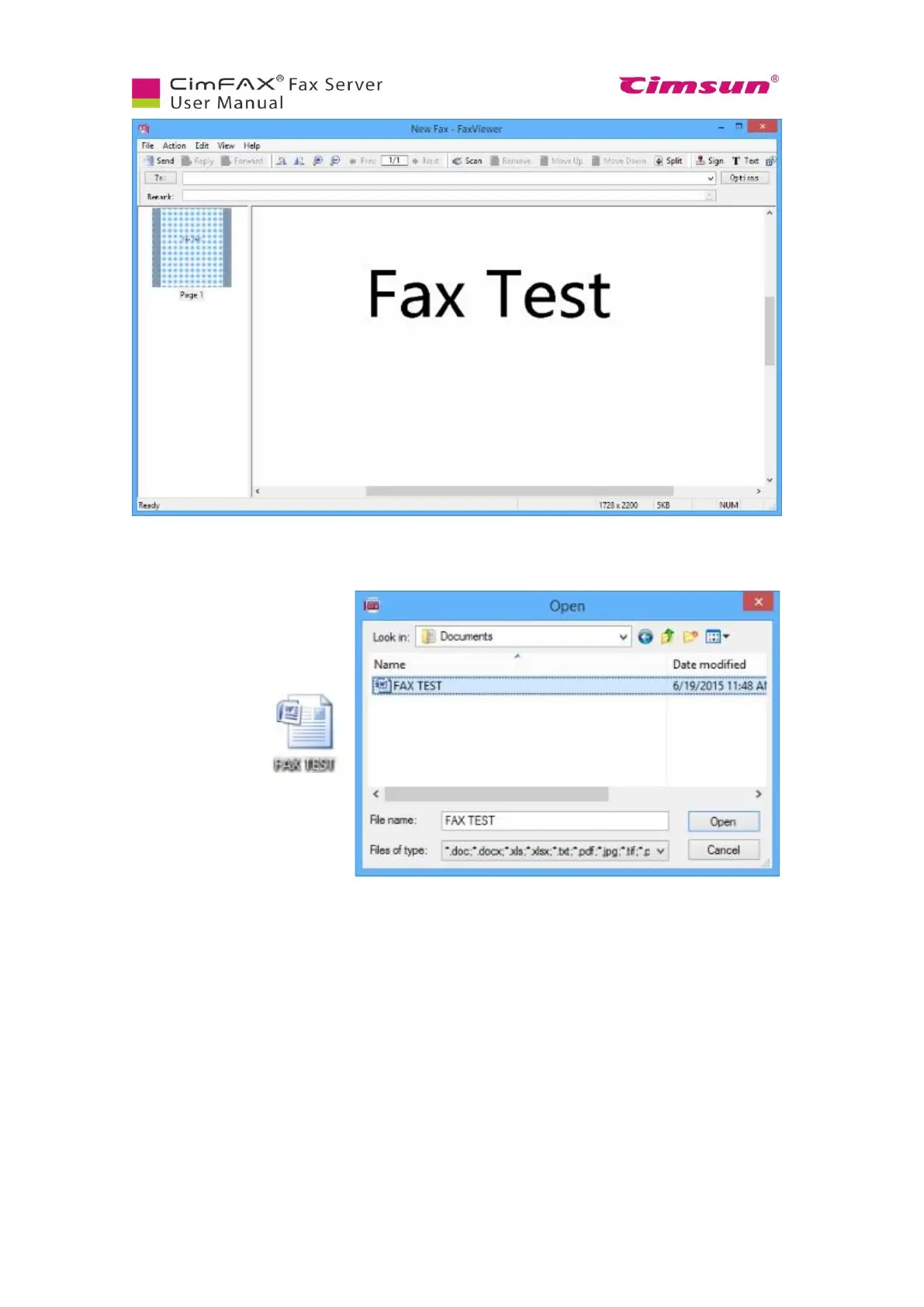
To send a fax, you can also click
the “File” button or right clicking
the document and choosing the
option “Send fax”.
The file will be
displayed in the
Fax viewer.
6.9.3 Send fax from scanning
Click “Scan” button.
Select your scanner in the shown list and then click “Select”.



 To Next Page