33
5.1 Administrator Login
CimFAX client normally will auto start when installation is finished or computer operating
system is initiated. If not, please click “CimFAX” icon on desktop or click “Start” button >
“All Programs” > “CimFAX” to open the client.
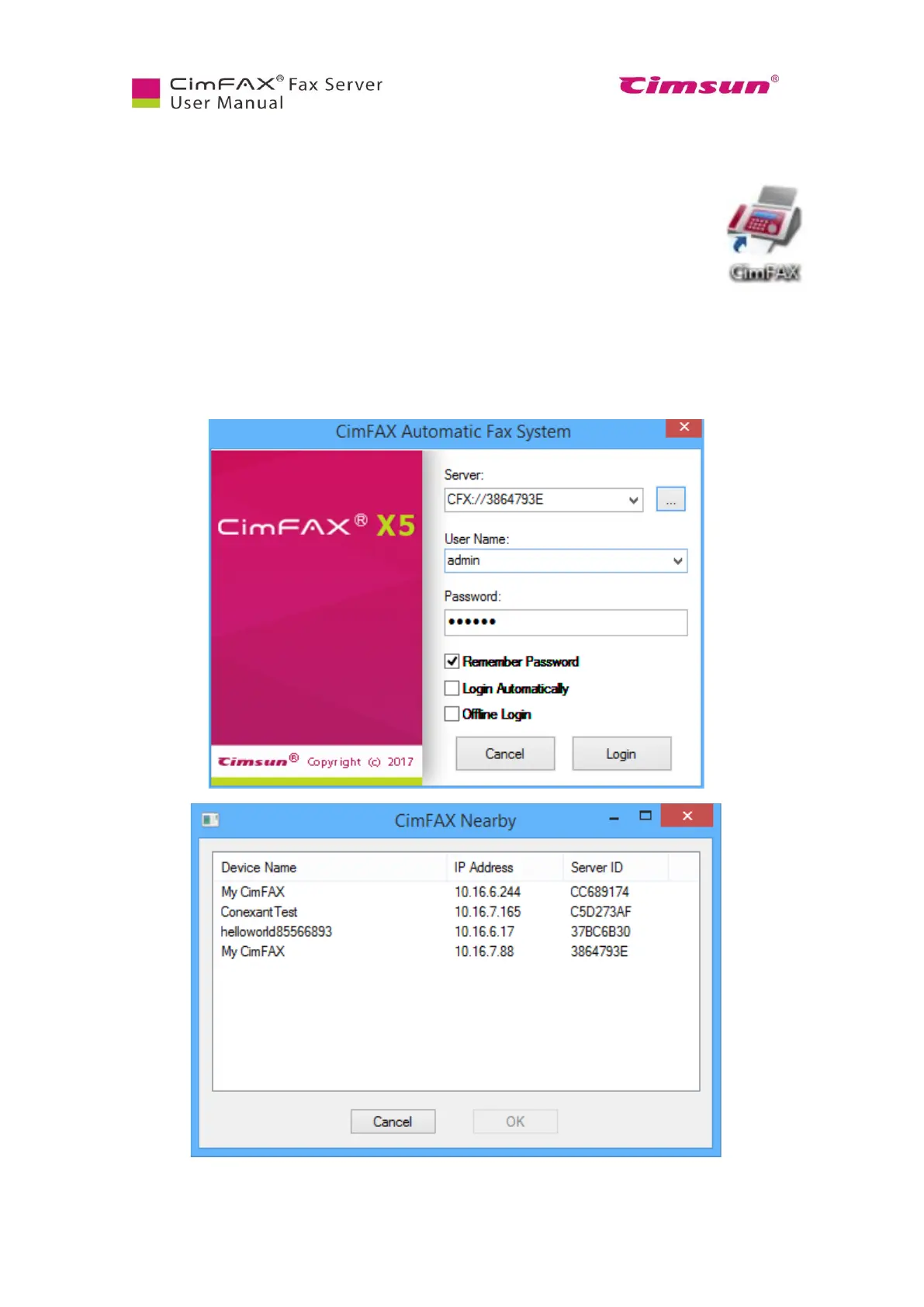
The first time you run CimFAX client, it will auto find a CimFAX device nearby. If there’s a
firewall alert, unblock it. The pop-up window shows basic information including CimFAX fax server ID
and IP address.
Choose the one that’s on your network, click OK, then enter username and password and then click
“Login”;



 To Next Page