73
6.12 Faxes Auto Export
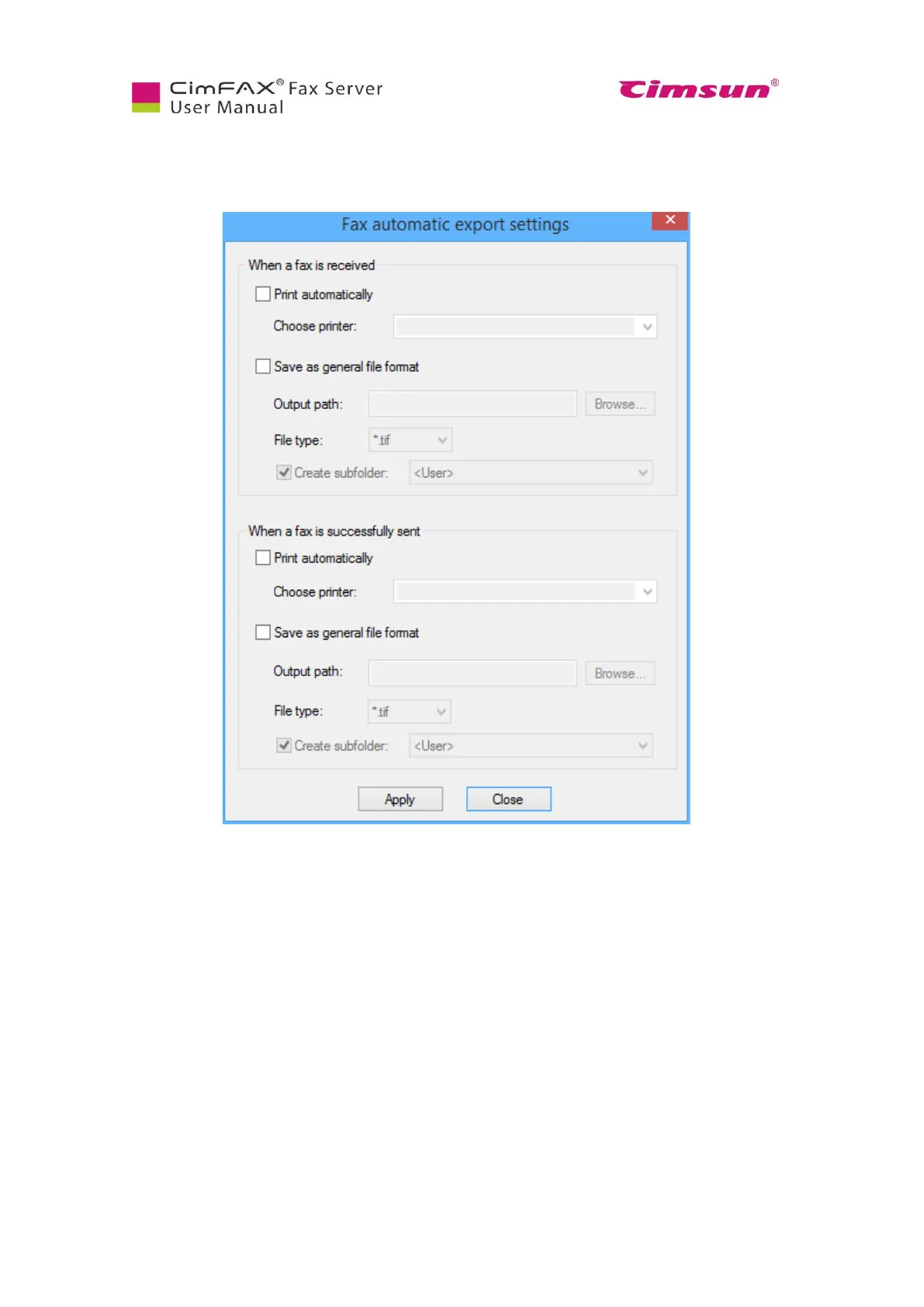
Click “Options” menu bar > “Automatic Export”.
Click to check on and/or off the options of auto print and save when a fax is sent or received.
1. Choose the printer that is connected to your computer.
2. Browse to choose the folder that you’d like the fax to be saved in.
3. Choose the file type of the saved fax. It can be either tif or pdf.
4. Choose whether to create a subfolder according to the user name, fax number and
contacts.



 To Next Page