52
6.4 Signature Library
Click “Options” menu bar> “Signature Library”. Signature library window will appear.
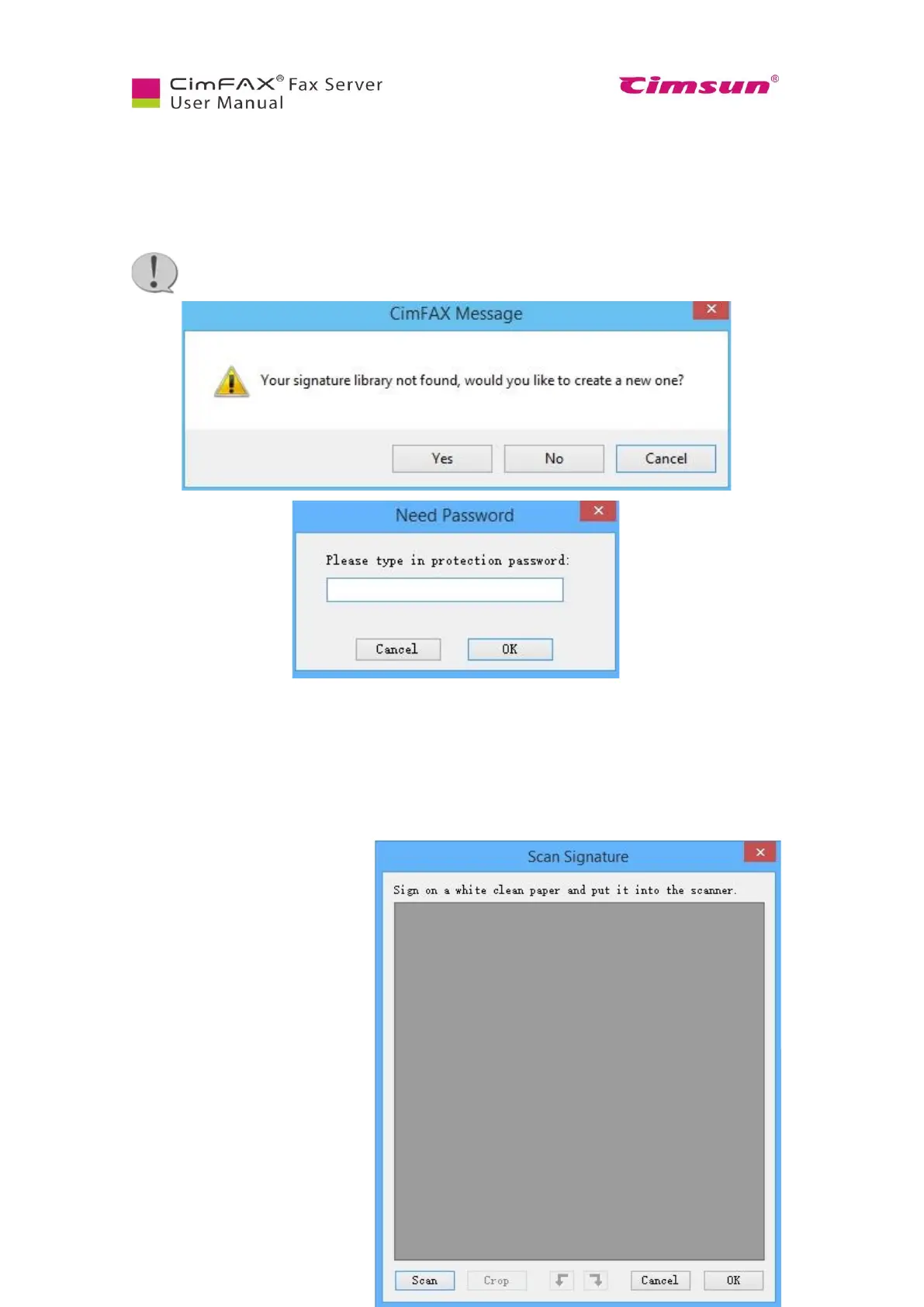
The first time you use signature library, you’ll be asked the following question. Click “Yes” to continue.
Enter password for the signature library and then click “OK”.
Note: Keep your password in mind, otherwise you’ll be unable to access signature library.
To create a new signature,
● Click “Create from Scanner”;
● Click “Import from Image File” button.
Check whether the scanner is



 To Next Page