62
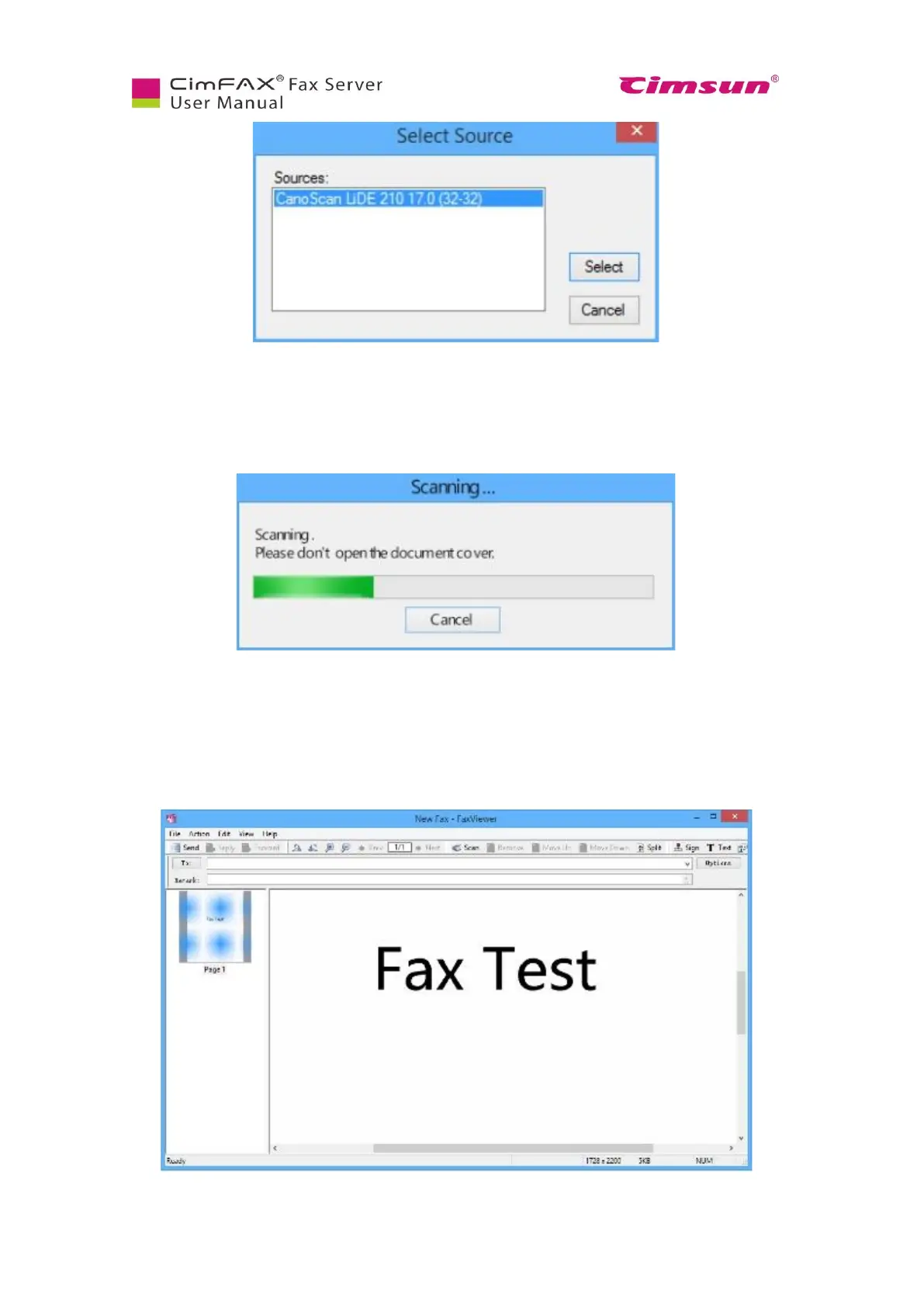
Scanner starts and the following progress window appears.
Progress screen might differ due to scanners’ model differences. Some scanner may need some time for
warming up. When scanning is done, the file will be displayed in the Fax viewer.
6.9.4 Choose or enter recipients
In the Fax viewer window, enter fax number in the field of “To”.



 To Next Page