88
7.13 Create and Import Contact
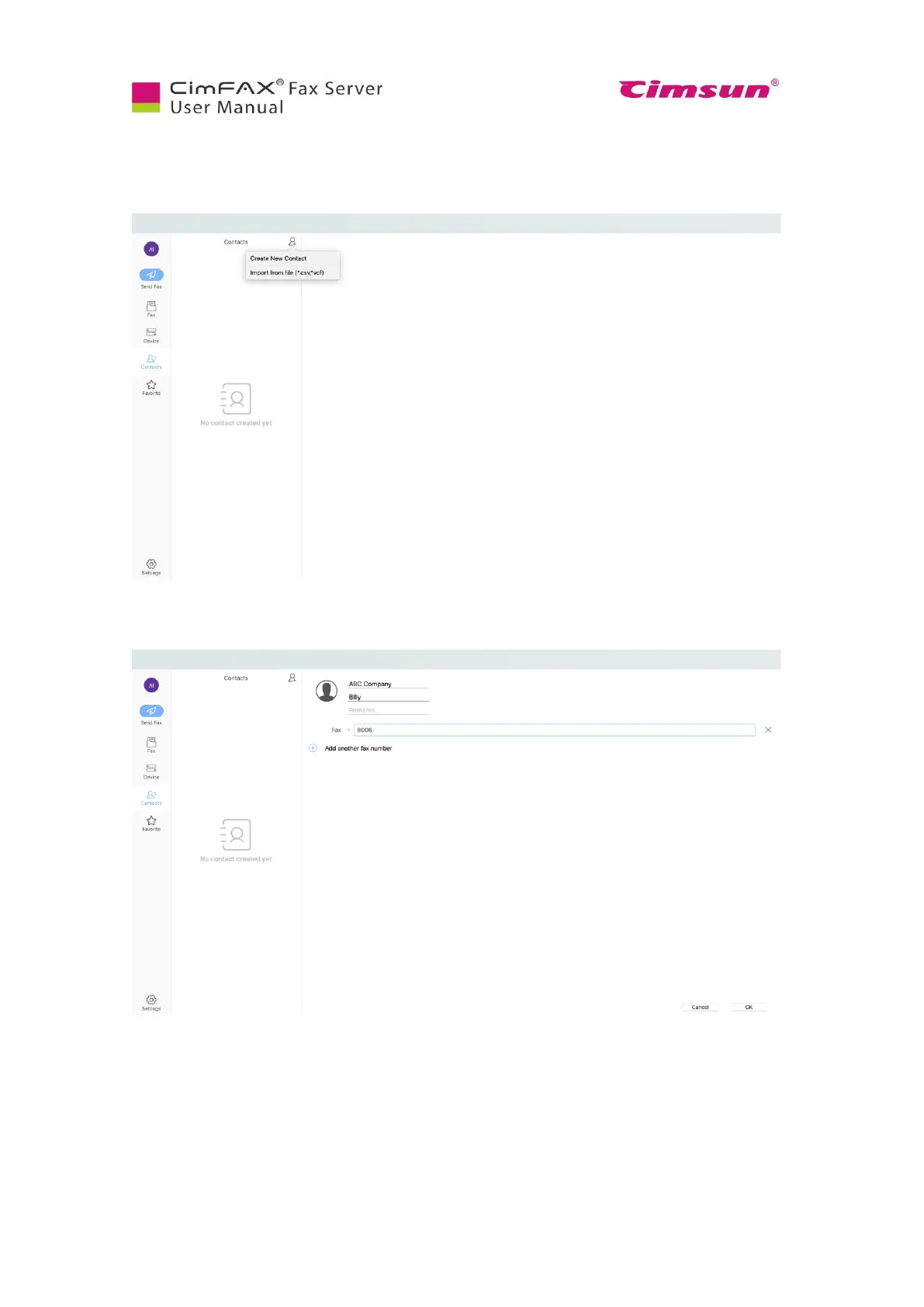
To create and import contact, click “Contacts”, then the man icon. You’ll see two options: “Create New
Contact” and “Import from file”.
To create a new contact, enter company name, contact’s name and fax number. Then click “OK”.
To import from file, browse to choose the csv file you’ve created. Click “Open”. Then contacts are
imported. Please note: the csv file must contain three columns: company name, contact name and fax
number.



 To Next Page