64
6.9.5 Signature and stamps
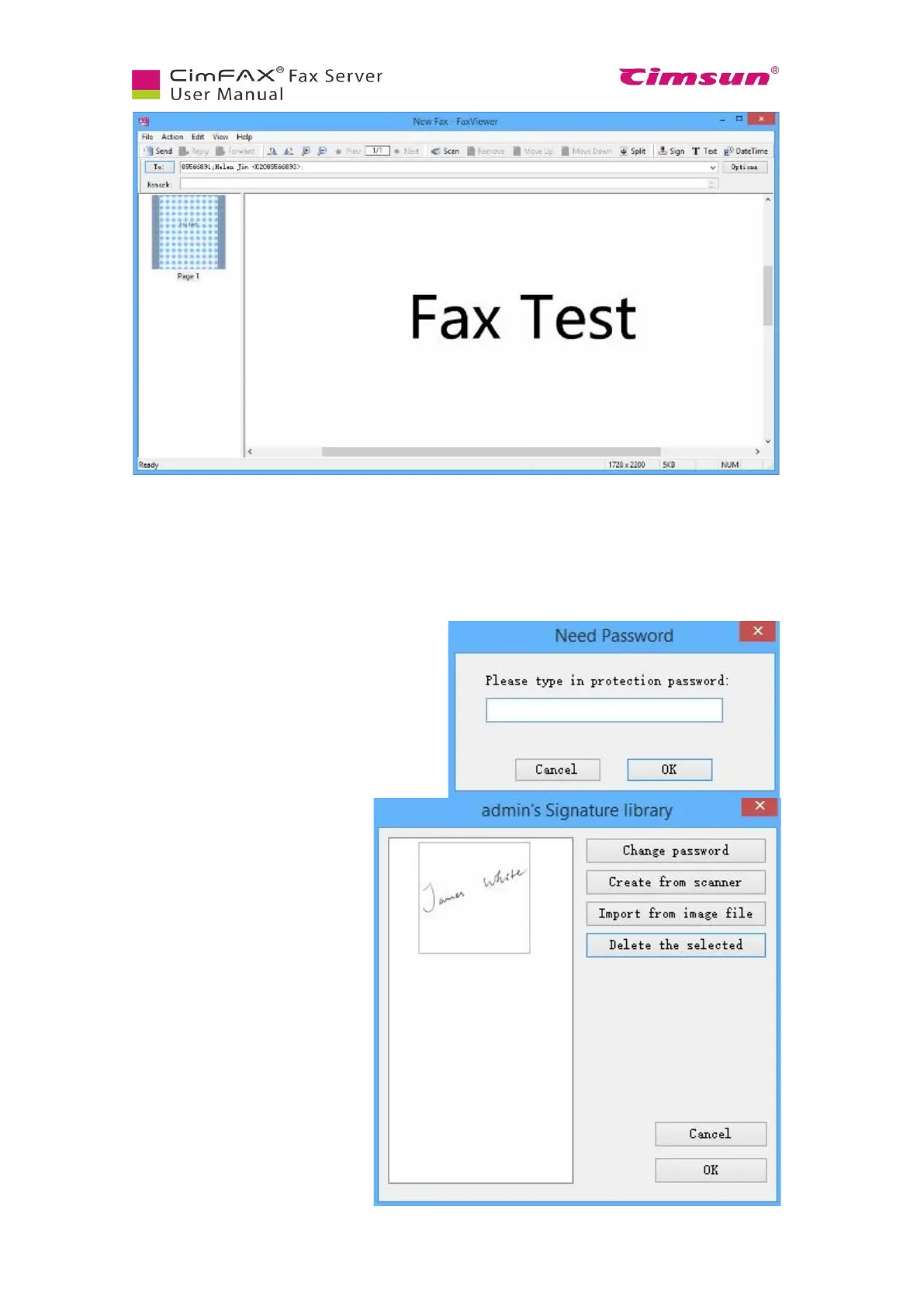
Click “Sign” button. You will be asked to enter
protection password of signature library. Enter
password and click “OK”. Follow the steps in
“6.4 Signature Library” the first time you use
the signature library.
Click the signature you want in the
list on the left of signature library
window or select the signature and
click “OK”.



 To Next Page