77
7.2 Set up User Accounts
Note: Please login as admin account or an account with the permission of “Administer” to set up user
account.
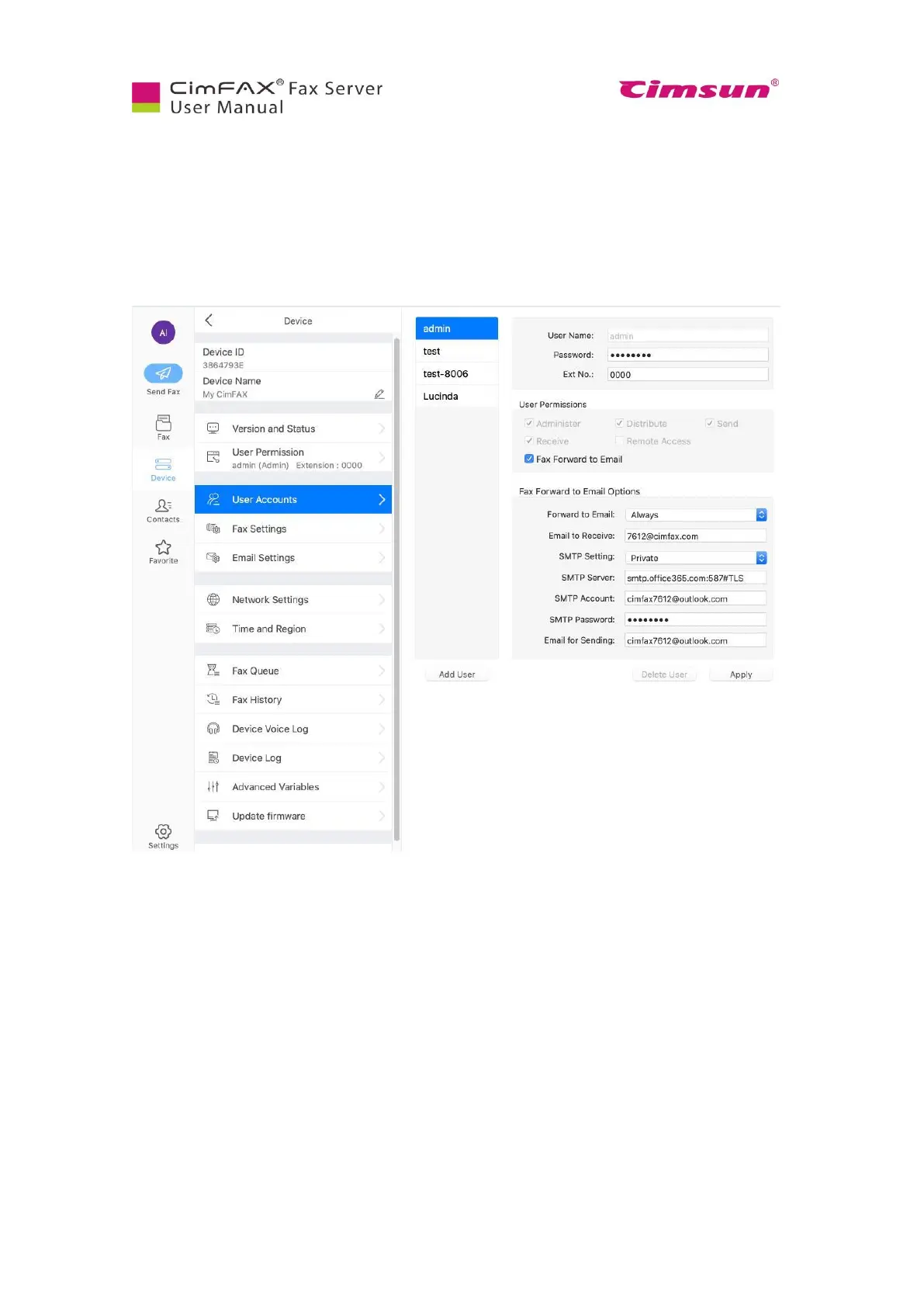
Log in CimFAX, click “Device”, then “User Accounts”. You can add a user or delete a user here. When
adding a user, enter the user name, password and extension number. The extension number is only valid
in CimFAX. It’s not your company/firm extension number.
Check on the permissions you’d like to let the user have.



 To Next Page