26
4.1 Disc Contents
●CimFAX client installation package (to configure and use the fax server, you need to install CimFAX
client on your computer).
●User Manual (you need to have Acrobat Reader or other compatible software in place).
4.2 System Requirements
●To install and use CimFAX client, you need to make sure that your computer meets the following
requirements:
● MacOS 10.11 and above operating system
●400MHz or more X86 compatible CPU
●128MB or more memory available
●200MB or more hard drive storage available
●1024×768 or more display resolution
4.3 Software Installation Steps
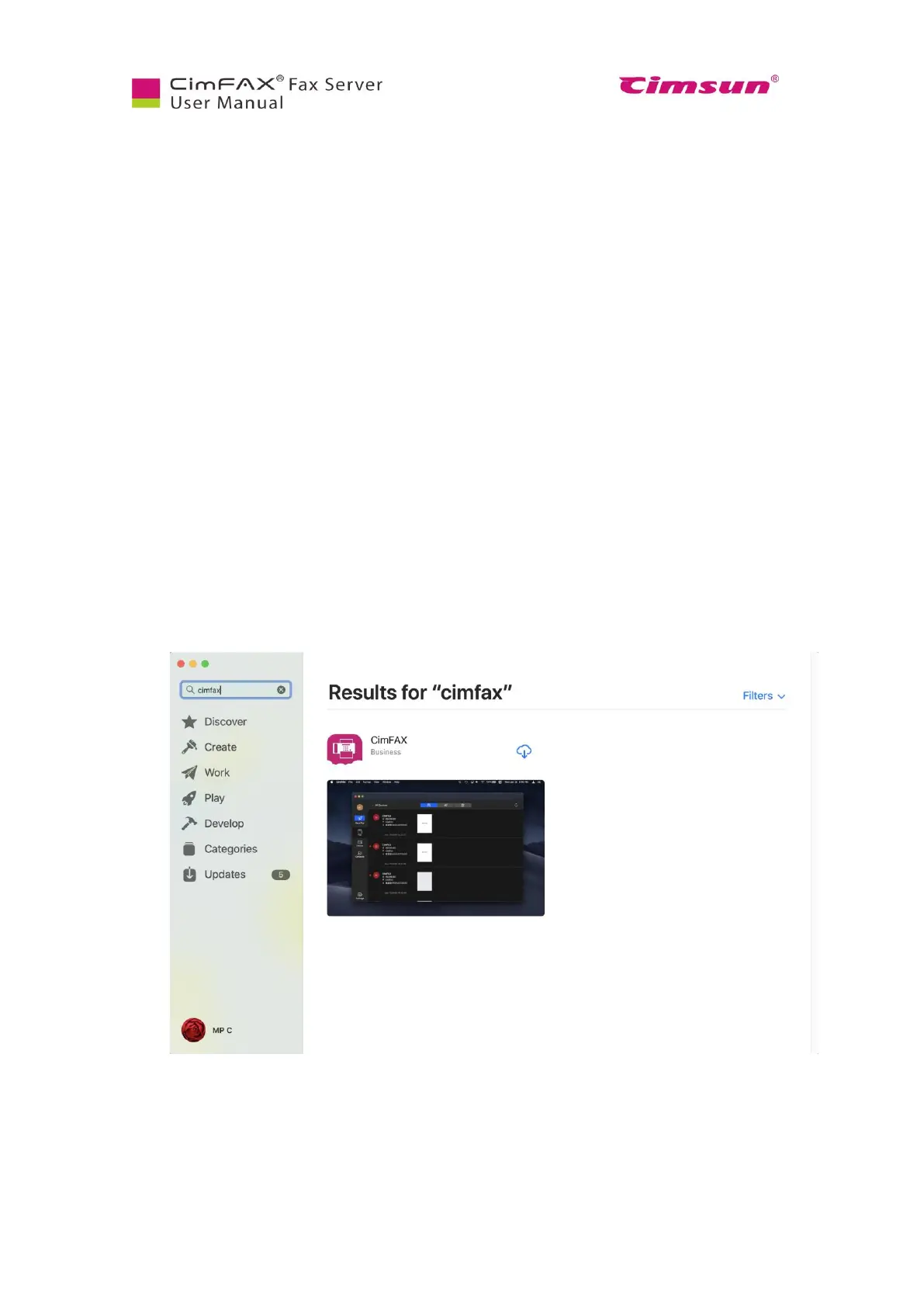
1. Search “CimFAX” in APP Store and download it.
2. Download and install. Then click “Open”.



 To Next Page