47
5.11 Fax History
Click “Server” menu bar > “Fax
History”. Fax history window
will appear. “Server” menu is
available only when you login
as the administrator
In Fax history window, you search fax sending and receiving history by enter user name, fax number
and time. You can get the detailed information about the task, including sender, recipients, fax number,
date, taking time, status, remark and send and receive speed. The administrator can select a task and
click “View content” button to view the fax or click “delete permanently” button to delete the fax from
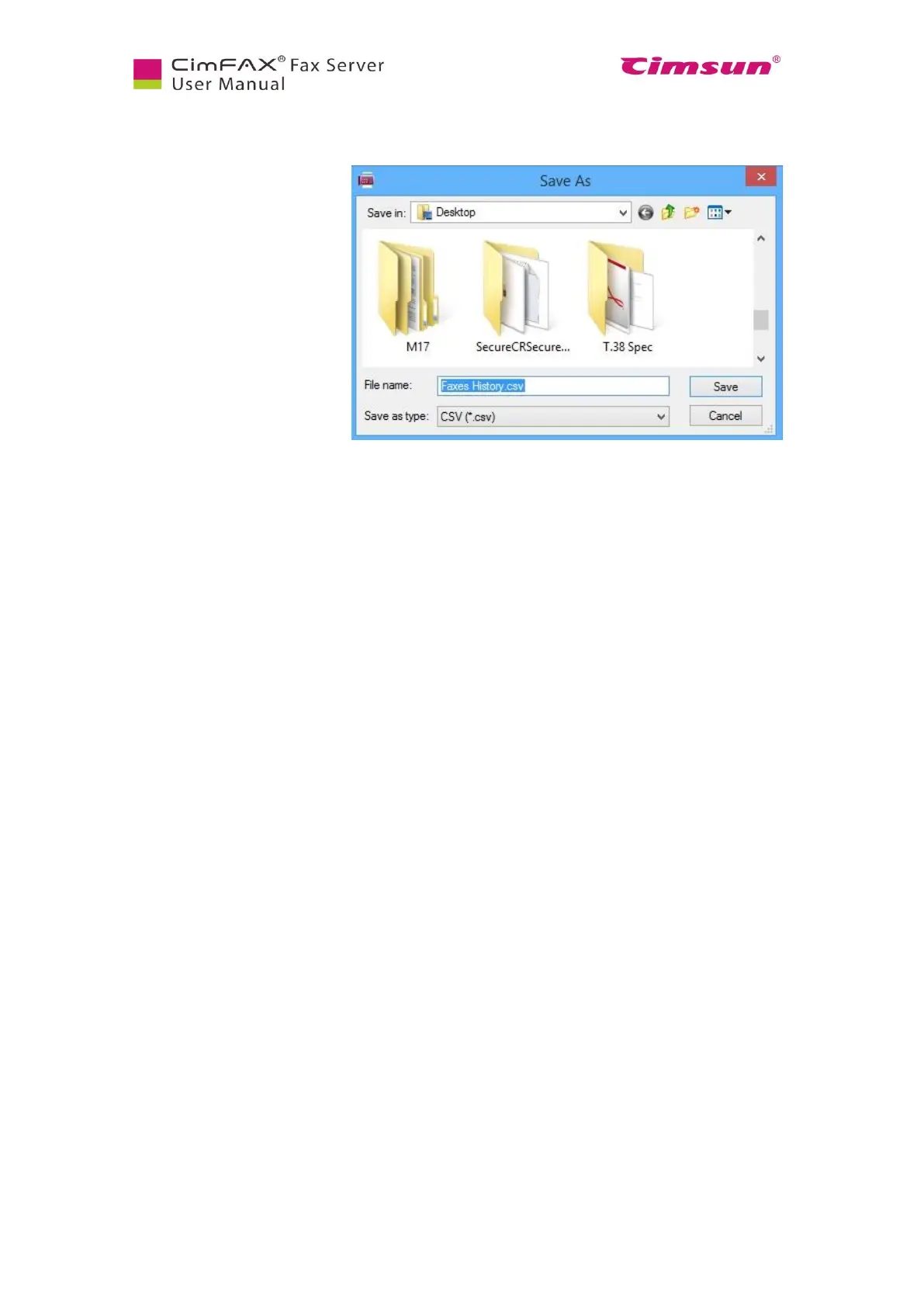
the server or click “Export” to export fax history and save as csv files.



 To Next Page