59
6.8 Fax Format Conversion
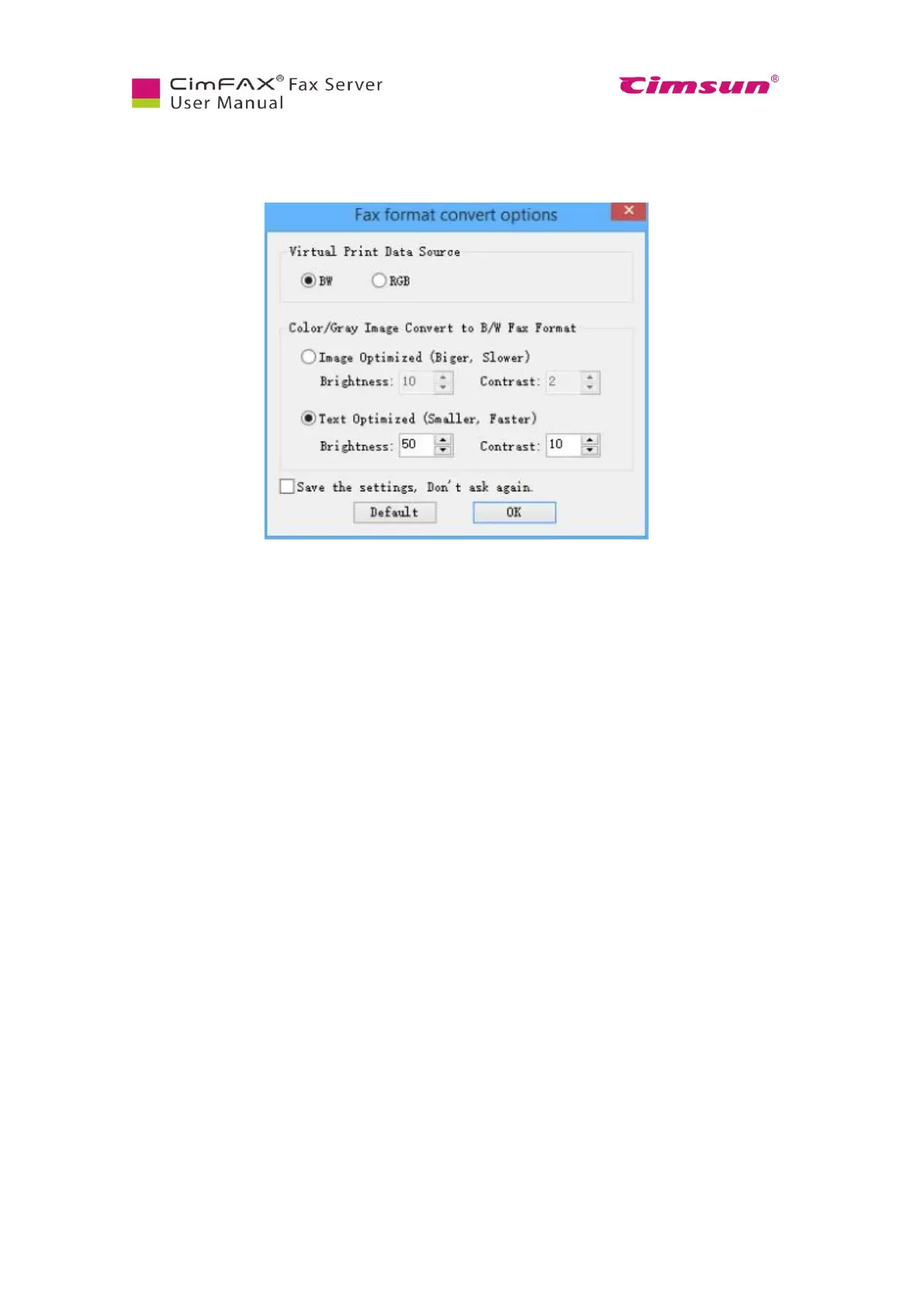
Click “Options” menu bar > “Format Converting”. Format converting window will appear.
For “Virtual Print Data Source”, you can choose:
● BW: gray document and image
● RGB: color document and image
As to “Converting color/gray image to B/W fax format”, you can choose:
● Image Optimized
● Text Optimized
Brightness and contrast in the noted options will differ due to quality differences of original files. You
can scan with default brightness, contrast and examine the scanning effect and then adjust the value of
brightness and contrast to get the clearest scanned document.



 To Next Page