51
6.3 Import Contacts
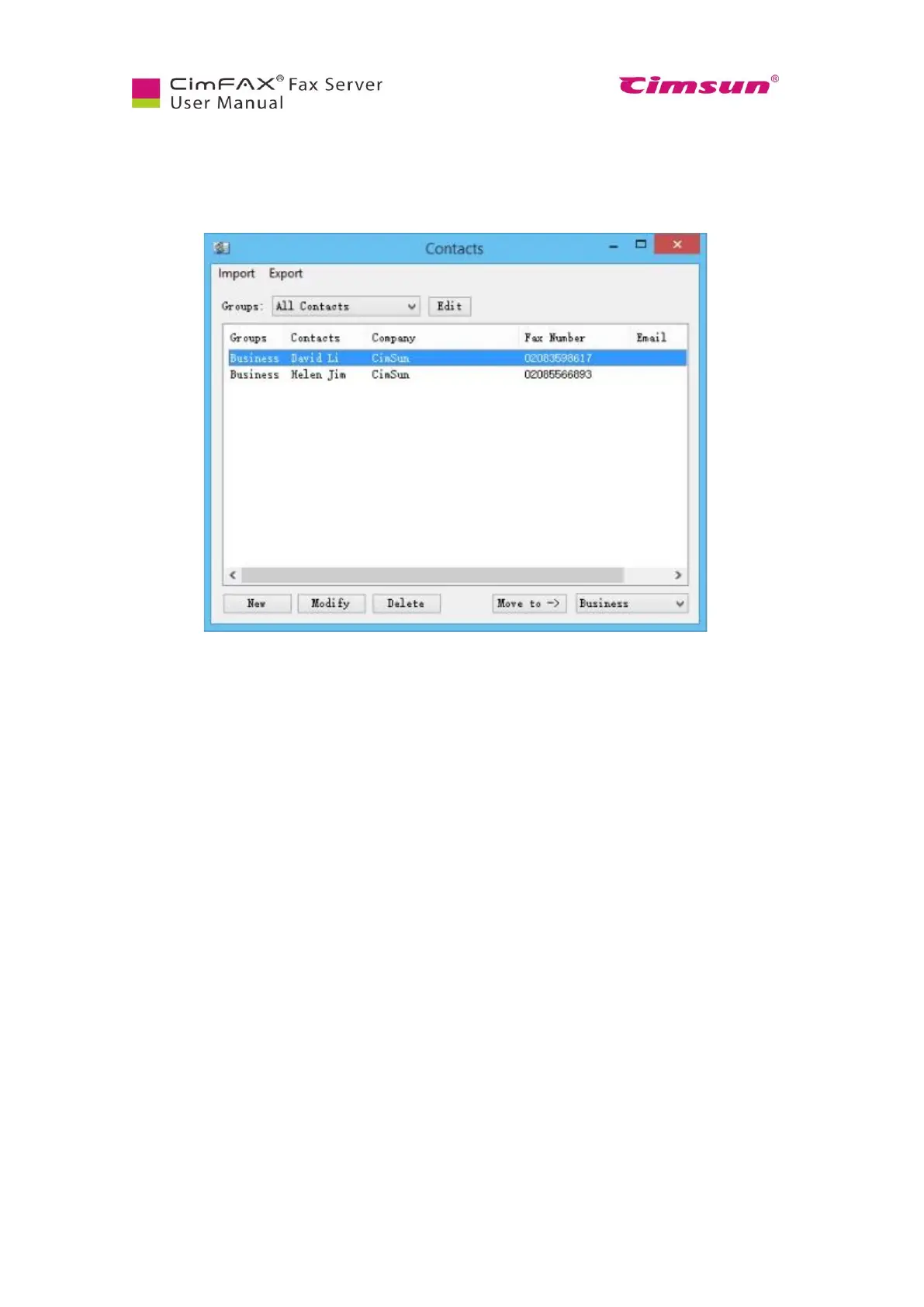
Click “Options” menu bar > “Contacts”. Contacts window will show.
In the Contacts window:
● “Import”: add contacts from excel file (*.csv/*.xls/*.xlsx) and from name card file (*.vcf).
● “Export”: export contacts in excel file (*.csv) or name card file (*.vcf).
● “Groups”: a drop-down menu allows you to view information of a certain group of contacts.
● Click “Edit” button to add, delete or rename groups.
● Click “New” button to add new contacts.
● Click “Modify” button to modify information of contacts selected.
● Click “Delete” to delete contacts selected.
● Click “Move to” to move contacts to the groups in the lower right drop-down box.



 To Next Page