50
6.2 Changing Password
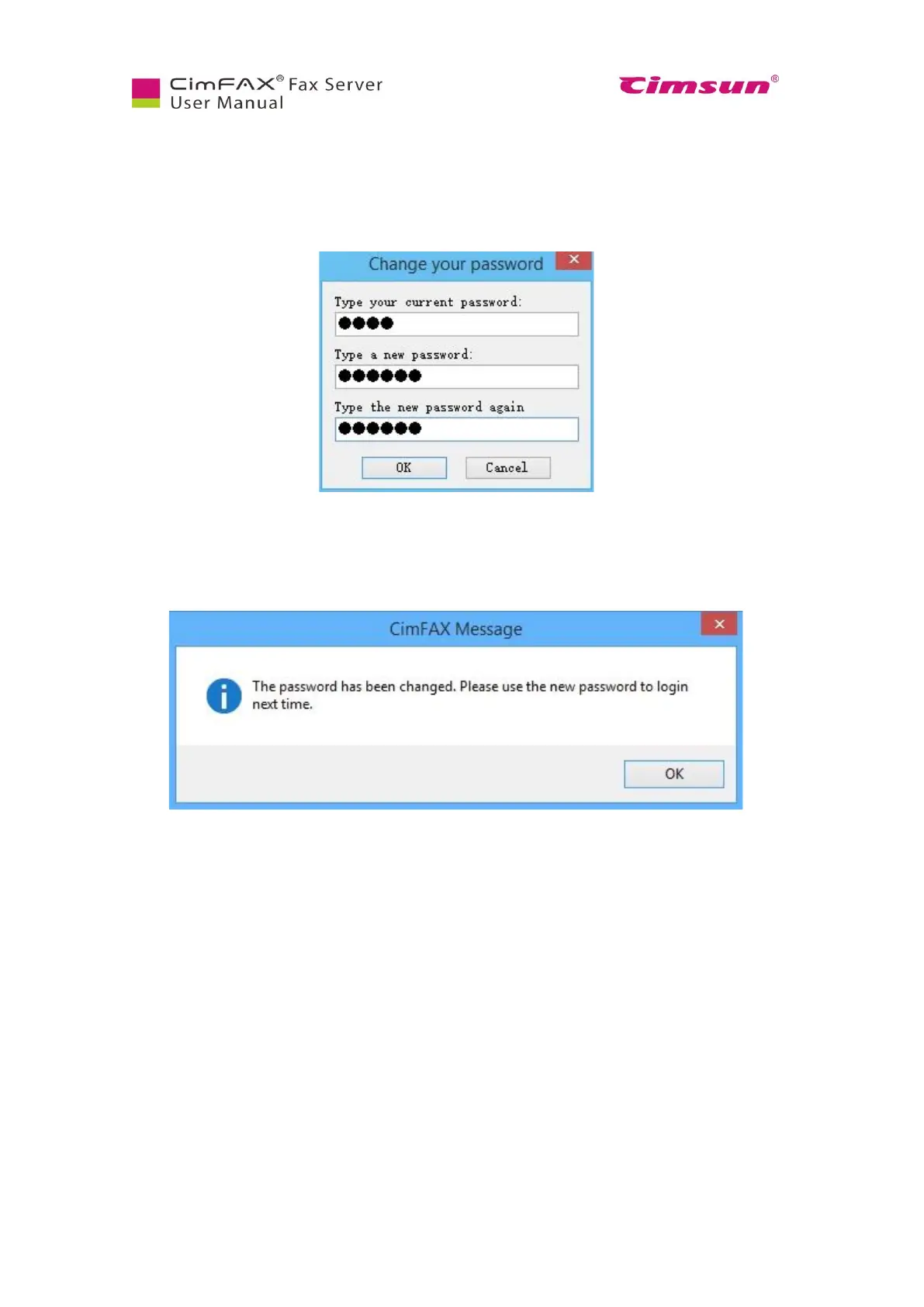
To change your password, click “Option” menu bar > “Change Password”. Changing password window
will appear.
In the Change Password window, enter the required information and then click “OK”. If password is
successfully changed, there will be a pop-up message saying “Password has been changed. Use the new
password next time you login.”



 To Next Page